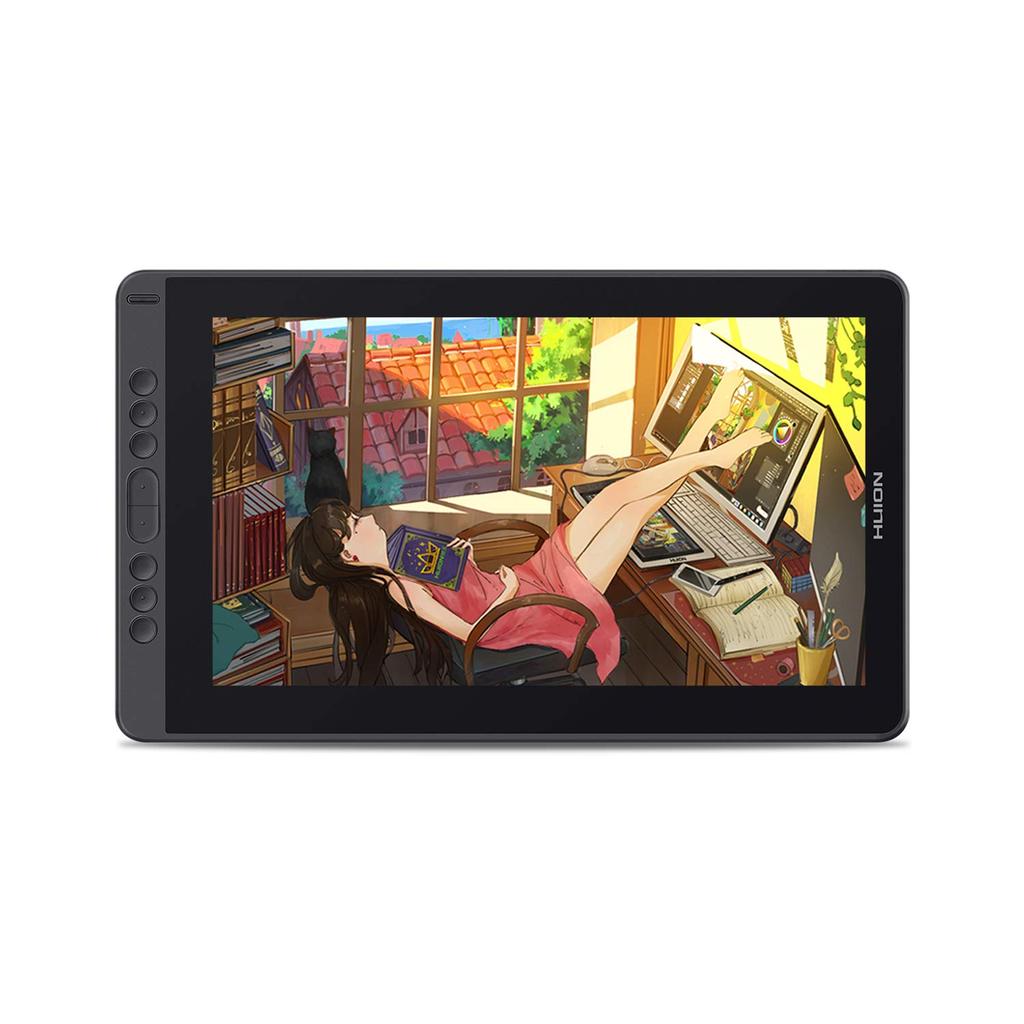
[Excellent Drawing Experience] New and improved stylus pen PW517: ❶ Equipped with new Pen Tech 3.0 technology. Smooth drawing with virtually no lag. ❷ Improved pen tip sinking and wobble: The internal magnetic core has been improved from 6mm to 3.5mm, providing a more stable and comfortable drawing experience. ❸ No need for charging: Use the pen continuously without worrying about running out of battery. ❹ 8192 levels of pressure sensitivity: With a significantly increased range from thin to thick lines, line thickness and intensity can be varied with the amount of pressure applied, allowing for more delicate and flexible expression. ❺ ±60° tilt detection: Tilt the digital pen like a pencil to easily create subtle and subtle shading. ❻ Side buttons: Assign functions to your liking to improve work efficiency. The pen is a delicate precision instrument, so handle it with care, especially to avoid dropping it on the floor.
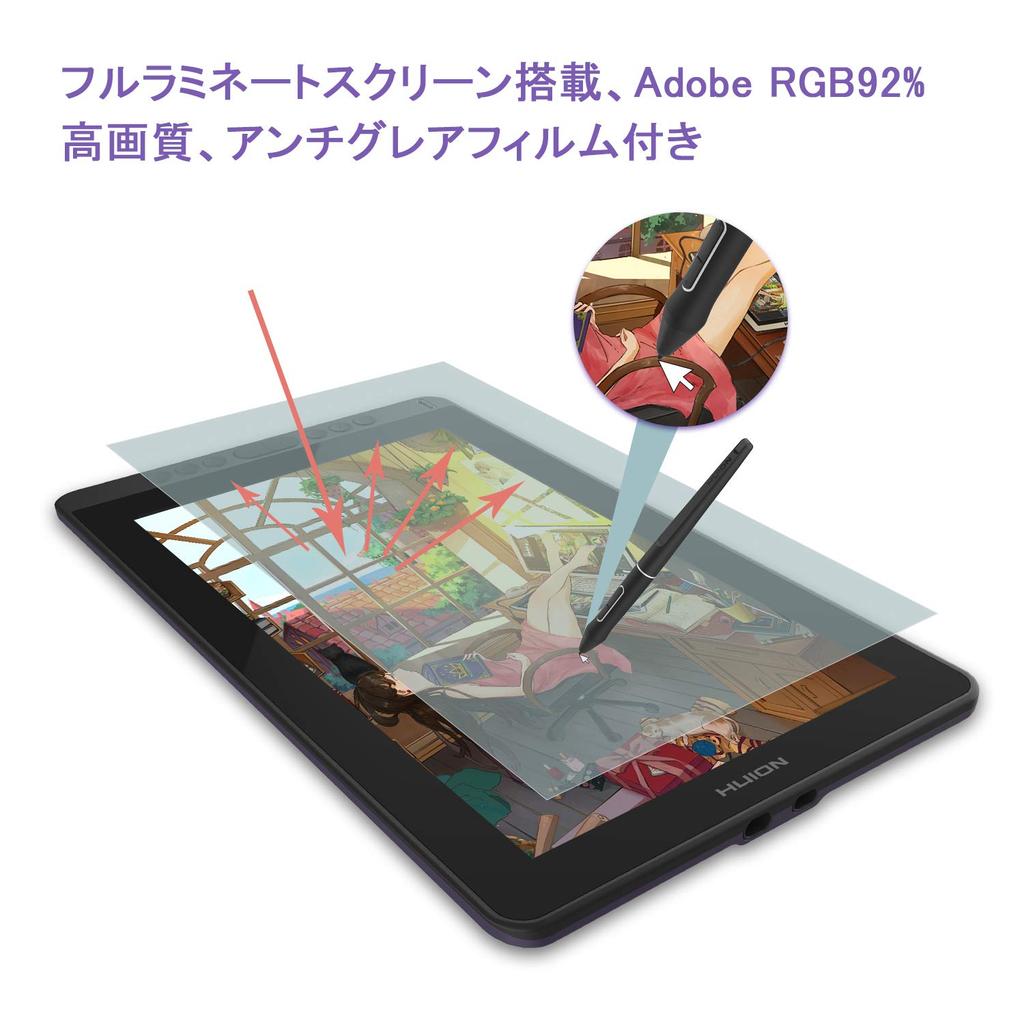
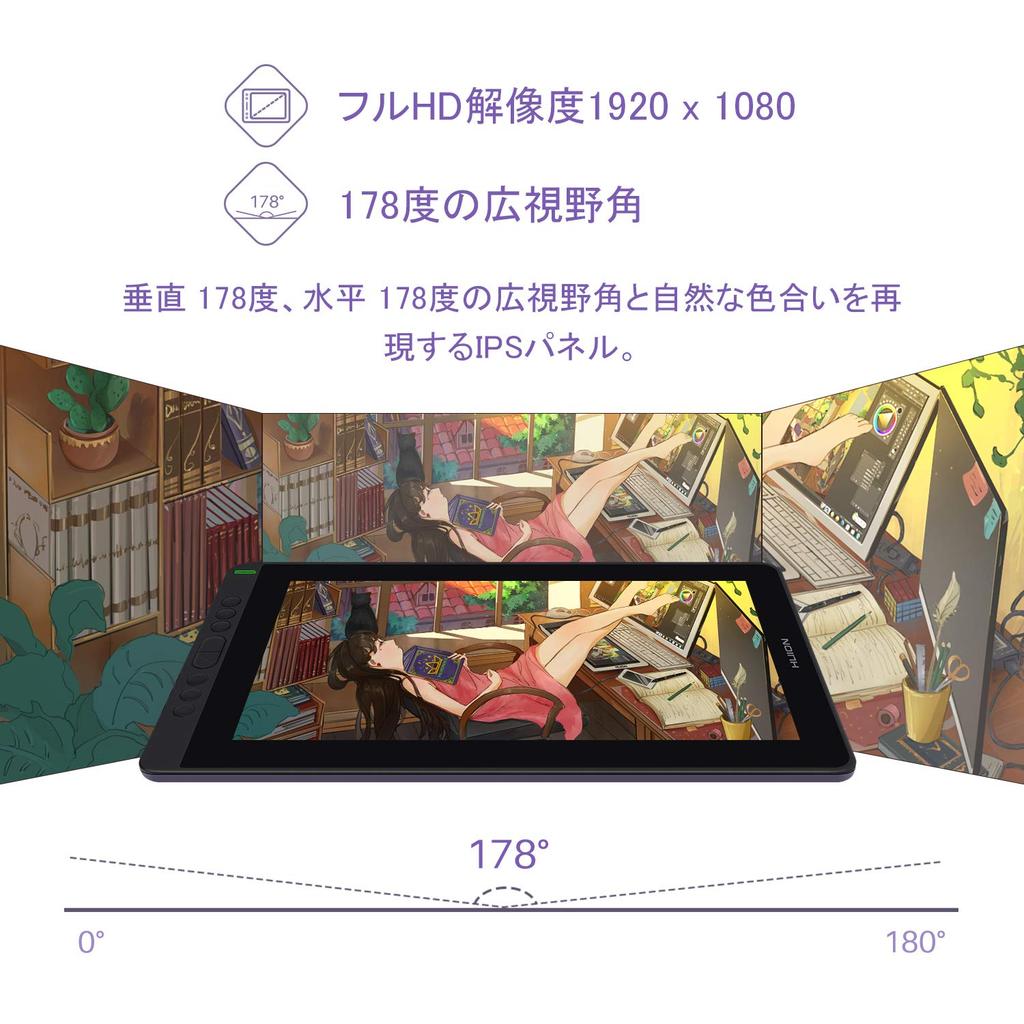
Virtually Parallax-Free and Anti-Glare: 1. LCD: 1920 x 1080 (16:9) Full HD resolution. Wide color gamut: 120% sRGB ≈ 92% Adobe RGB. 2. Full lamination: This technology integrates the display and cover glass, eliminating any gaps between them. This not only reduces dust accumulation but also minimizes parallax between the pen tip and cursor. With virtually no parallax, you can draw with precision from any angle. 3. Anti-glare film: Reduces glare from external light and fluorescent lighting for a comfortable viewing experience. 4. Wide 178° Viewing Angle: The Kamvas 13 LCD tablet features an IPS LCD panel. IPS offers the widest viewing angle, maintaining brightness and color even when viewed from a distance. This is why it's used in high-end TVs.
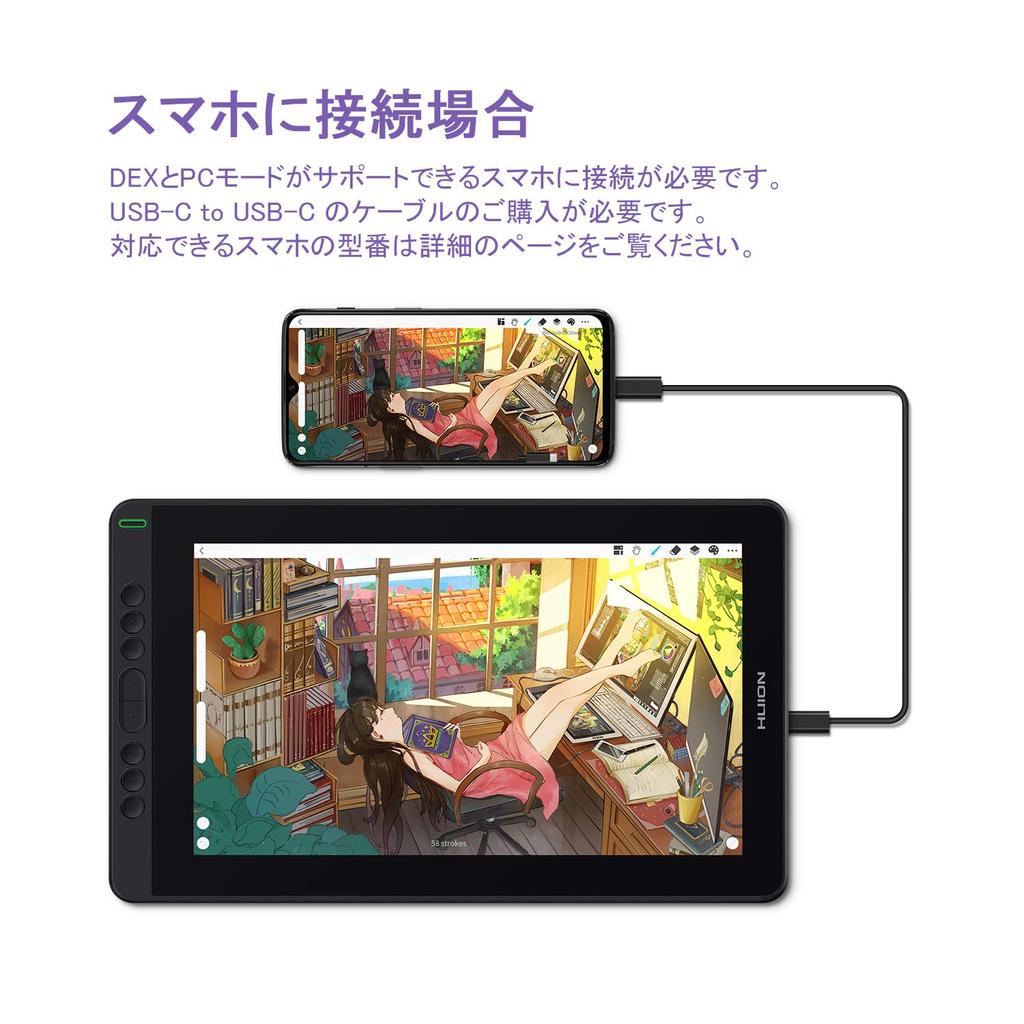
[High Compatibility & Smartphone Compatible] ❶ Compatible with Windows 7 or later, macOS 10.12 or later, Linux, and Android 6.0 or later (USB 3.1 DP 1.2). ❷ Compatible with a wide range of painting and office software, including Clip Studio, Sai, Adobe Photoshop, Krita, Medibang, ibis Paint, Ai (Illustrator), and Zoom. ❸ Connects not only to PCs, but also to some Android smartphones, tablets, and the Switch. Note: Please check the product details for compatible smartphone and tablet models. Requires a genuine HUION full-function USB-C to USB-C cable (sold separately). ❹ Offers two connection options, allowing you to choose the connection method best suited to your work environment and device. Please see the product details page for specific details.
[Efficient and Easy Work] 1. Equipped with 8 shortcut buttons that can be assigned to your preferred functions, allowing for efficient work. 2. The included stand can be adjusted to six positions from 20° to 45°, reducing the strain on the body caused by long hours of desk work. 3. Recommended for professional creators, designers, illustrators, manga artists, art school students, animation studios, design production companies, video production companies, etc.
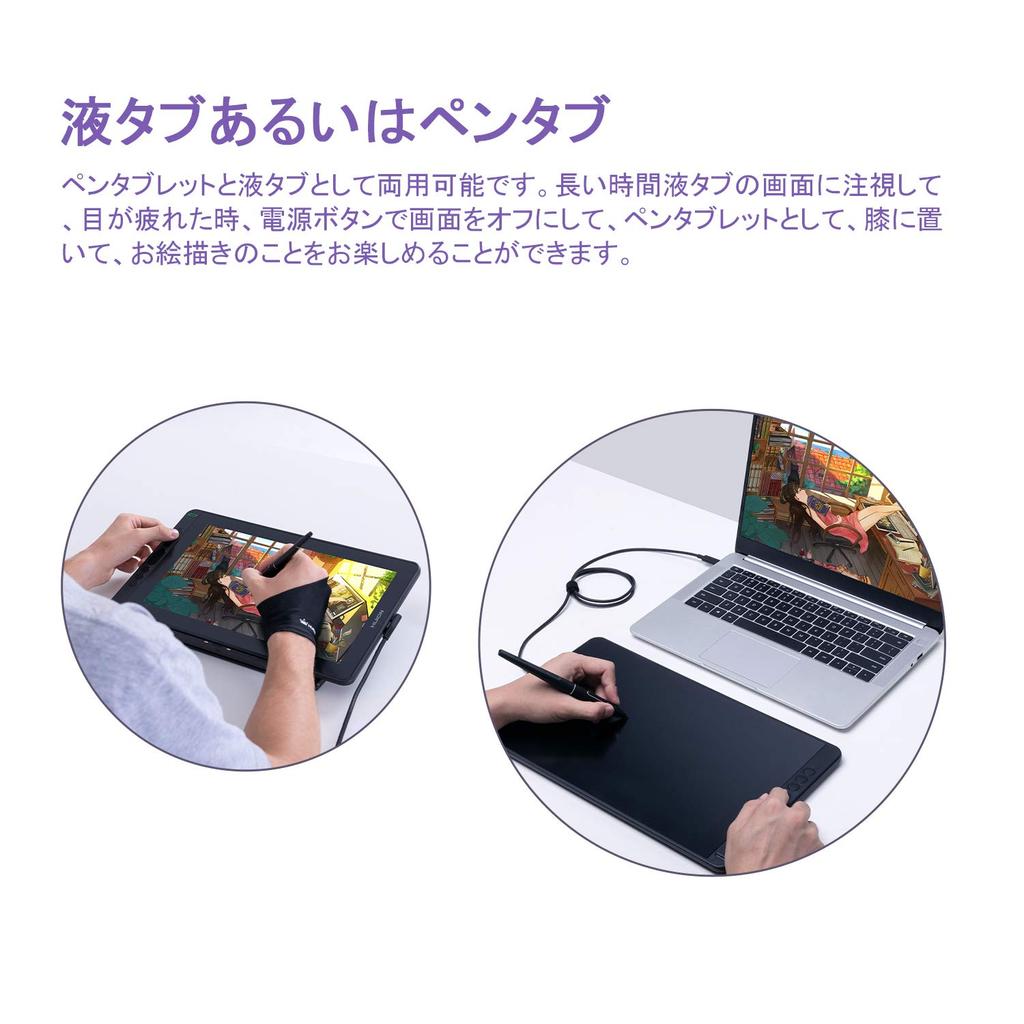
[Compact Dual-Use Pen Tablet] ❶ Body size: 366.5 x 217.4 x 11.8mm Working area: 293.8 x 165.2mm (13.3 inches). This compact LCD pen tablet is perfect for travel and on-the-go use. ❷ Can be used as both a drawing tablet and a tablet. If your eyes get tired from staring at the tablet screen for a long time, simply turn off the screen with the power button to convert it into a tablet. You can place it on your lap and enjoy drawing. The warranty period is two years from the date of purchase.
Size: 13.3 inches
Tilt detection function ±60°
8192 pressure sensitivity, no need to charge the pen
Resolution: 1920x1080
Contrast: 1000:1
Effective display: 89°/89°(H)/89°/89°(V) (Typ.)(CR>10)
Viewing angle: 178 degrees vertically, 178 degrees horizontally
Response rate: 266 PPS
Display Effect: 5080LPI resolution
Express keys: 8
Pressure sensitivity: 8192 levels
Reading height: 10mm
Input terminal: USB-C
Body size: 366.5 x 217.4 x 11.8mm
Stunt angle: 45°, 41.5°, 37°, 22.5°, 19.5°, 14.5°
Compatible systems: Windows 7/8/8.1/10 and latest version of MAC OS
Can also be used by left-handed people.
Setup steps:
1. Enter the driver -> click on the working area -> select 180° -> click OK.
2. Computer settings
Go to Customize your desktop -> Display -> Screen resolution -> Rotate to landscape orientation.
accessories:
No-charge pen (PW517)
3-in-1 cable
Donut-shaped pen holder PH05
10 pen tips (pre-installed in a pen holder)
Pen tip clip (already inserted in the pen holder)
gloves
stunts
User Manual
Ultra-fine fiber cleaning cloth