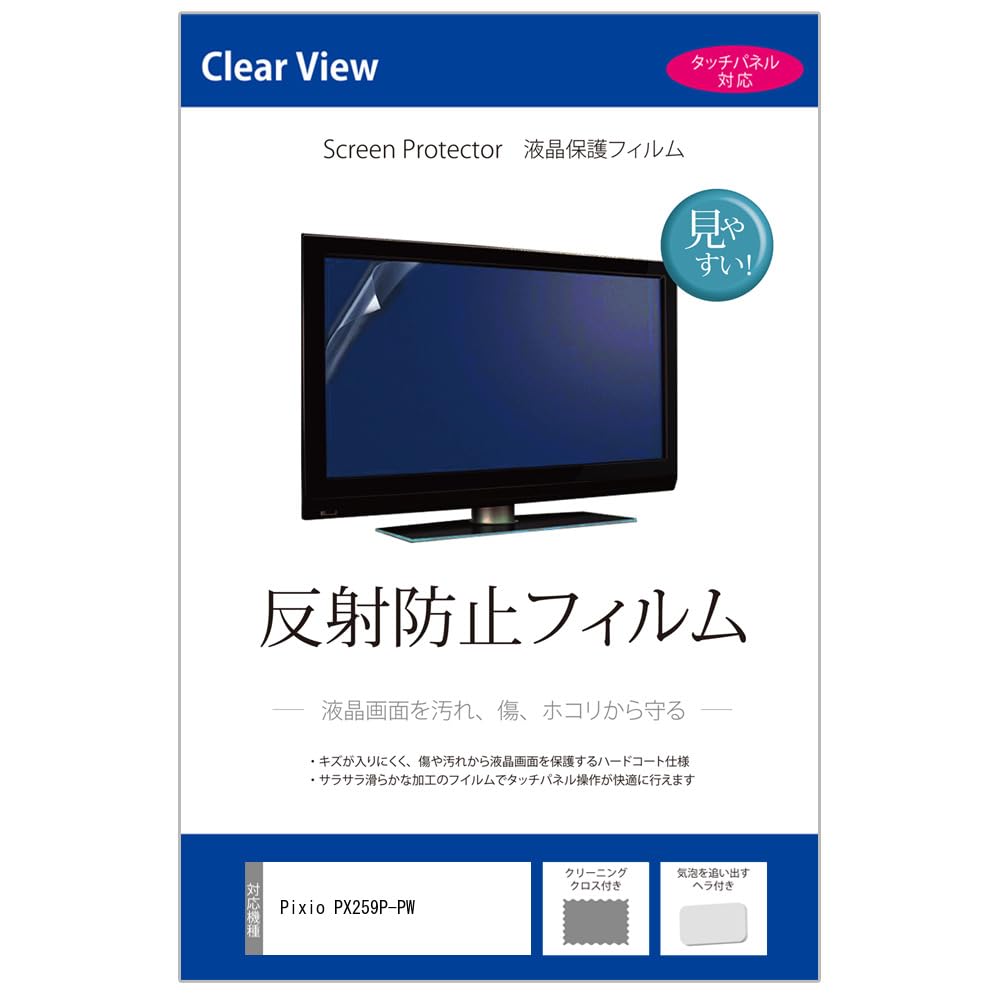
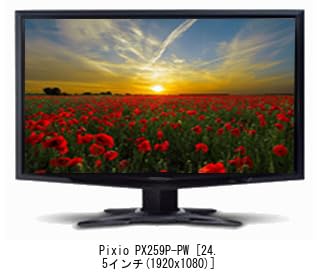
Screen Protector for Pixio PX259P-PW [24.5-inch (1920x1080)]
◆Screen Protector Features
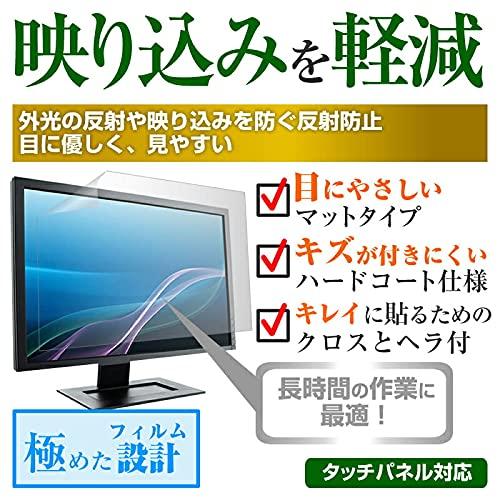
● Anti-reflective screen protector
● Anti-reflective (non-glare, anti-glare) finish reduces glare from fluorescent lights and other sources, reducing eye strain.
● High light transmittance (88% total light transmittance) that preserves the beauty of the LCD screen.
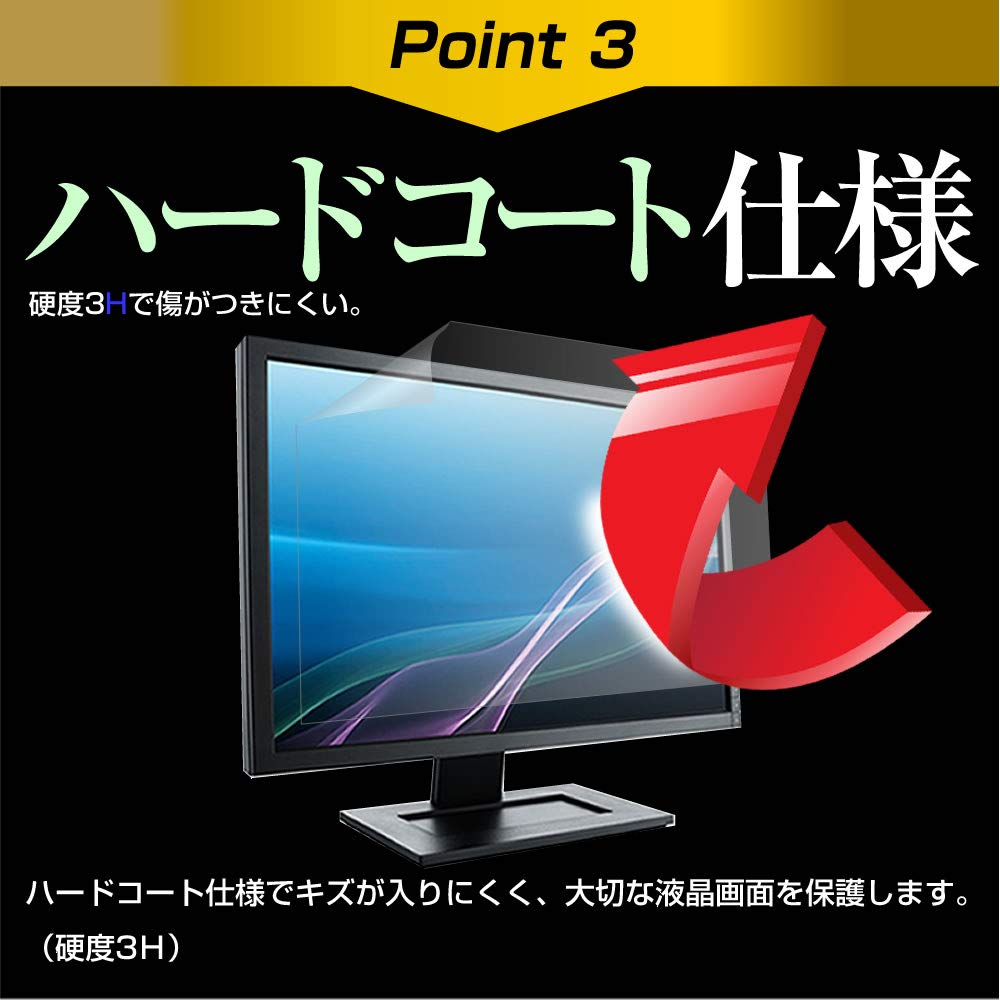
● 3H hard coating for scratch resistance and LCD screen protection.
● Includes a spatula and cleaning cloth set for removing air bubbles.
◆Installation Method: Silicone Adsorption
◆Notes Before Purchase
※Device not included
※This product is a rectangular cut screen film sized to the screen size.
※It is not compatible with rounded corners of displays.
※The screen protector is designed to cover only the display area.
※Dust and dirt may cause air bubbles. Please clean the screen before applying.
This is an anti-reflective (non-glare, anti-glare) LCD protective film for the Pixio PX259P-PW [24.5-inch (1920x1080)]. It reduces glare from ambient light (fluorescent lights and sunlight) for improved visibility.
This matte film is gentle on the eyes. It relieves eye fatigue from extended computer use. Its high light transmittance (88% total light transmittance) preserves the beauty of the LCD screen.
The 3H hard coating effectively protects the LCD screen (touch panel) from scratches and dust. It also comes with a spatula and cleaning cloth for removing air bubbles.
[Installation Method] Silicone Adhesive. *The adhesive surface is made of silicone and is self-adhesive. Be careful not to let dirt or other debris get on the adhesive surface.
◆Important Notes◆ *Device not included. *The protective film is designed to cover only the display area of the LCD screen; it does not cover the entire screen. *This product is a rectangular cut film sized to fit the screen. It is not compatible with rounded corners of displays. *To avoid damage, please apply it carefully and be careful not to press too hard on the LCD screen when installing. *Before removing the release film, check the size, peel it off slightly, and align it before applying. *If you peel off the release film all at once before applying, it is likely to cause a large number of air bubbles. *Dust and dirt can cause air bubbles. Please clean the screen before applying.