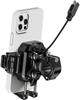
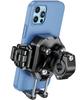
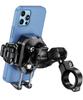
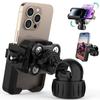
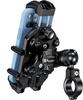
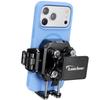
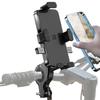
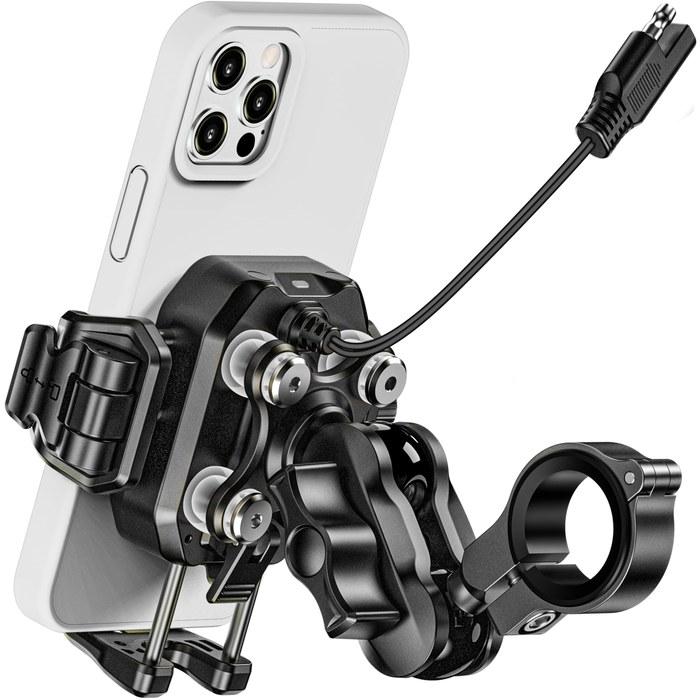
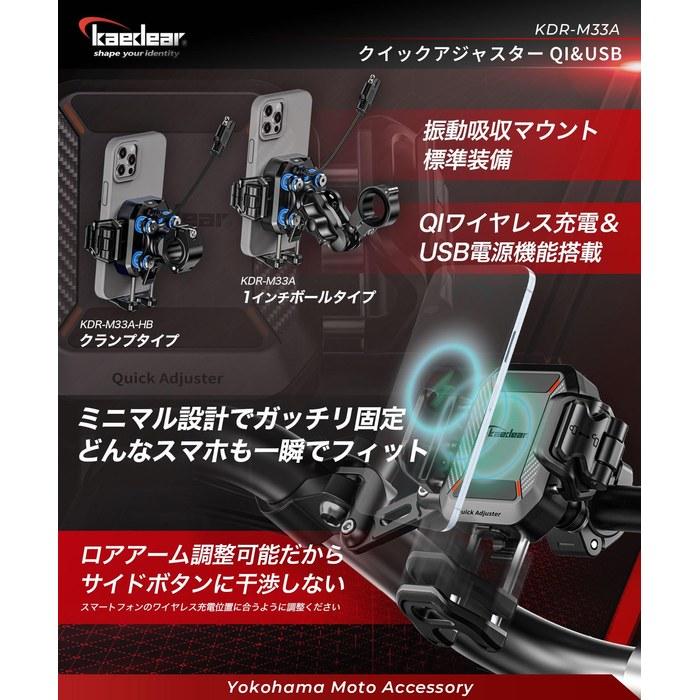
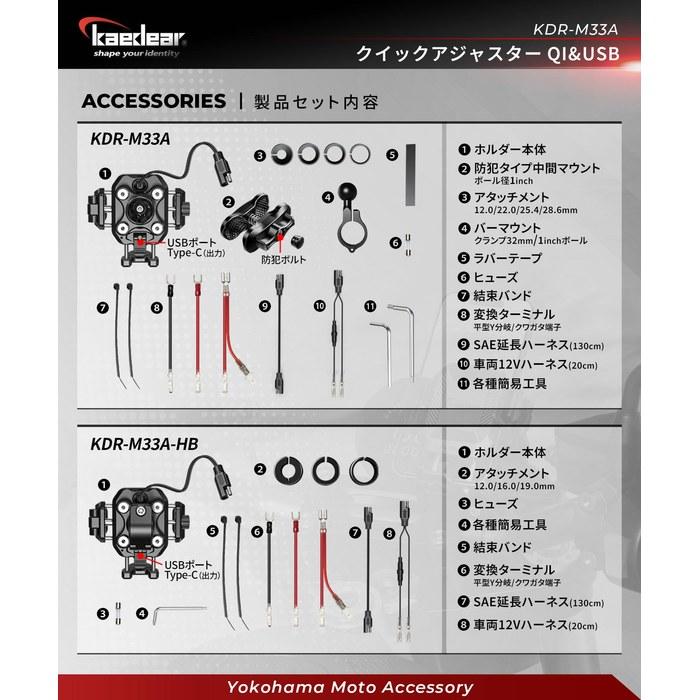
・【Smartphone Holder Quick Adjuster QI & USB】 The Quick Adjuster QI & USB enables minimization of the side arm and length adjustment of the lower arm, allowing compatibility with a wider range of smartphone models. Its compact size is also a feature, minimizing its impact on the visual appearance around the handlebars. This model KDR-M33A is recommended for those who think, “I don’t want a bulky holder around my handlebars,” “There aren’t any compact holders that support wireless charging,” “I don’t feel secure unless I manually tighten it firmly,” and “I want to use the camera while the smartphone is mounted in the holder.”
・【Compatible Models (Reference)】 iPhone 15 / 15Pro / 15Pro Max / 15Plus / 14 / 14Plus / 14pro / 14pro max / 13 Pro Max / iPhone 13 Pro / 13 / 13mini / 12 Pro / 12 / 12 Pro Max / 12mini / SE3 / 11 / 11Pro / 11Pro Max / X / XS / XR / XS Max / 8 Plus / Samsung Galaxy / Google Pixel / Kyocera Torque / Sony Xperia / OPPO / Sharp Aquos, and other QI-compatible models. ※Please check the actual size, including conditions such as smartphone accessories like cases. Also, pay attention to the position of the side buttons. ■Arm width 66~88mm (use a case for smaller smartphone models) ■Thickness 14mm or less (be careful with thick smartphone models or cases) ■Smartphone length does not matter.
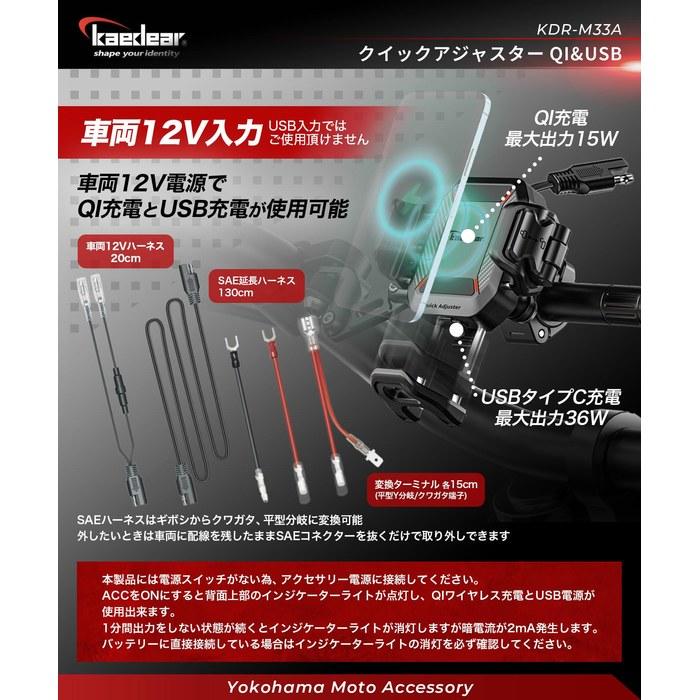
・【QI Charging & USB Charging】 QI wireless charging and USB power are available with vehicle 12V. ※Adjust the lower arm so that the wireless charging position of the smartphone is set in the center of the holder. Also, check in advance that the side buttons do not interfere. ■Output: QI15W/10W/7.5W/5W, USB (Type-C) 36W (5V3A/9V2A/12V3A) ※Charging is performed with the power required by the device. ■12V Input: Connect to a vehicle 12V power supply to use wireless charging and USB power. ※Cannot be used with battery-less vehicles, 6V, or 24V battery vehicles. ■USB Input: Cannot be used with USB input. ■Waterproof: IP66 waterproof, suitable for sudden rain. ■Power Switch: This product does not have a power switch, so connect it to the accessory power supply or unplug the SAE connector after turning the key OFF. When the ACC is turned ON, the indicator lamp on the upper back lights up, and QI wireless charging and USB power can be used. If no output occurs for 1 minute, the indicator lamp will turn off, but a dark current of 2mA will occur.
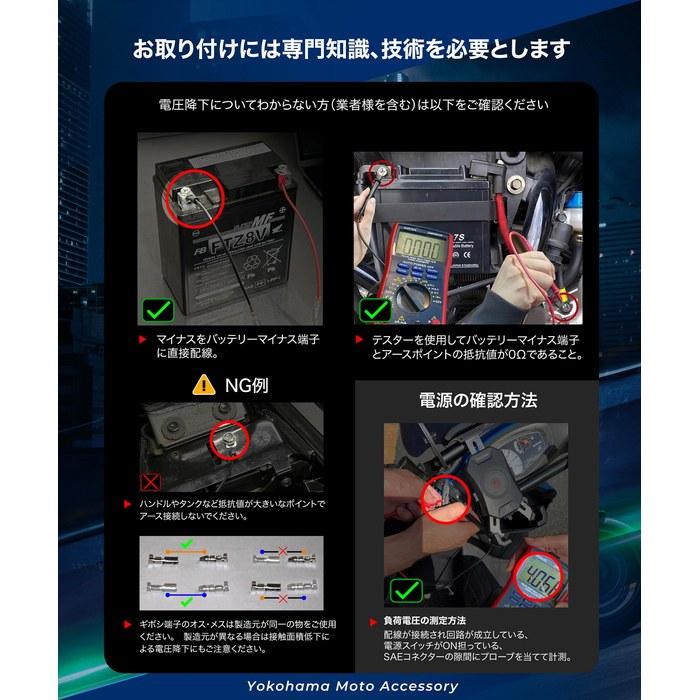
・■12V Wiring: 1.5m inconspicuous black double cord (white line on the positive side), (with fuse holder, Y-connector, and lug terminals) ■Caution: Those who do not understand voltage drop (including businesses) should connect the negative to the battery negative terminal directly. Grounding to the body is only possible if the resistance between the battery negative terminal and the ground point is confirmed to be 0Ω, and do not connect to the ground at unstable points such as the handlebars. Also, be careful of voltage drop due to a decrease in the contact area of crimp terminals. ※The resistance of the ground is normal voltage without load, but the voltage drops when load is applied. Always measure the load voltage under the following conditions to check the power supply (wiring is connected and the circuit is established, the smartphone holder power switch is ON, and measure by placing the probe with a gap in the SAE connector). ※Voltage measurement without load does not determine whether the power supply is good or bad.
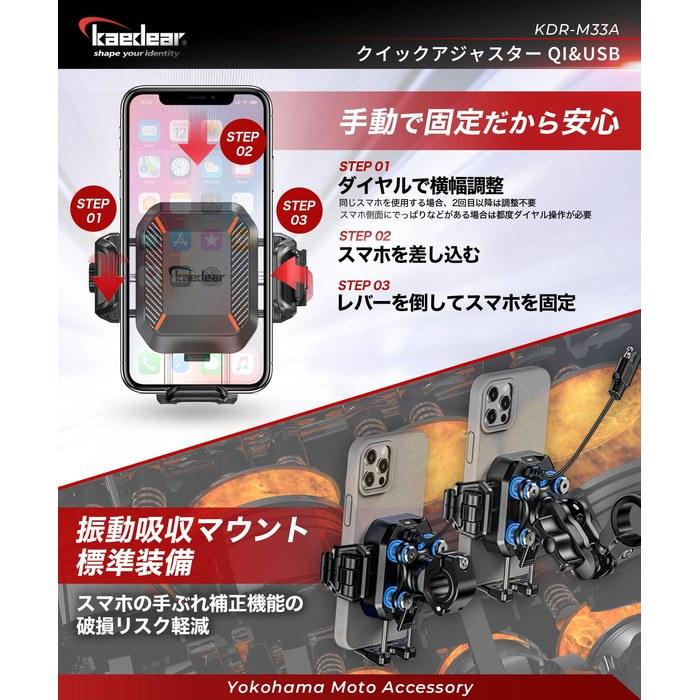
・【Quick Lever Type】 A quick lever type that fixes the smartphone by tightening it like a vise. By deepening the turning of the arm, it also excels in structural holding power, not just tightening pressure. ①Turn the left dial to the position where the smartphone is firmly fixed when the lever is lowered, and adjust the arm in advance. →②Insert the smartphone and lower the lever to fix the smartphone. ③→Raise the lever to remove the smartphone upwards. ※If the shape of the smartphone side is affected by a smartphone case, etc., and is gourd-shaped or has unevenness, the smartphone may not be removable simply by operating the lever. In that case, you need to adjust the dial each time.
【Voltage Compatibility】
When using electrical appliances, please note that they are designed for Japanese voltage specifications (90-110V), so if you use them with a different voltage, it may cause a malfunction.
【Plug Type】
Our products use Japanese plug types (A or B type).
Please use a conversion adapter if necessary.
【Important Note on Transformers and Adapters】
A transformer adjusts voltage to match your device's requirements.
A conversion adapter only changes the plug shape and does not adjust voltage.
Using only a conversion adapter without a transformer may result in damage to the product.
【Liability】
We are not responsible for malfunctions or damages caused by improper use, such as operating the product without a transformer.



 No-delivery refund