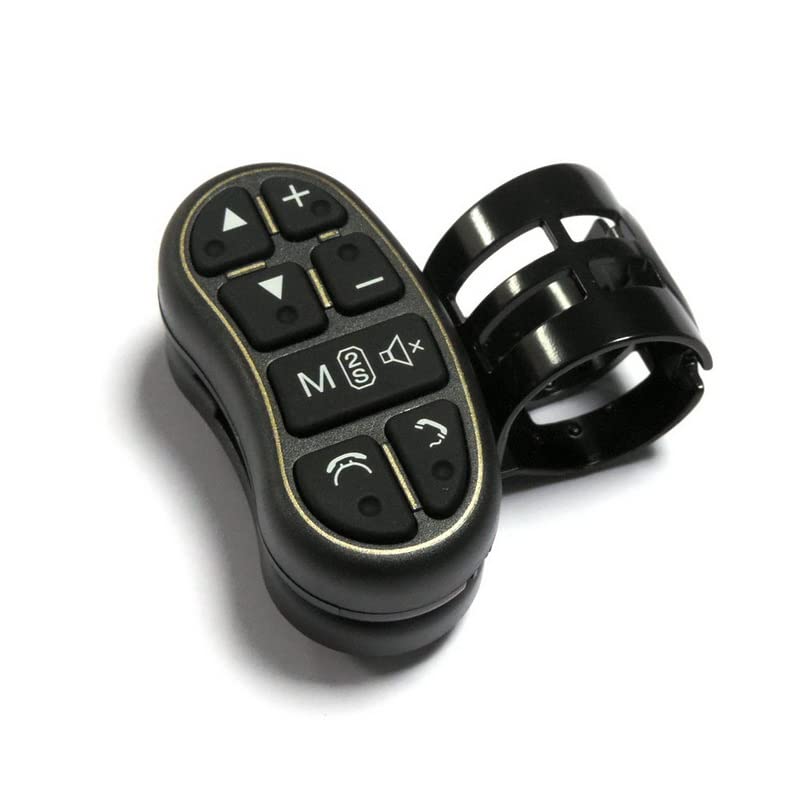
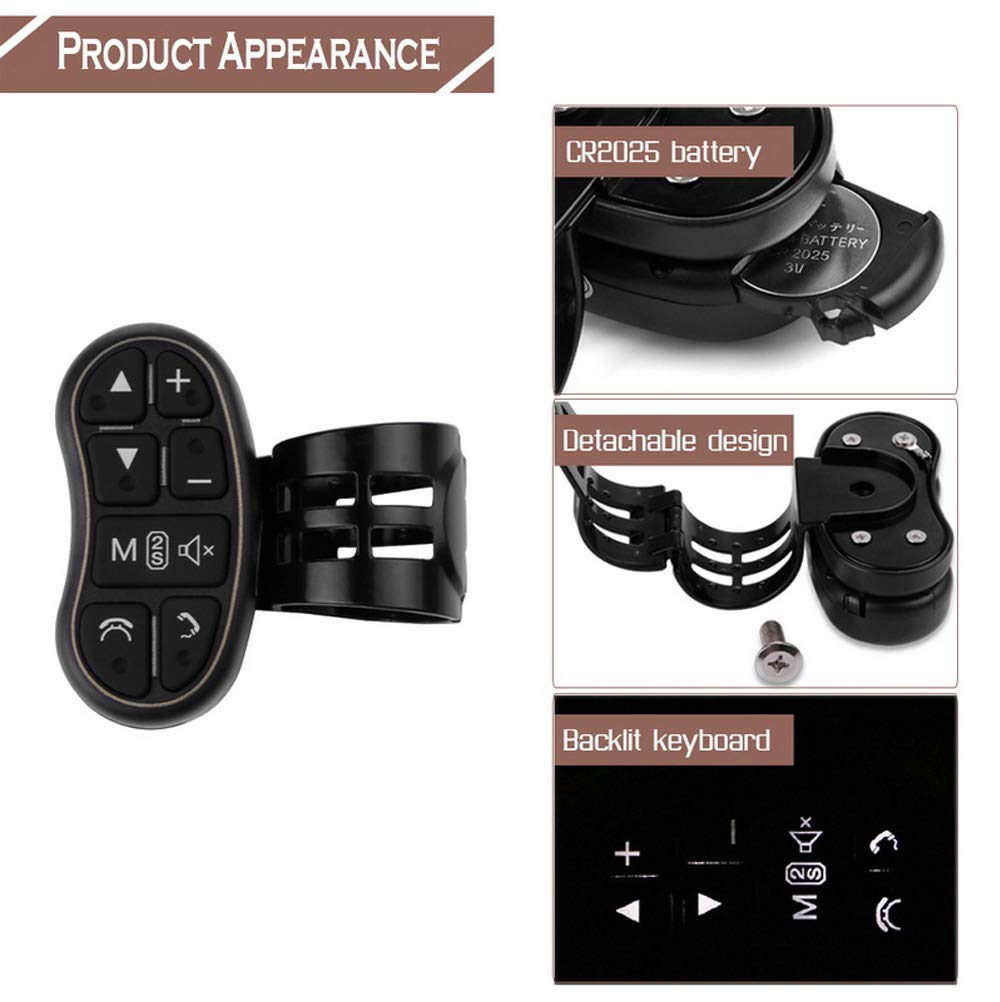
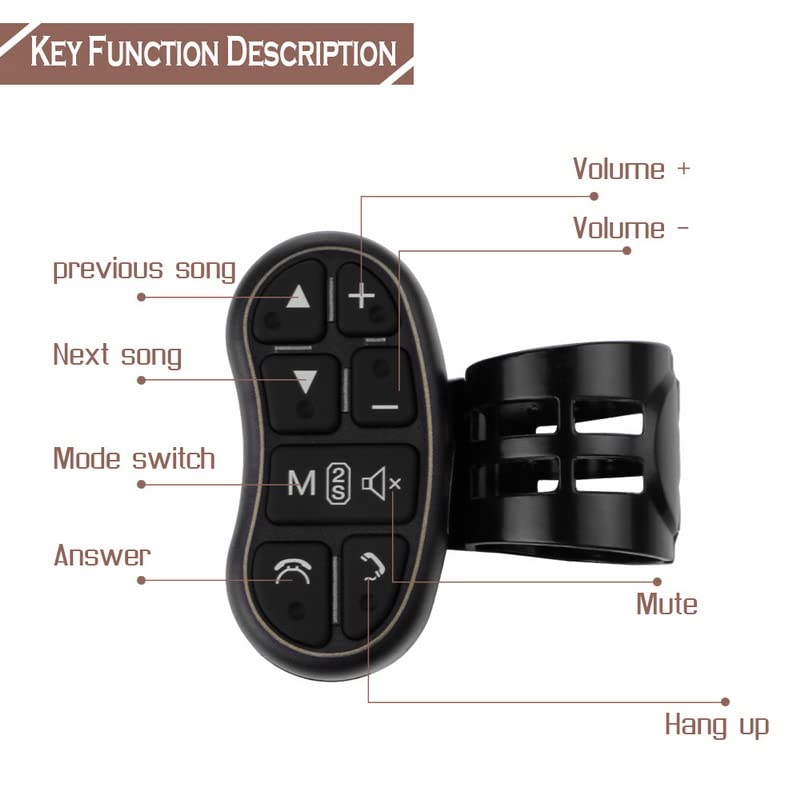
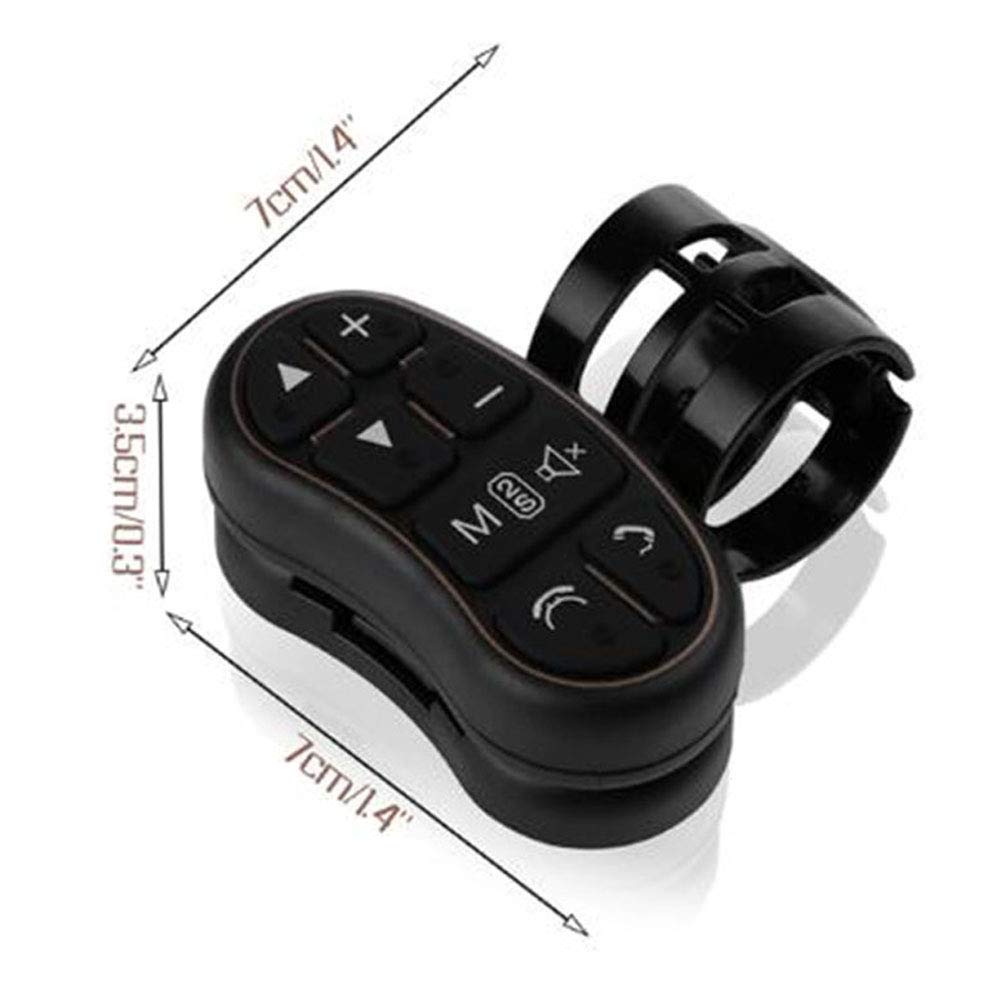
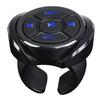
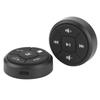
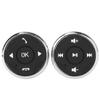
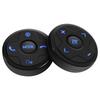
• Configuring 7 function keys to meet all your needs regarding car general functions. These features can be kept permanently on the controller without being intentionally removed. Control it to work.
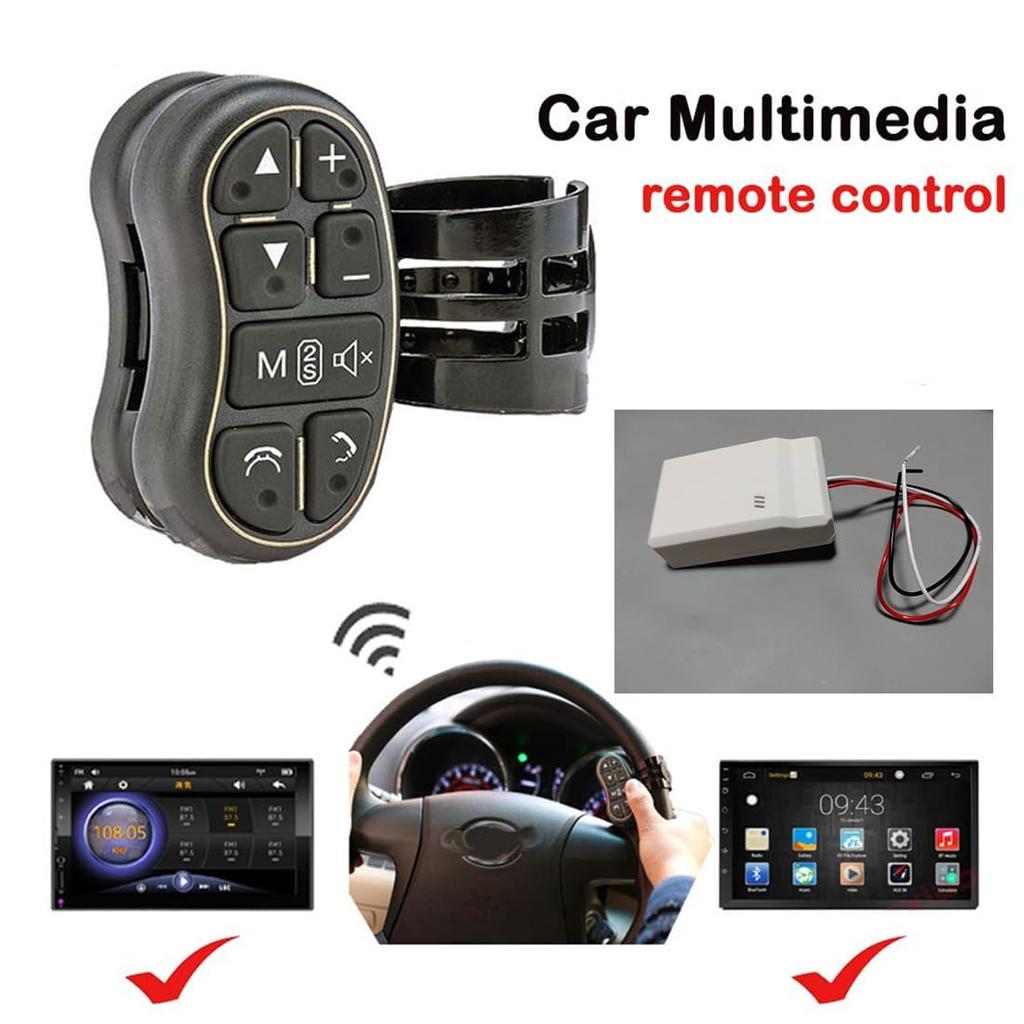
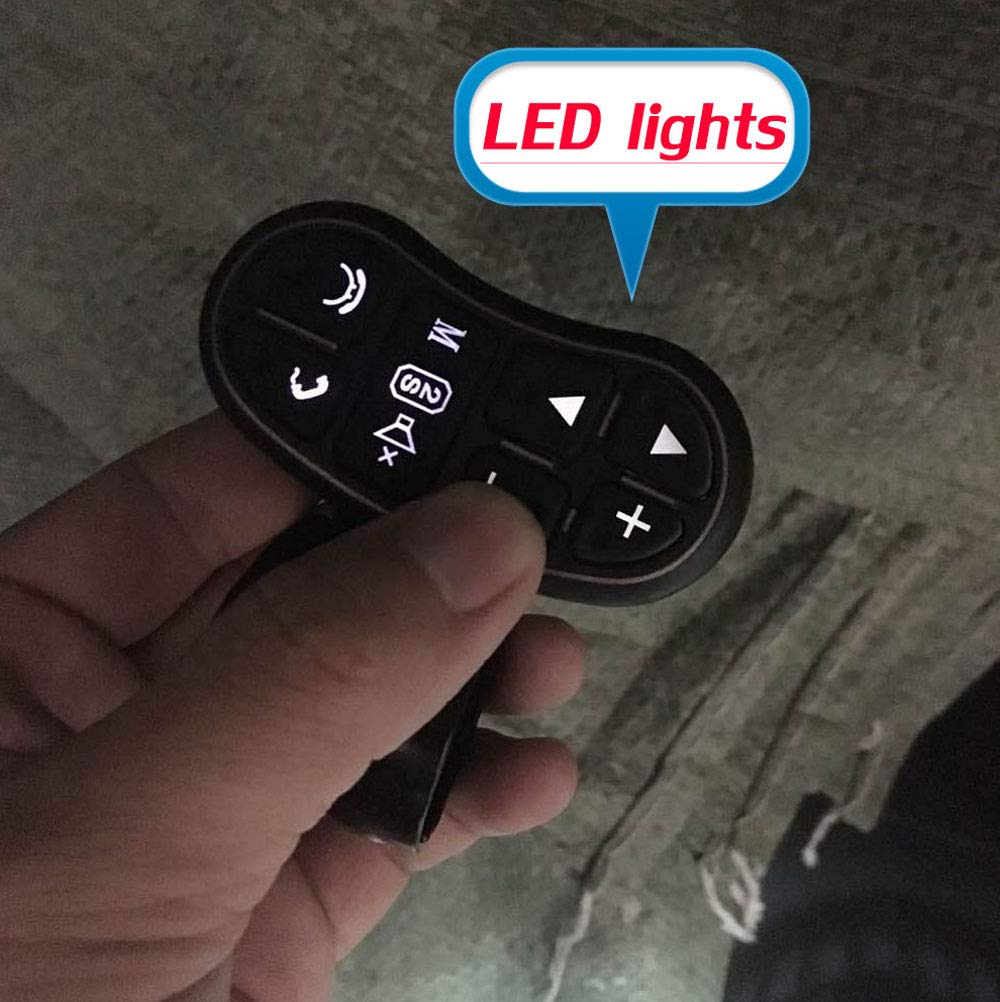
• Supports answering/ending calls and controlling GPS navigation system. Fits all DVD GPS navigation system players with steering wheel learning function. Backlit LED for each button. Convenient for night driving.
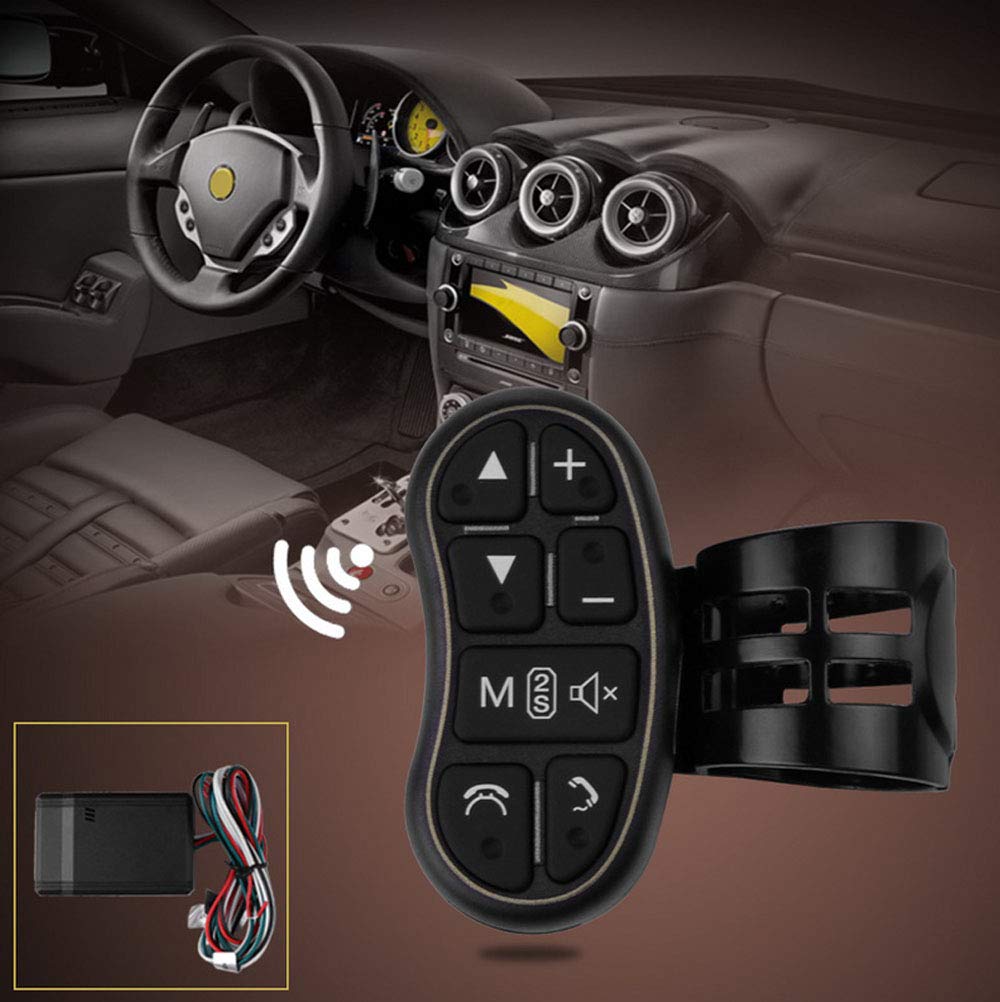
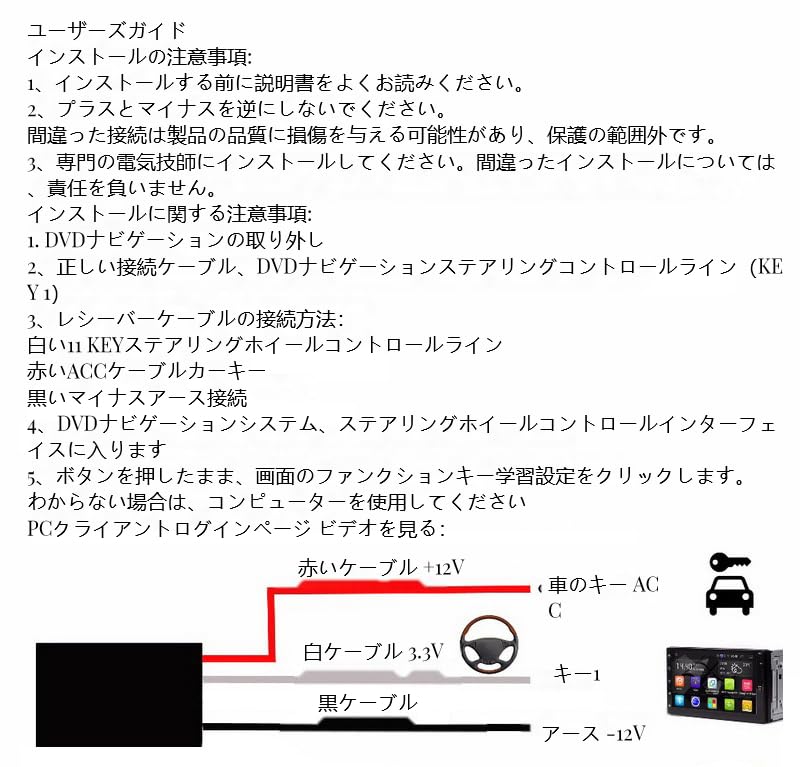
• First, you need to connect the 3 wires of the receiver to the head unit (black to black, red to red, white handle control wire, the longest wire that does not need to connect the antenna).
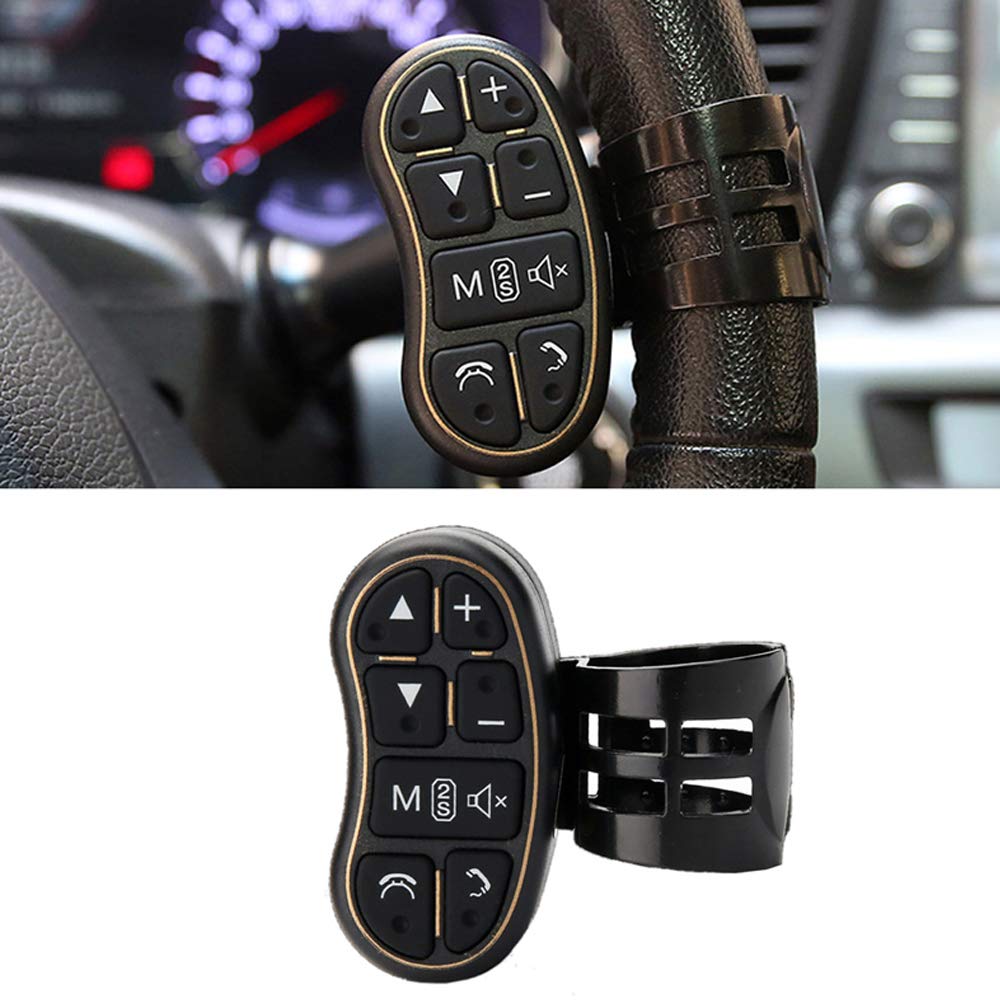
• Customize your controls with this multi-function wireless steering wheel controller common to all cars. Control with ultimate precision and accuracy to ensure safety and maximize convenience while driving.
• All functions can be easily configured on the controller by entering key learning mode in the head unit's factory settings menu. Flexibly mounted along the steering wheel as needed, this controller is easy to use and helps keep your driving safe.
"
Specifications:
Condition: 100% brand new
Color: black
Material: ABS
Size: As shown
Installation:
1.Remove DVD navigation
2. Find the steering wheel multifunction control wire (KEY) and ACC wire in the tail circuit of the DVD navigation. Check the voltage of the steering wheel control line, if the receiver voltage is 5V and the control line is 3.3V, please pull the shift switch on the receiver box outward. Make sure the switch is pulled out into place. Otherwise, the installation will not be successful. You may need to learn some of the steps a few times before making it.
3. Connect the white wire (KEY) on the receiver box to the multi-function control wire on the steering wheel.
Connect the red wire (ACC) to the DVD navigation ACC wire.
Connect the black wire (GND) to the DVD navigation ground wire.
The green wire (ANT) is the antenna and does not require any wiring.
4. Return the DVD navigation to its original location.
5. Enter the DVD navigation settings and find the multi-function button.
6. Press the button to learn the function (please read the navigation instructions on the DVD).
7. After installing the receiver box, please straighten the antenna to improve reception.
Note:
1. This product is not suitable for CD players. Please make sure your car has GPS function before ordering.
2. The head unit's steering wheel control learning interface allows you to customize the functions of all keys.
Package includes:
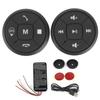
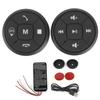
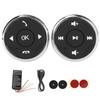
1x Controller Key (Battery installed)
1 x receiver box
1 x cable
1 x User manual


 No-delivery refund



![Retrofitted Steering Wheel Remote Control for URVOLAX Display Audio [C05]](https://img.joomcdn.net/3de6e629b7874c06b34da0e2c850b1f0e4905869_100_100.jpeg)