---------------------------------------------------
【Condition】
Please check the product description and photos for the condition.
Some items may have not been tested or may show signs of use.
【Included Items】
Accessories are limited to those shown or mentioned in the product description.
Items such as manuals, boxes, or cables are not included unless specifically stated.
【Product Specifications and Firmware】
Some Japanese domestic models may have limited functionality overseas.
Please check compatibility before purchase.
【Voltage Compatibility】
Our products are selected to support international voltage ranges (e.g. 100–240V).
However, please make sure your local voltage is compatible before use, as incorrect voltage may still cause malfunction.
【Plug Type】
Our products use Japanese plug types (A or B type).
Please use a conversion adapter if necessary.
【Important Note on Transformers and Adapters】
A transformer adjusts voltage to match your device’s requirements.
A conversion adapter only changes the plug shape and does not adjust voltage.
Using only a conversion adapter without a transformer may result in damage to the product.
【Liability】
We are not responsible for malfunctions or damages caused by improper use, such as operating the product without appropriate voltage or equipment.
---------------------------------------------------
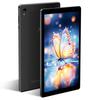
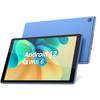
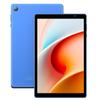
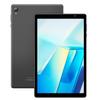
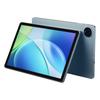
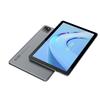
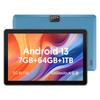
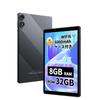
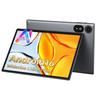
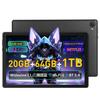
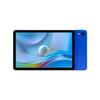
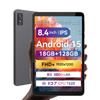
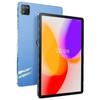
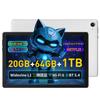
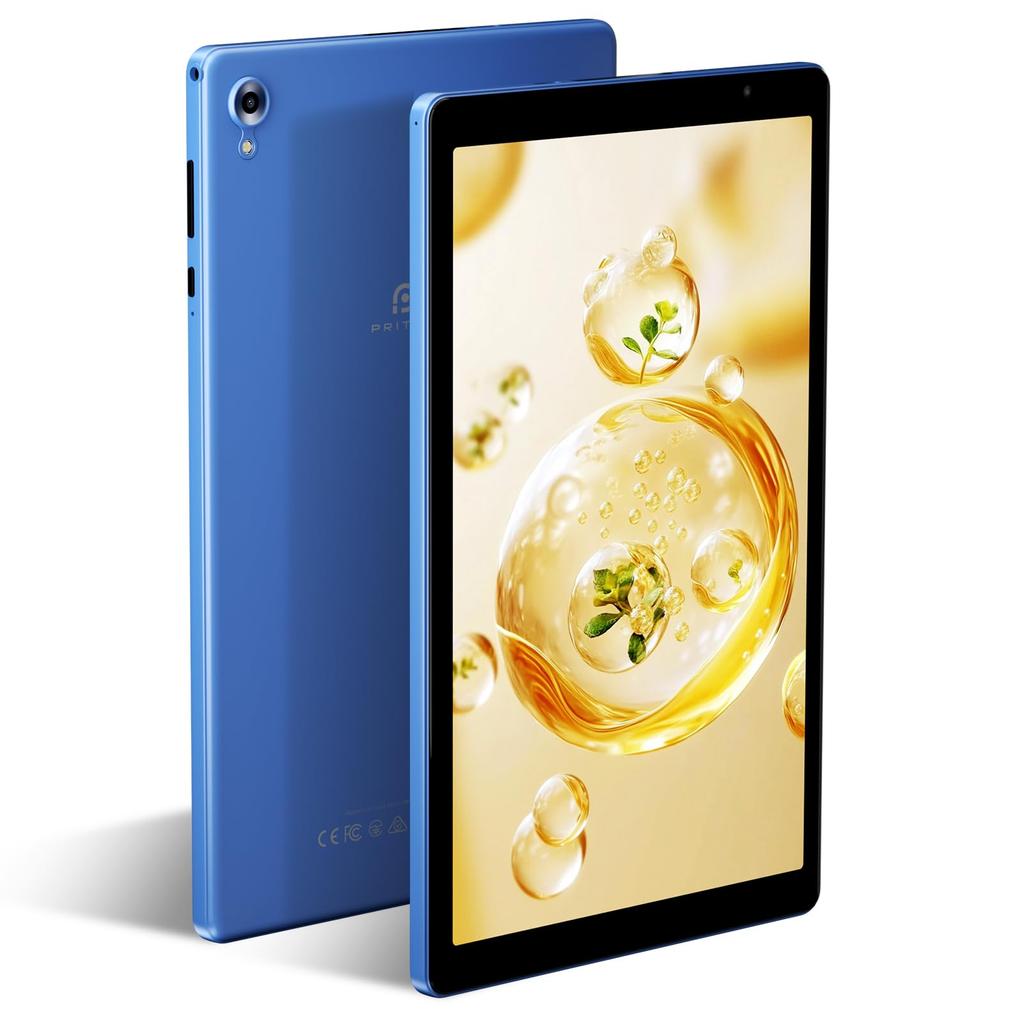
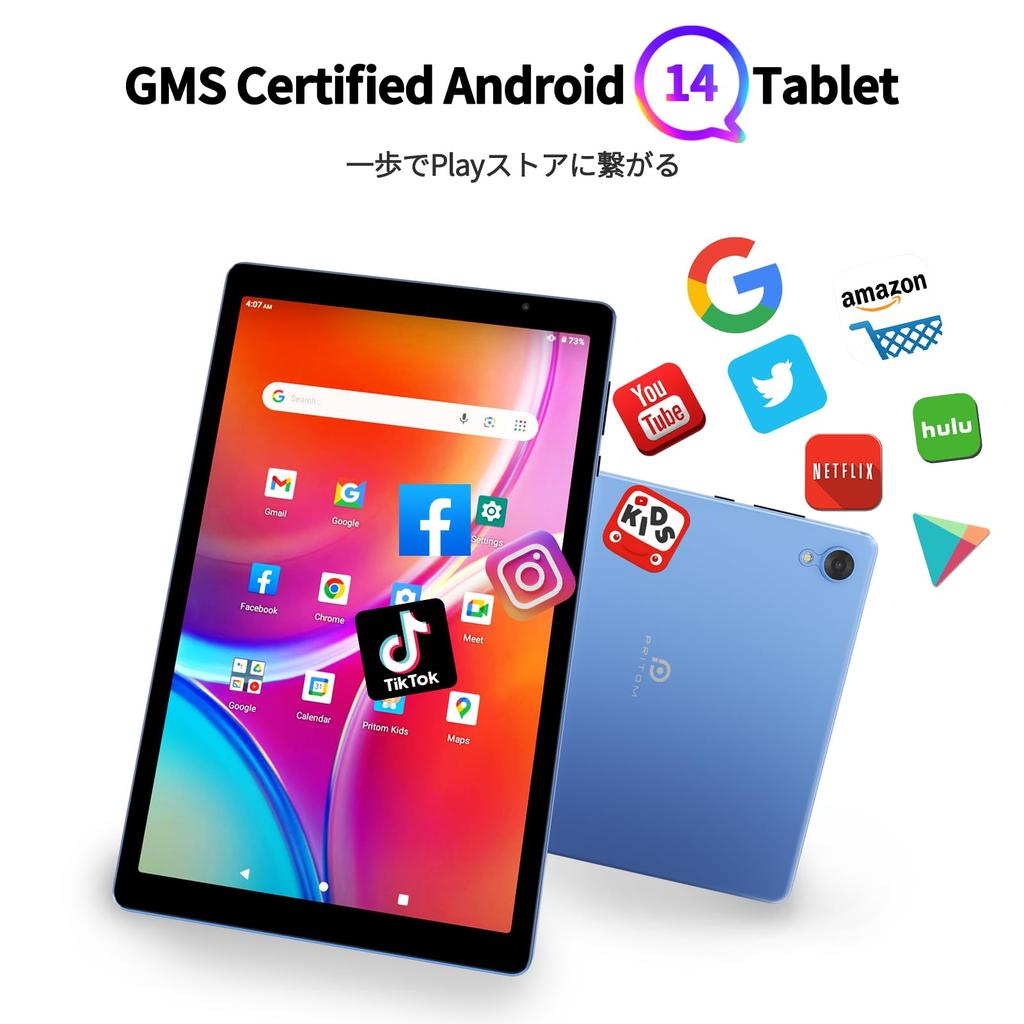
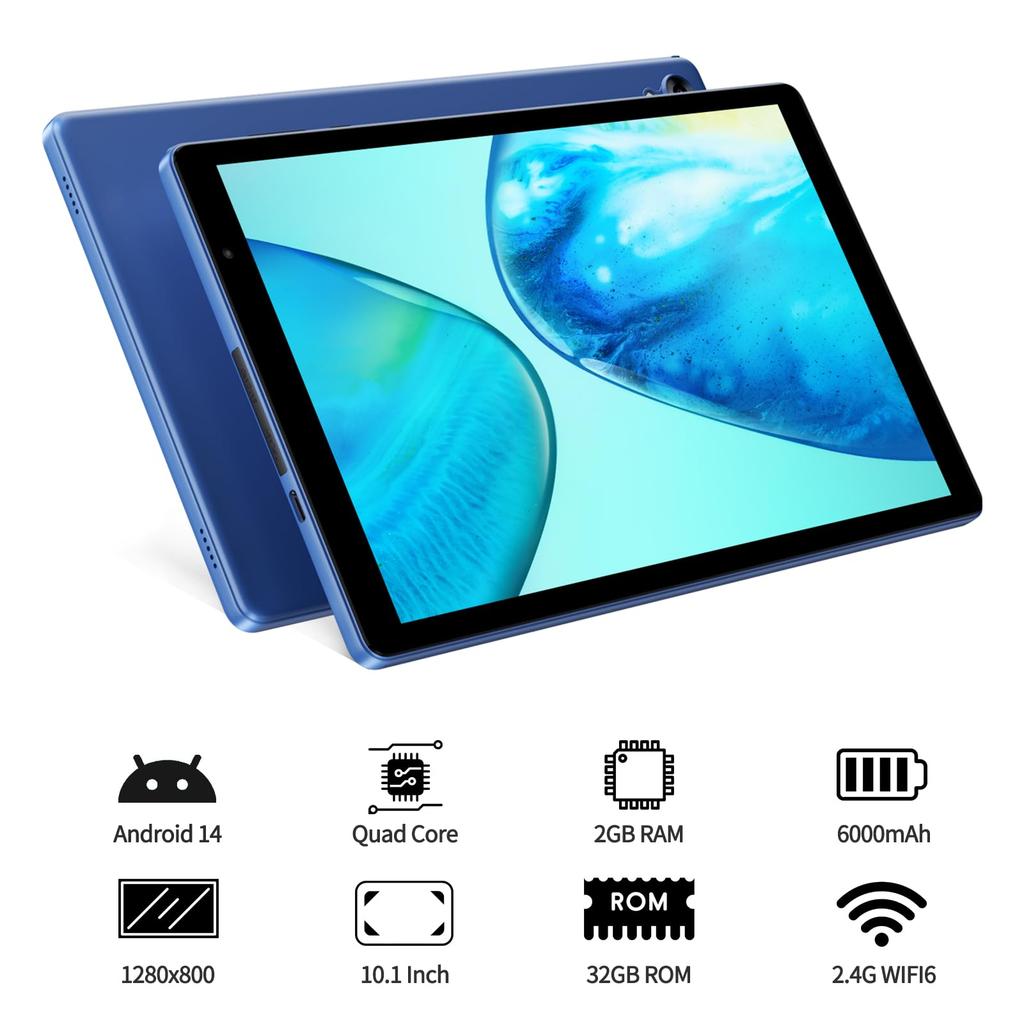
✨【Android 14 Tablet 10-inch Wi-Fi Model】The PRITOM tablet features the Android 14 Go system, designed to improve platform performance and efficiency, giving users better control over their data and personal information. It utilizes a quad-core processor and a low-power design for smooth operation. With 4GB (2GB physical + 2GB expandable) RAM, it's a comfortable Android tablet to use. 32GB of storage plus support for up to 1TB TF card expansion provides ample capacity. It's GMS certified, allowing for free use of apps. (GPS not supported)
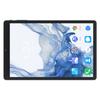
✨【10.1-inch HD Display & Widevine L1】Features a 1280*800 resolution IPS display for a crisp and clear screen. Widevine L1 certified, it supports HD video playback from Netflix, Amazon Prime Video, YouTube, and more. Enjoy an immersive experience. Meets everyday needs such as web browsing, video viewing, and online classes (not suitable for gaming).
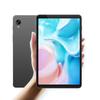
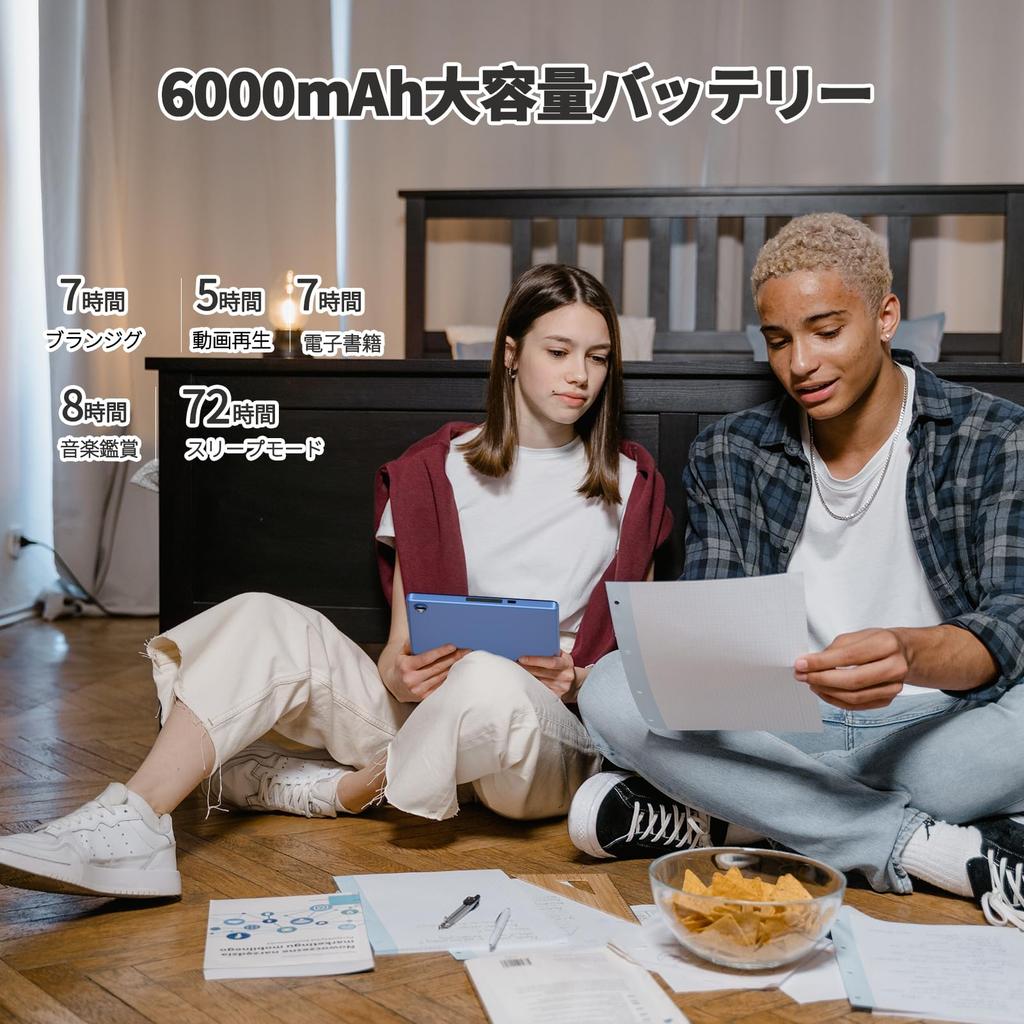
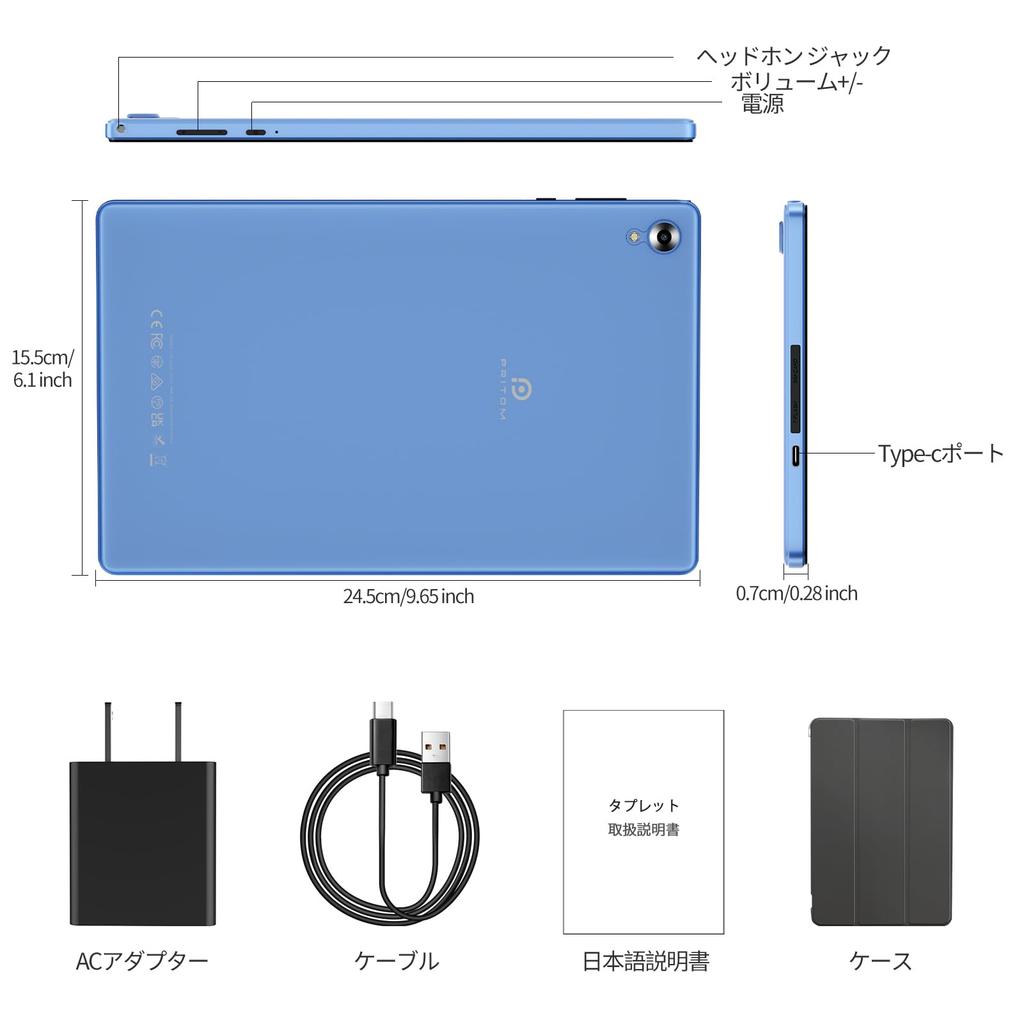
✨【6000mAh High Capacity】Equipped with a large 6000mAh capacity, you can use it with peace of mind all day long. Enjoy reading, music, movies, online classes, video conferences, and more without stress. It is approximately 0.7cm thick and weighs approximately 510g. It is lightweight and comfortable to use at home or on the go. When charging, be sure to use a charger with a "5V/2.0A" output. Charging with any other output may cause malfunction. (SIM card not supported) (Widget function not included.)
✨【2.4GHz Wi-Fi 6 & BT 5.2 & Language Settings】Equipped with data-saving 2.4GHz Wi-Fi 6, it provides a fast and stable wireless connection. (Supported bands: 802.11 ac/b/g/n/ax) Data usage is kept to a minimum. It's sufficient for lounging around at home or enjoying the internet. A video on language settings is posted on the product page. If you have forgotten, please refer to the following steps: (System) → (Languages & input) → (Languages) → (Add a language) → Select "Japanese" → Press and hold the two lines to the right of "Japanese" and drag it upwards.
✨【Package Contents & Warranty】Includes protective cover, screen protector (pre-applied), power adapter, USB Type-C cable, Japanese instruction manual, etc. Please use the USB Type-C charging port specifically designed for tablets. Warranty Period: There is a 3-month manufacturer's warranty. If you have any questions, please feel free to contact us. How to contact us: ① Click on "VASOUN-Tech" below the "Add to Cart" button on the product page, and contact us from "Ask a question" in the upper right corner. ② You can also contact us via "Account Services" - "Order History" - "Relevant Order" - "Contact Seller". ③ If contacting us by email, it would be very helpful if you could include your order number beforehand.
A video explaining language settings will be posted on the product page. If you have forgotten, please refer to the following steps: (System) → (Languages & input) → (Languages) → (Add a language) → Select "Japanese" → Press and hold the two lines to the right of "Japanese" and drag it upwards.


 No-delivery refund