----------------------------------------------------------------------
【Voltage Compatibility】
When using electrical appliances, please note that they are designed for Japanese voltage specifications (90-110V), so if you use them with a different voltage, it may cause a malfunction.
【Plug Type】
Our products use Japanese plug types (A or B type).
Please use a conversion adapter if necessary.
【Important Note on Transformers and Adapters】
A transformer adjusts voltage to match your device’s requirements.
A conversion adapter only changes the plug shape and does not adjust voltage.
Using only a conversion adapter without a transformer may result in damage to the product.
【Liability】
We are not responsible for malfunctions or damages caused by improper use, such as operating the product without a transformer.
----------------------------------------------------------------------
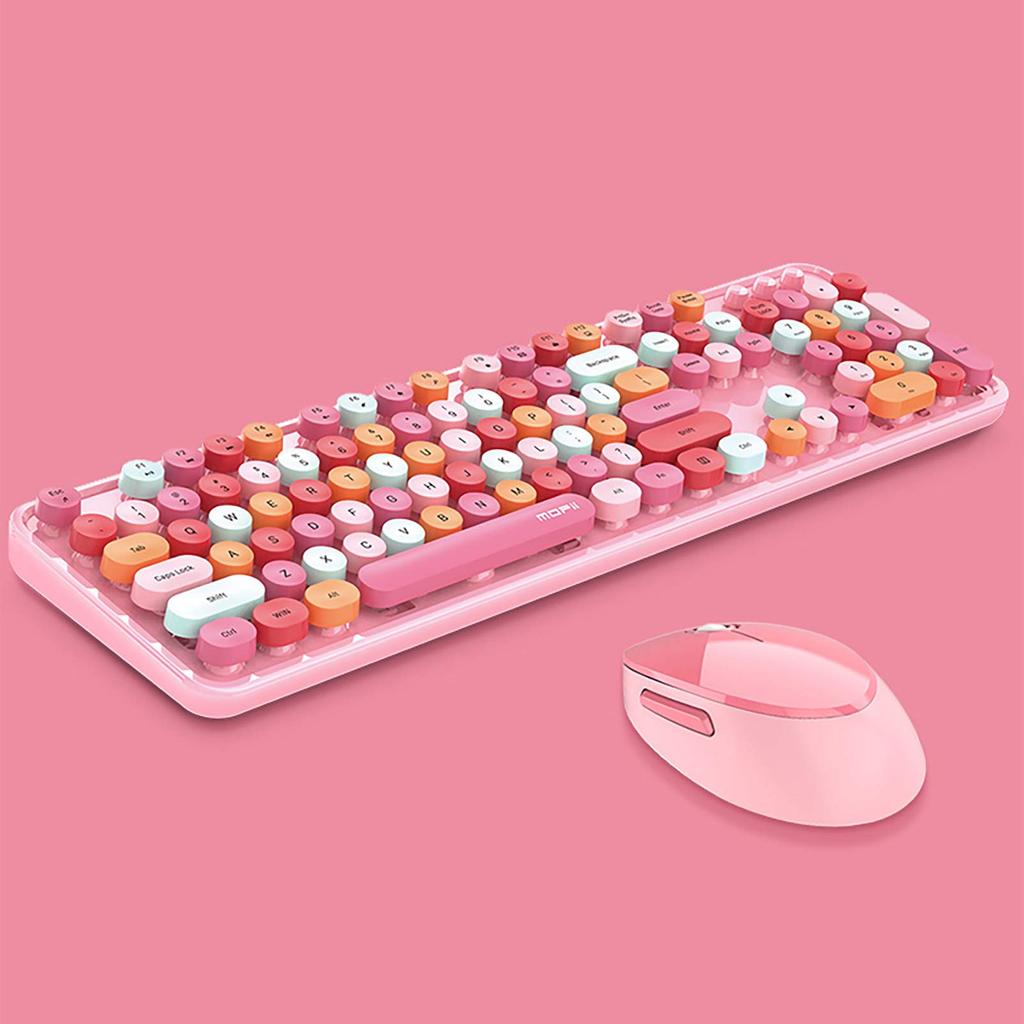
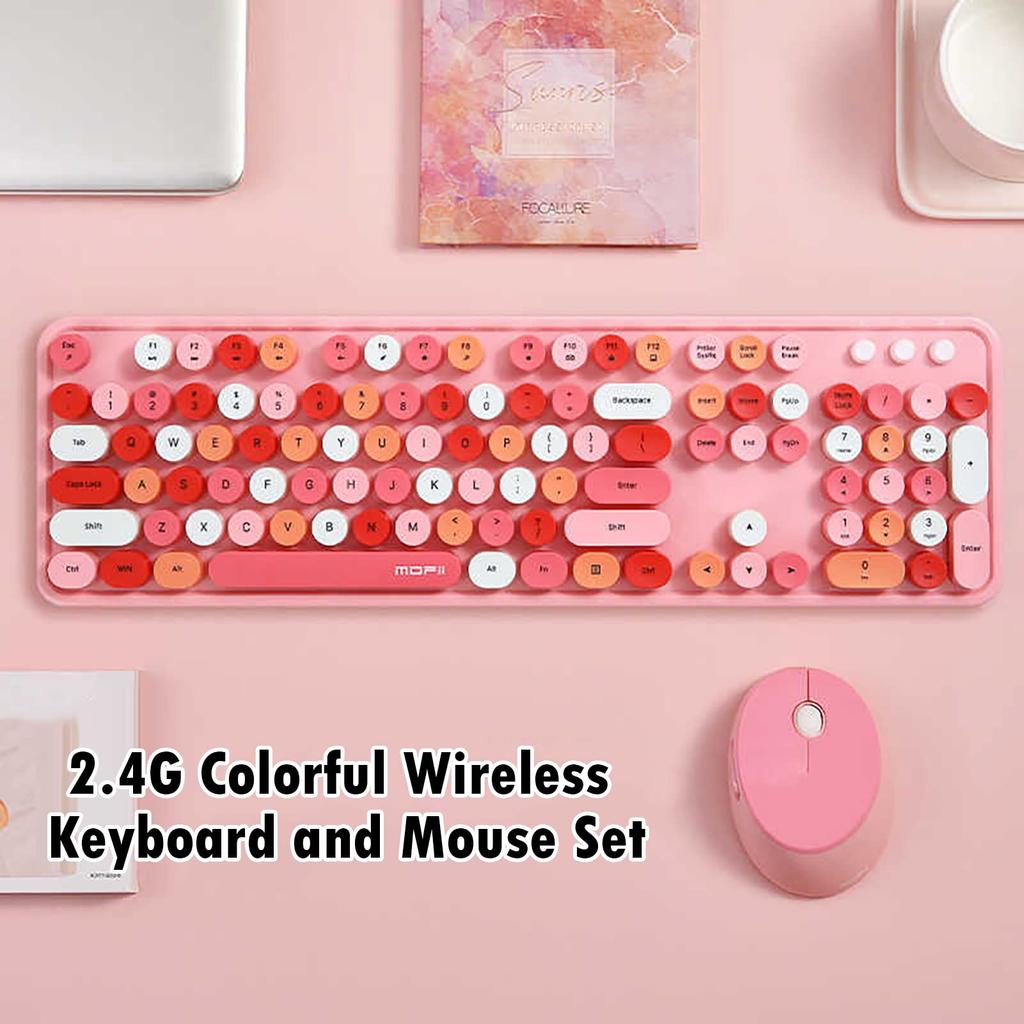
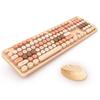
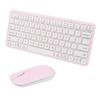
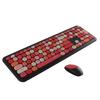
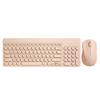
Product Specifications: Keyboard: 445*136*35mm, 658g, 2.4G wireless connection, two AAA batteries, 104 keys (including numeric keypad). Mouse: 104*68*38mm, 90g, 2.4G wireless connection, one AA battery, 1600 DPI. Beautiful packaging makes it a perfect gift.
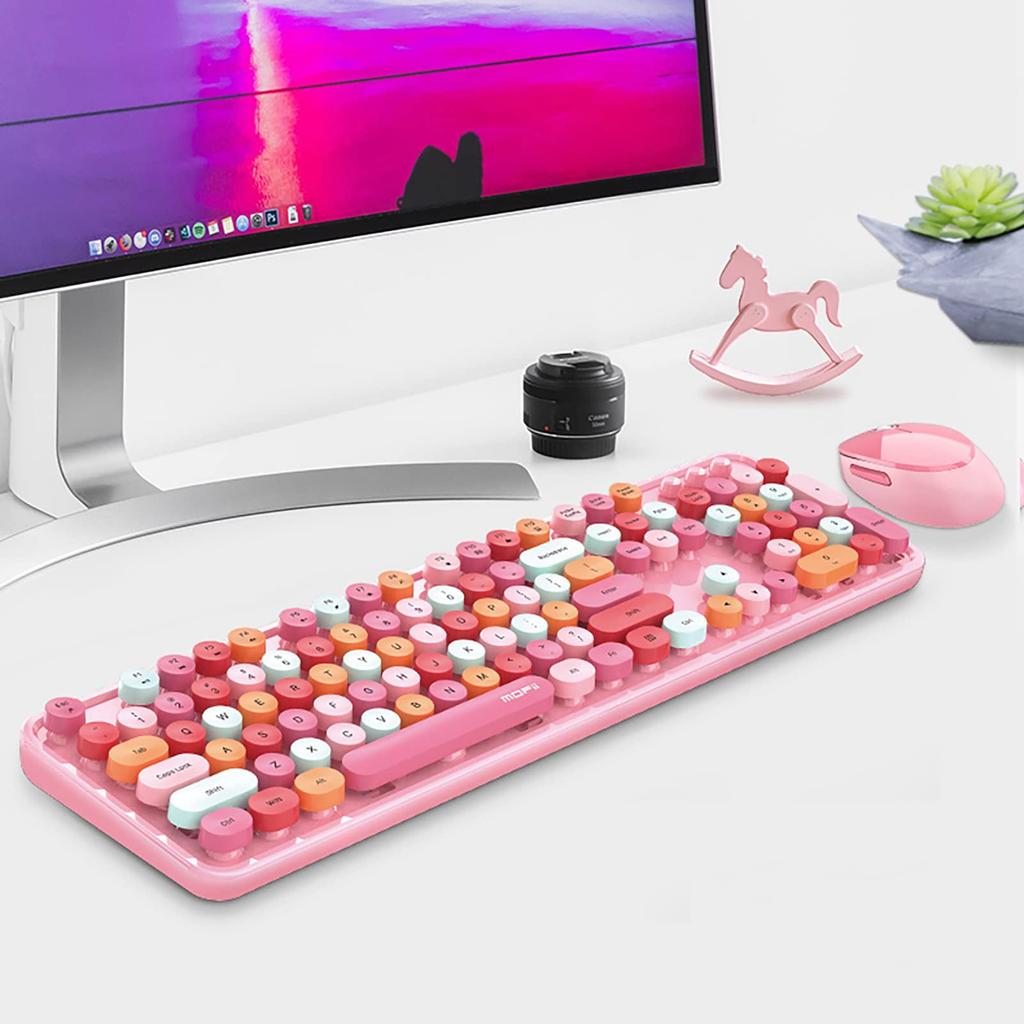
【Retro Round Keycaps】These cute round keys are inspired by vintage typewriters. The round key design is developed to accommodate the large contact area between your fingers and the keycaps, providing a more comfortable typing experience.
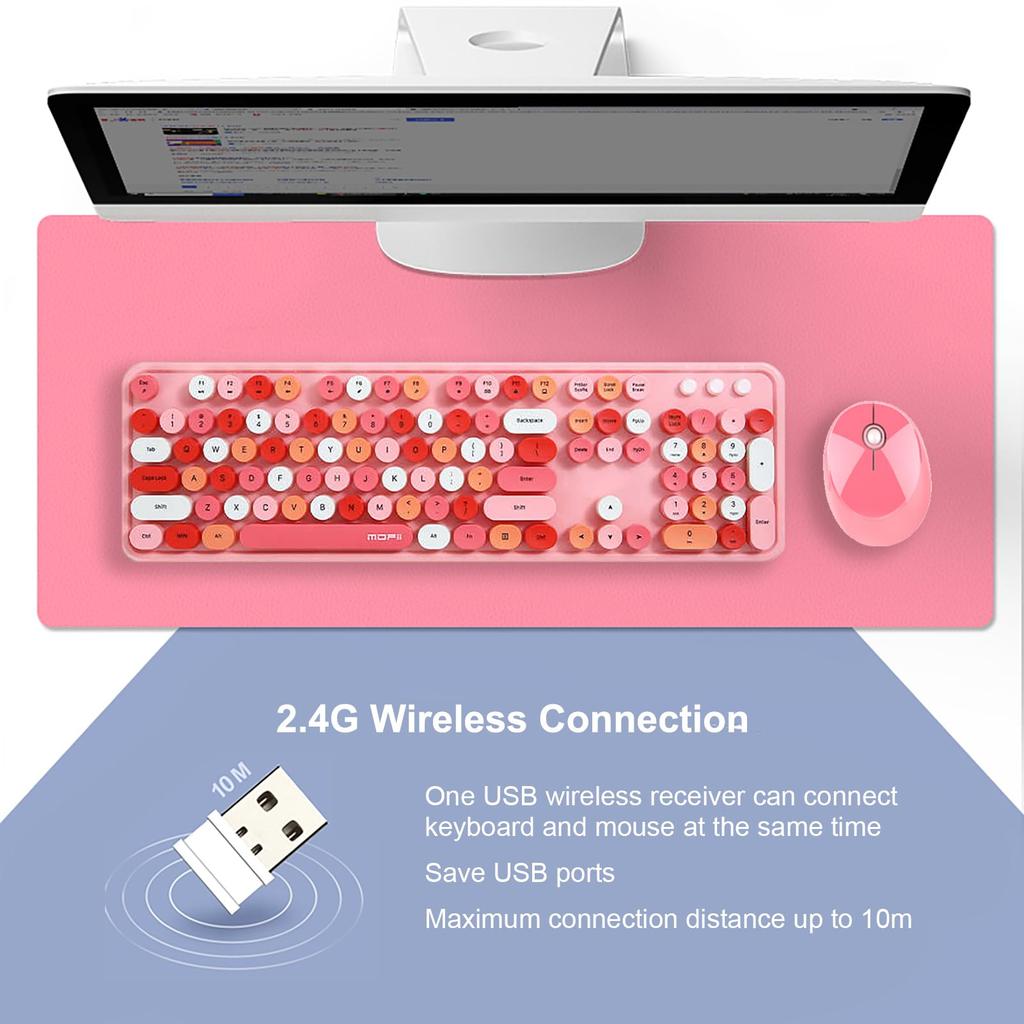
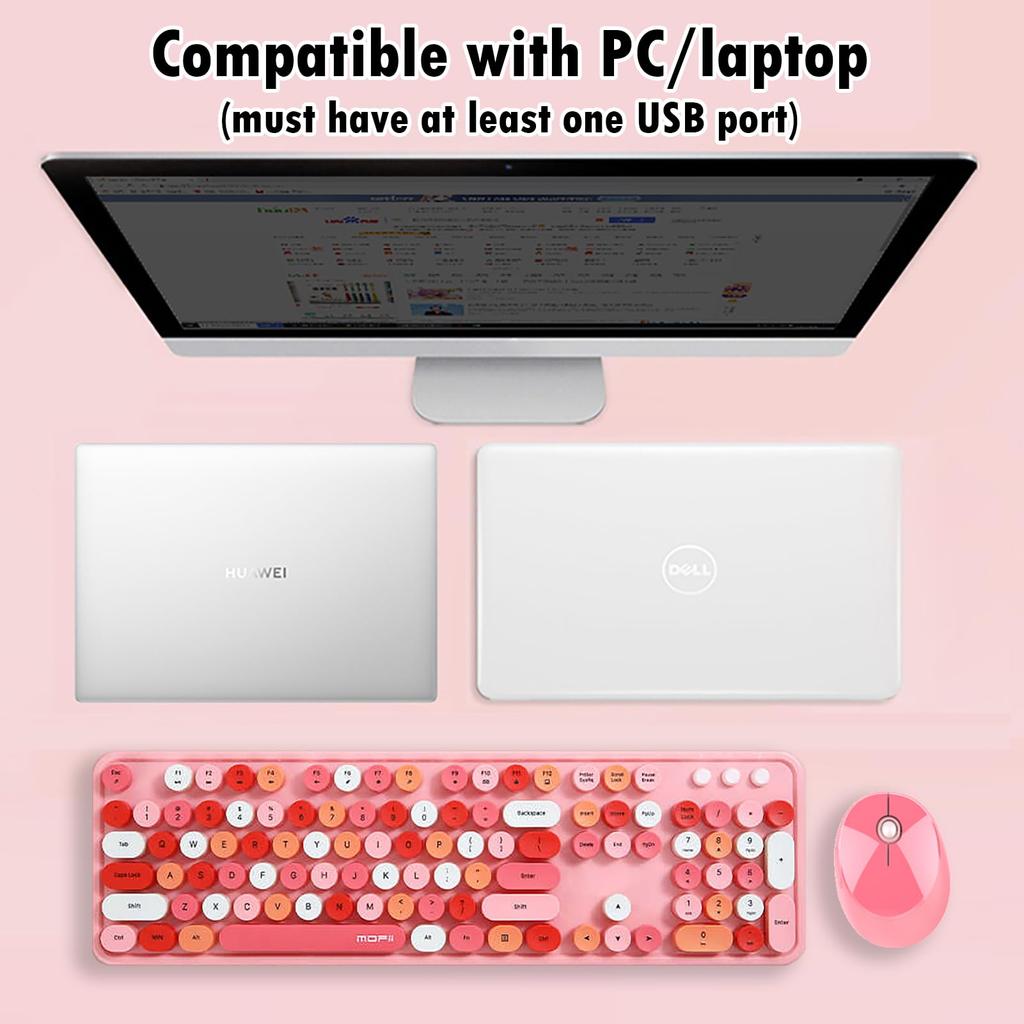
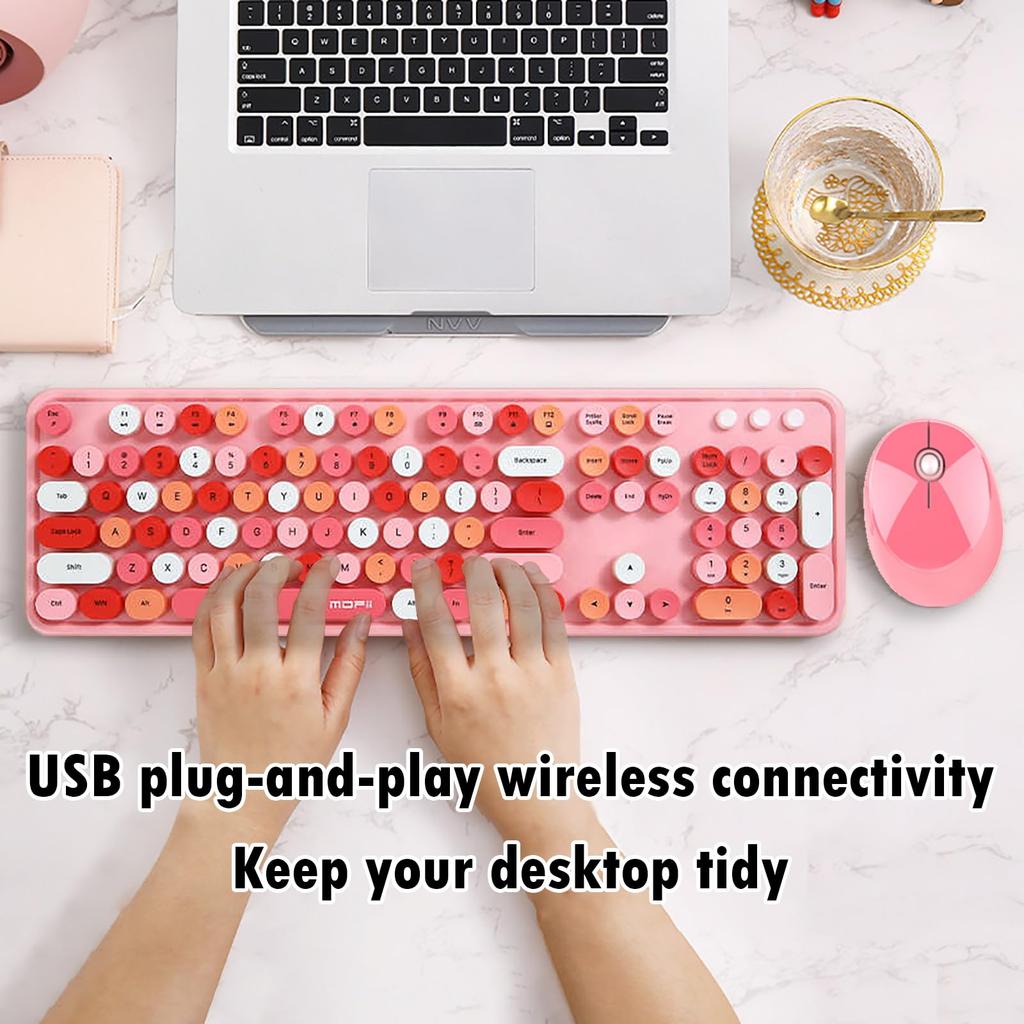
2.4G Wireless Connection: 2.4G technology provides a transmission distance of up to 10m. It's perfect for business and gaming. Wireless connectivity eliminates the hassle of data cables, making it a great choice for those who want a clean, tidy home.
【Product Warranty】All our products are inspected for quality before shipping. If any quality issues occur within one year of purchase, we will refund or replace the product free of charge. Please feel free to contact us with any questions.
[Notes] 1. This is a 2.4G wireless product, and the receiver must be plugged into a USB port. Bluetooth connection to iPads and mobile phones is not possible. 2. Powered by alkaline batteries, not built-in rechargeable lithium batteries. 3. The keyboard and mouse will automatically sleep to save power after 3-5 minutes of idle time. Simply click a button to wake them up. 4. Multimedia shortcuts are not available on Mac systems.
[Product Specifications]
Keyboard: 445*136*35mm, 658g, 2.4G wireless connection, 2 AAA batteries, 104 keys (with numeric keypad area).
Mouse: 101*75*34mm, 80g, 2.4G wireless connection, 1 AA battery, 1600DPI.
Package: 463*140*77mm, 1000g. [If there is no response]
Needs recode:
1. Insert the USB receiver into your computer's USB port and wait for the driver to be automatically installed. (If the driver is already installed for your interface, skip this step.)
2. Unplug the USB receiver and remove the mouse or keyboard.
3. Insert and attach the USB receiver within 10 seconds. The distance between the keyboard or mouse and the receiver must be less than 20 cm. (The USB receiver must be inserted into a USB port with the driver installed.)
4. Once pairing is completed automatically, the keyboard or mouse can be used within 10 meters.
If you cannot connect, replace the USB interface.
Due to differences in the key layout between English and Japanese keyboards, the output characters do not match the characters displayed on the keycaps when entering some Japanese characters.
If such an error occurs, switch to English input and enter the characters exactly as they appear on the keycaps, or in Japanese input, refer to the following table.
[English and Japanese keyboard layouts]
https://drive.google.com/file/d/1cNc-KdcHl0wNOb-46EuvCUPwaPfnqA87/view?usp=sharing



 No-delivery refund





![[YUNZII] B68 Wireless 65% Keyboard Pink Milk V2](https://img.joomcdn.net/a80907cc29b3769566f45e51b67ecf481d95a1c3_100_100.jpeg)