Features:
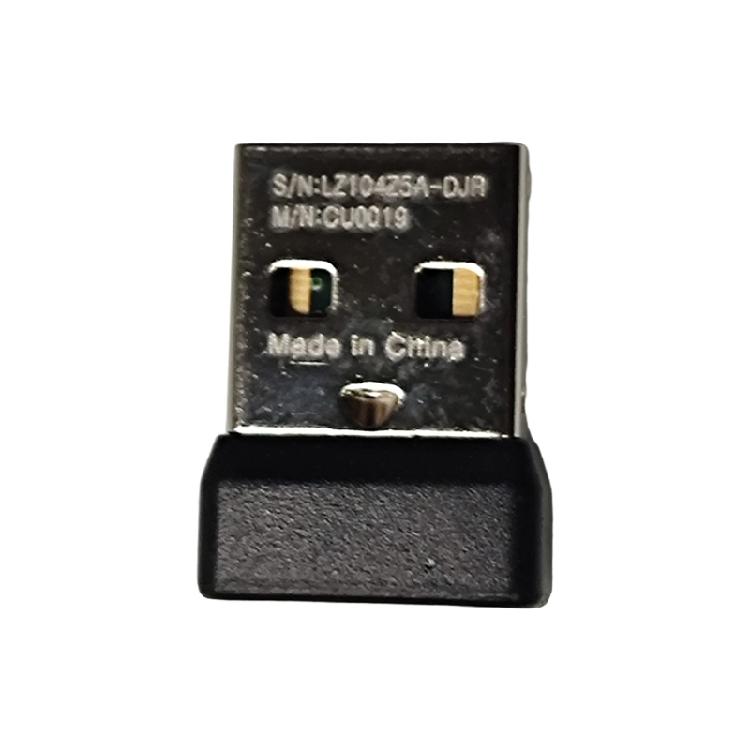
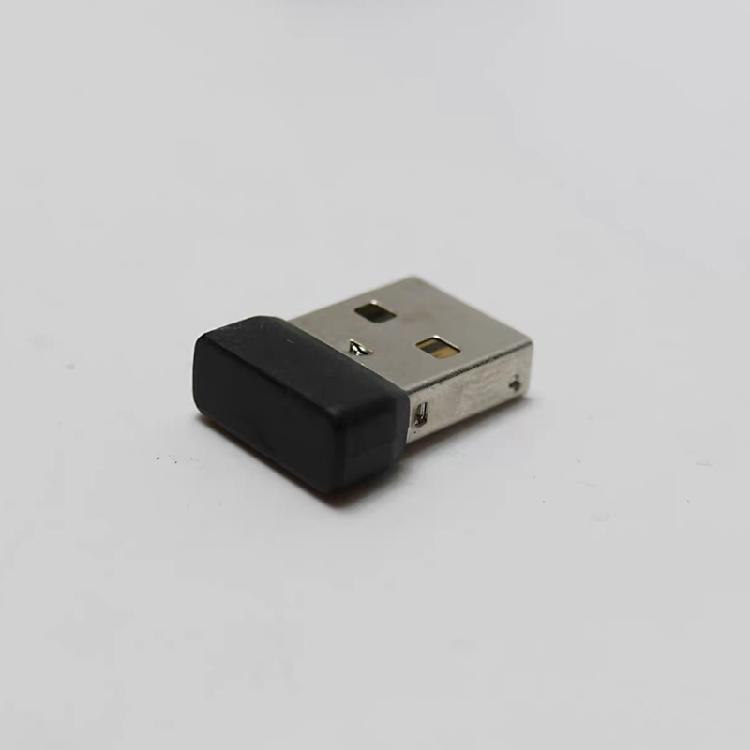
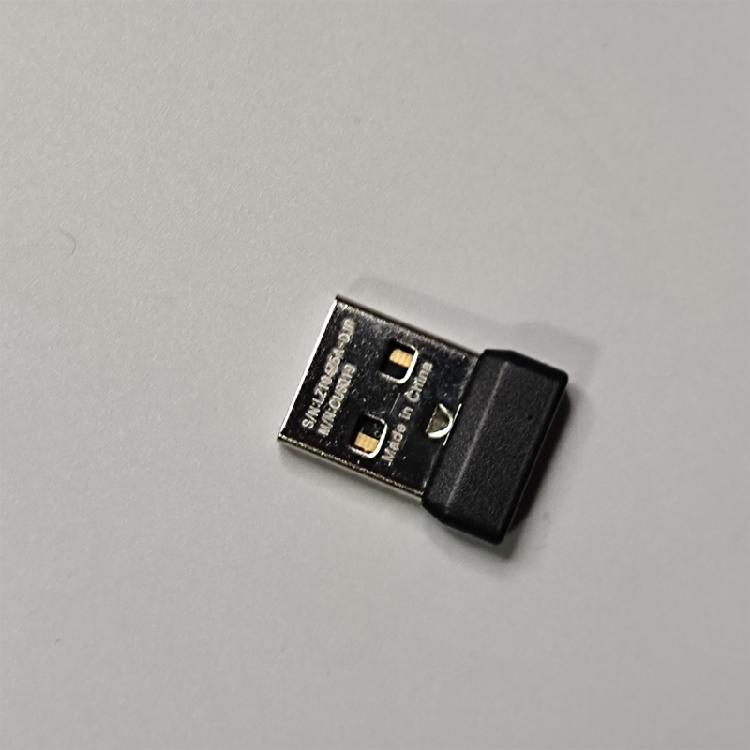
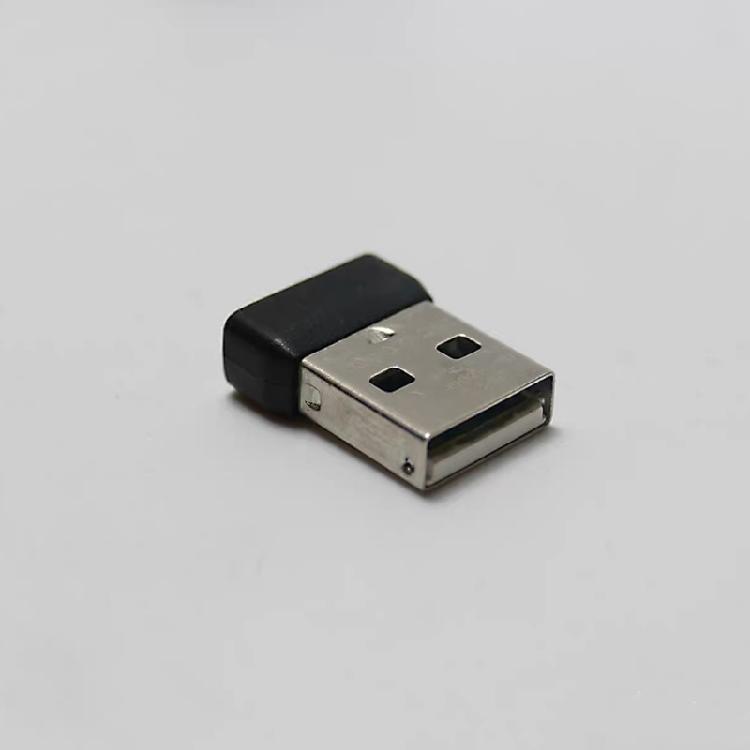
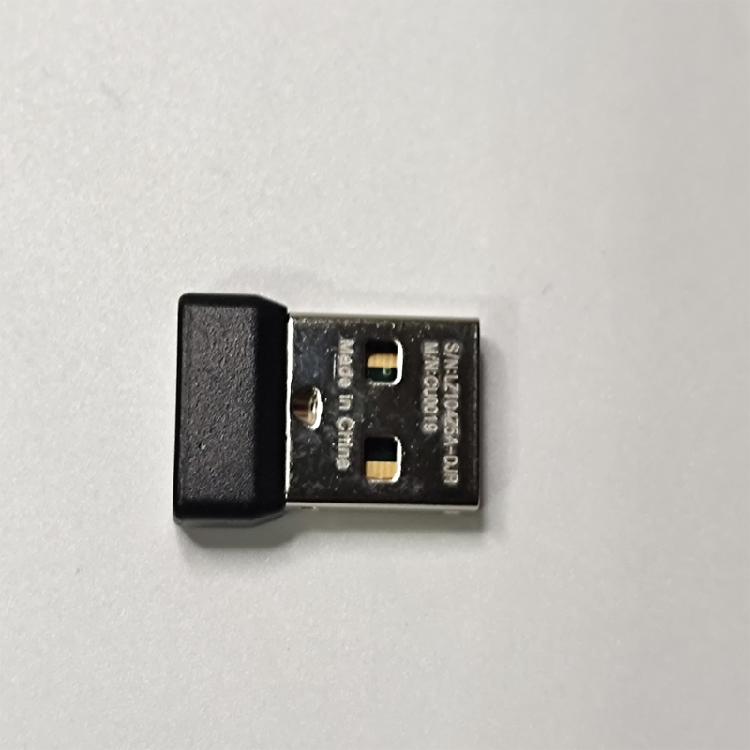
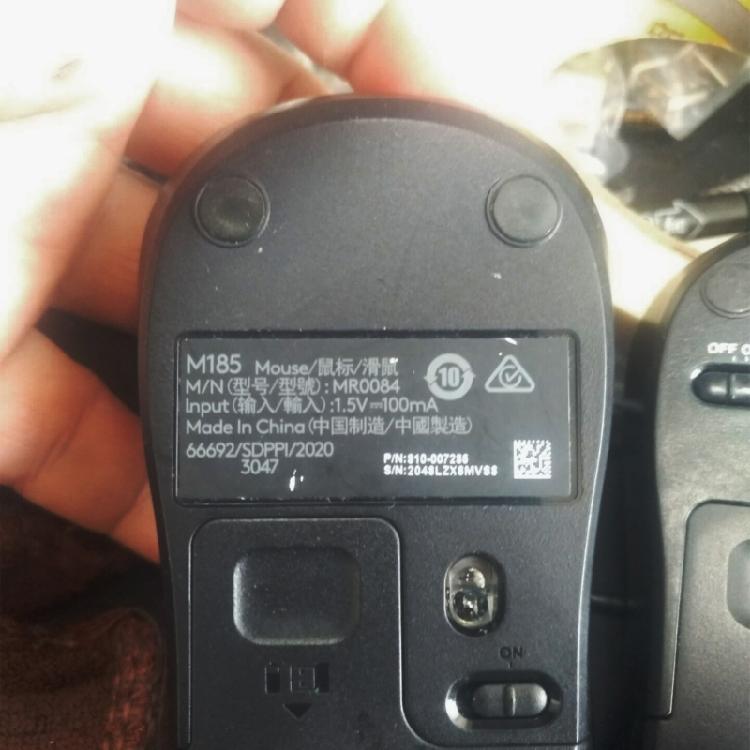
Single channel mouse receiver, supporting multiple models such as for M170, M171, M185, M186, etc. Easily switching between multiple devices to improve office efficiency.
Easy to connect, install driver program to quickly connect mouse and computer suitable for fast-paced work environment.
Adopting advanced wireless technology to ensure stable and interferences resistant signals.
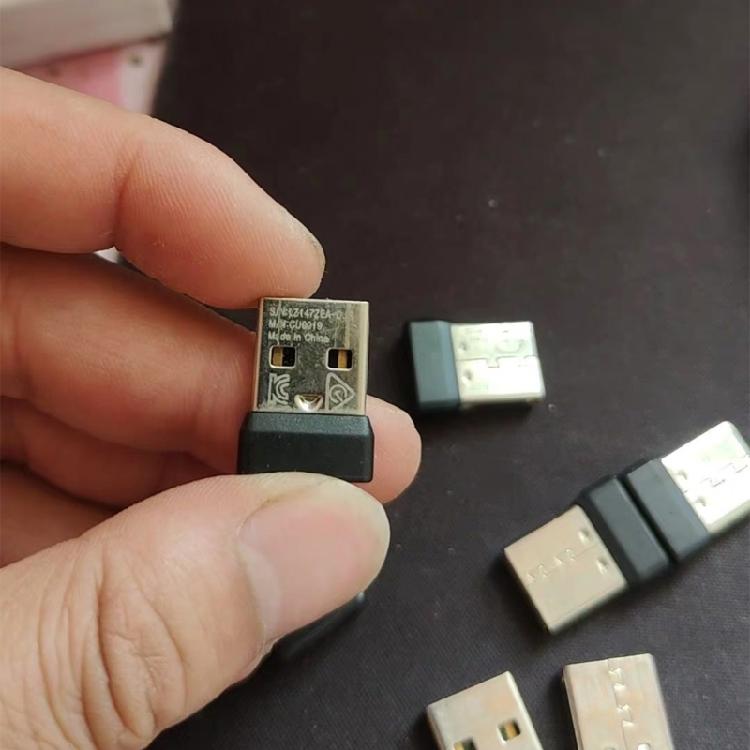
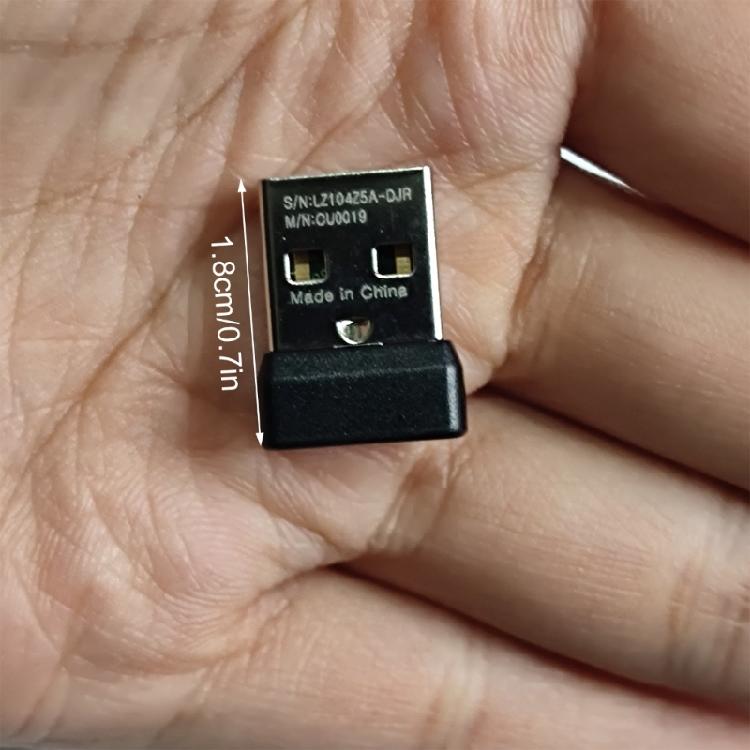
The receiver is small in size, easy to carry around, and not take up additional space.
Suitable for people who frequently travel or work, providing a convenient user experience.
Specifications:
Item: New version single channel receiver MR0084 MR0086 MR0087 MR0101 MR0102 MR0107
Supports 2.4GHz frequency band
Wdie compatibility for M170, M171, M185, M186 models suitable for CU0019 series
Practicality: Suitable for office, home and mobile use scenario
Instructions for the C-U0019 receiver is as follows:
First, check if there is a fully charged battery inside the mouse,
1.Turn off the mouse power switching.
2.Insert the USB receiver into the computer.
3.Press and hold the Right Mouse Button (keep holding until step 6 is completed before releasing the right button).
4.Turn on the mouse switcher.
5.Clicking the left mouse button once.
6.Clicking the middle button (scroll down) once.
7.Release the right button, and the mouse and USB receiver should automatically pair.
If it is not equipped, unplug the receiver, then plug it in, and follow the steps above step by step again. Do not skip steps. The battery level needs to be sufficient when pairing.
Package Includes:
1PC Mouse receiver
note:
Before purchasing, please confirm with the customer service whether the receiver is suitable for your mouse. The CU0019 receiver is only suitable for the M/N:MR0084, MR0086, MR0087, MR0101, MR0102, and MR0107 series of mouse. The buyer needs to download and install the mouse driver, pair the receiver with the mouse, and then it can be used.
Please allow 1-2cm errors due to manual measurement.
Please allow for slight color differences due to different display resolution.


 No-delivery refund