----------------------------------------------------------------------
【Voltage Compatibility】
When using electrical appliances, please note that they are designed for Japanese voltage specifications (90-110V), so if you use them with a different voltage, it may cause a malfunction.
【Plug Type】
Our products use Japanese plug types (A or B type).
Please use a conversion adapter if necessary.
【Important Note on Transformers and Adapters】
A transformer adjusts voltage to match your device’s requirements.
A conversion adapter only changes the plug shape and does not adjust voltage.
Using only a conversion adapter without a transformer may result in damage to the product.
【Liability】
We are not responsible for malfunctions or damages caused by improper use, such as operating the product without a transformer.
----------------------------------------------------------------------
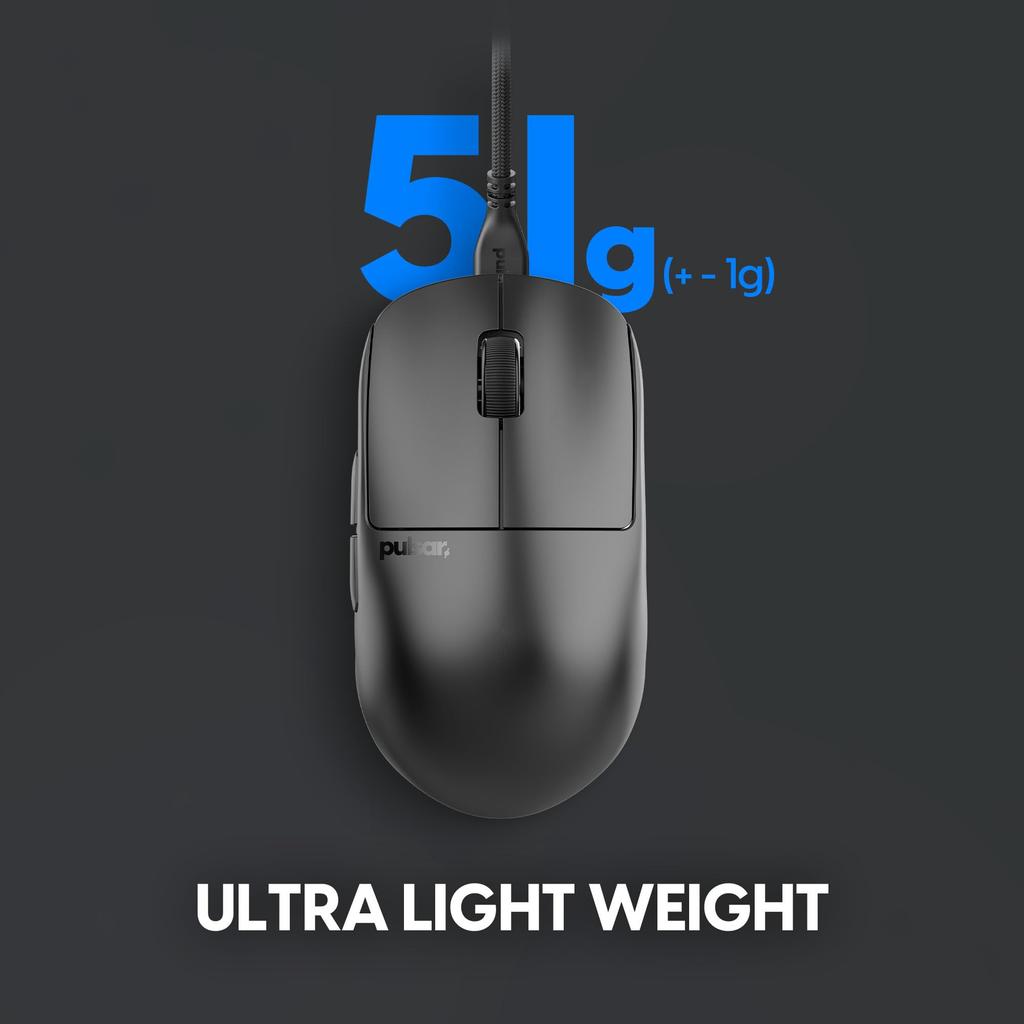
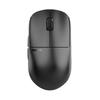
Ultra-lightweight design at just 51g - The X2H was developed with the same "simple but uncompromising" concept as the Xlite series. Its construction was designed to be as simple as possible, while its durability rivals that of conventional mice. This gaming mouse, lighter than an egg, is not only large, but also offers fast flick speeds and precise clicks.
Higher hump, narrower waist - Compared to the standard X2 model, the rear hump is higher and the waist is slimmer. This change in shape improves stability for claw grip users and provides more support for your palm when resting on the mouse. If you find the X2's height unsatisfactory or prefer more palm support, the X2H is the perfect choice.
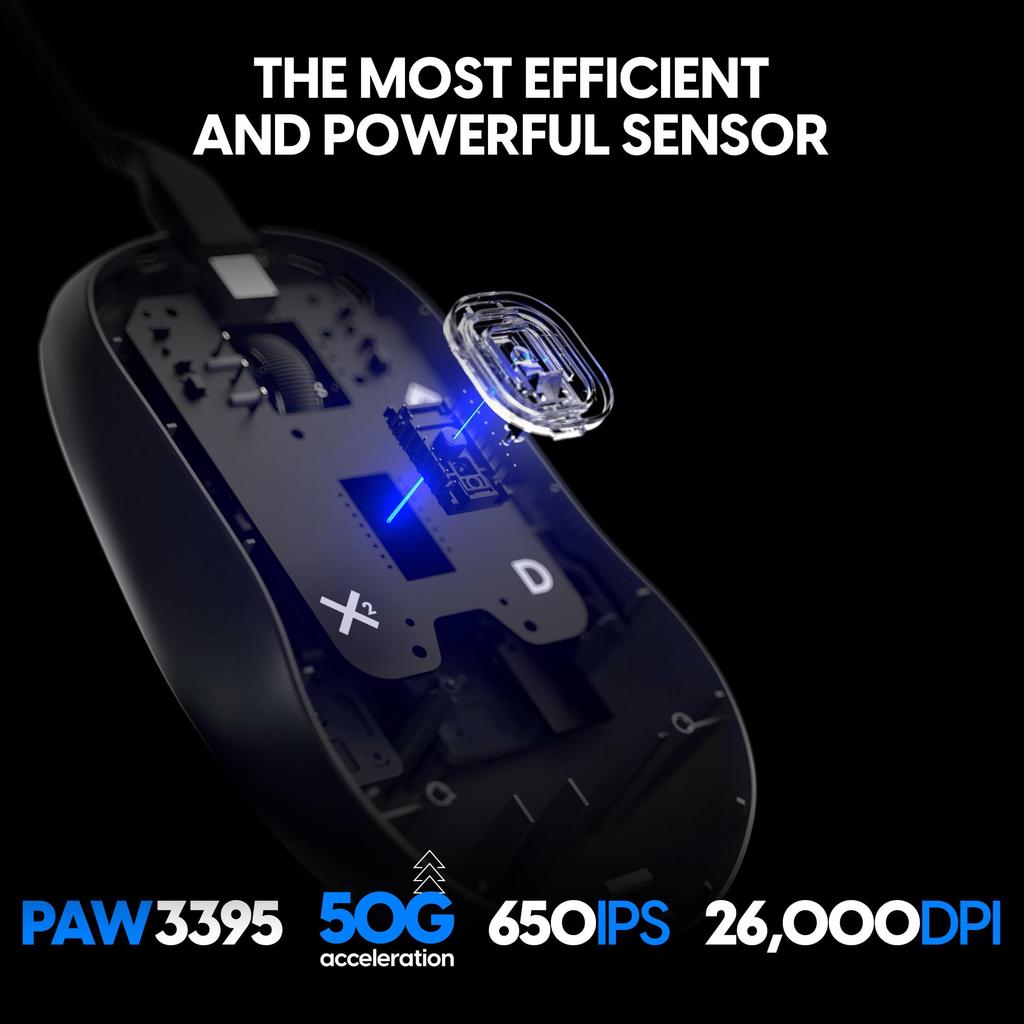
Equipped with PixArt's latest flagship PAW3395 sensor, the X2H is optimized for competitive gaming with outstanding performance including 26000dpi, 650IPS, and 50G acceleration. The main chip processor has been upgraded to the industry-leading Nordic MCU, providing exceptional accuracy and high-speed processing.
PixArt's latest flagship sensor boasts the highest specs on the gaming sensor market, with 99.6% accurate tracking. To achieve this tracking performance, the sensor comes with a synchronized tracking feature called Motion Sync built into it by default. The moment the PC receives the sensor signal from the mouse and the moment the mouse detects the sensor don't actually match perfectly. This Motion Sync technology perfectly synchronizes this slight discrepancy, resulting in more accurate tracking.
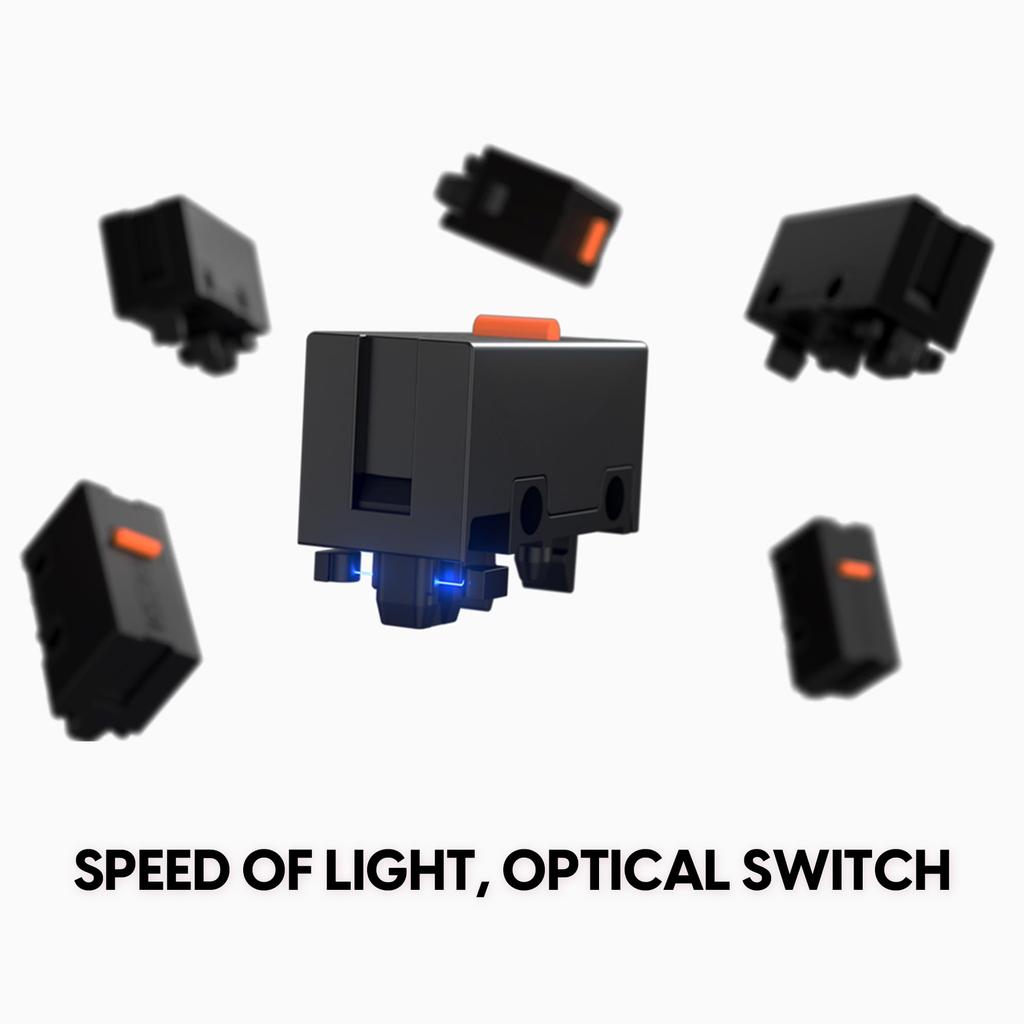
You can remap buttons, create your own macros, and adjust the DPI as well as the debounce time up to 2ms.





 No-delivery refund



![[Pulsar] X2A V3 Wireless Gaming Mouse – Mouse](https://img.joomcdn.net/6733380ac7aae2654fc682e2cc3f6a498a40a8b8_100_100.jpeg)


