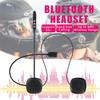
Support intercom : no
External Testing Certification : ce
Applicable Helmet Type : Half Helmet,MODULAR,MOTOCROSS,Open face,Full Face,Flip Up Helmet,Universal
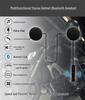
Special Function : Voice Control,Universal Pairing Function,waterproof,Noise Reduction
Power Supply Mode : Built-in Battery
Connection Mode : bluetooth
Maximum Number of Speakers : 2
Maximum Intercom Distance : <500m
Certification : CE
Origin : Mainland China
Item Type : Helmet Headset
Maximale aantal Speakers : 2
Maximale Intercom Afstand : <500 m
Aritkeltype : Helmet Headset
Toepasselijk Helm Type : Half Helmet,Open face,Full Face,Flip Up Helm,Universeel
Speciale functie : Voice Control,Universele Pairing Functie,Waterdicht,Ruisonderdrukking
Speciale eigenschappen : Handsfree Call kit Wireless Music Receiver
Modelnaam : M5H Helmet Headset Handfree Call kit
Voeding Modus : Ingebouwde Batterij
Verbindingsmodus : bluetooth
Original Packaging Without Box.
If you need a box with a note
to tell customer service
Specification:
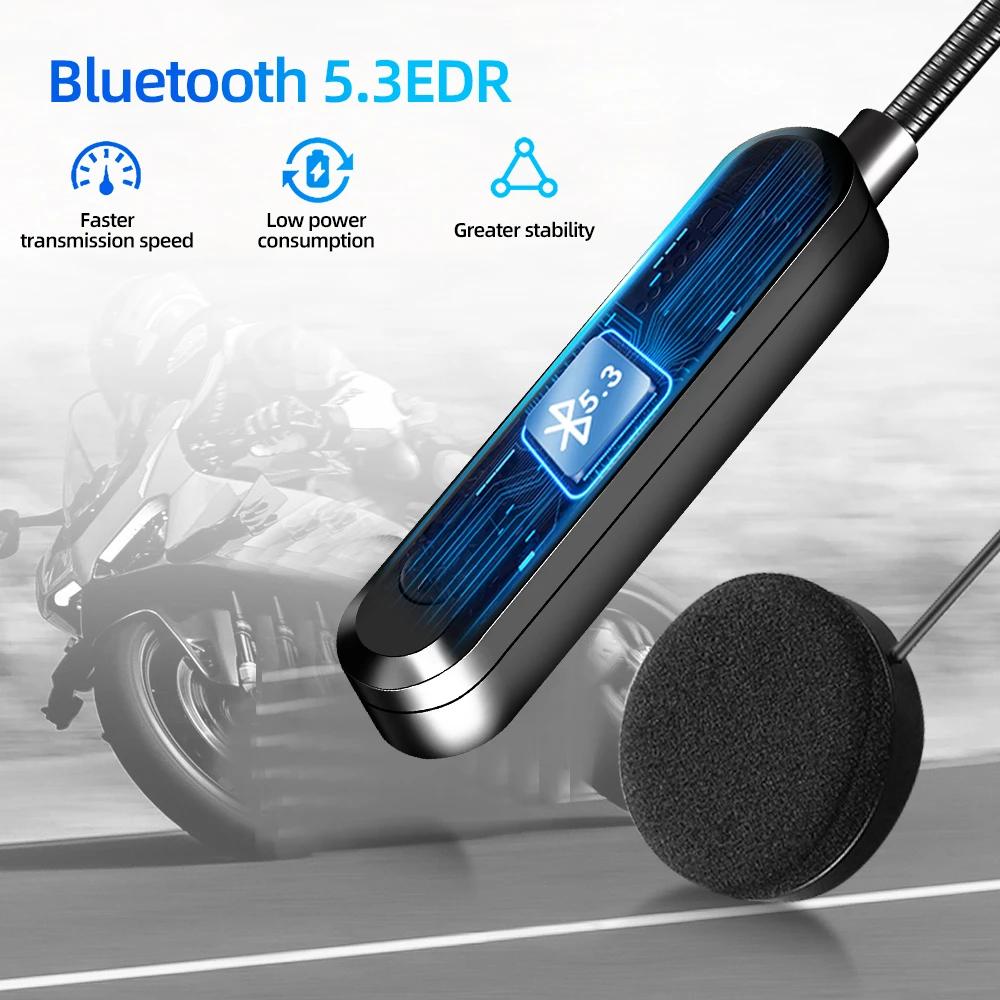
-BT version: 5.3
-Frequency: 2.402GHz-2.480GHz
-BT distance: 10m~15m (depending on the surrounding environment of the device such as obstacles)
-Microphone transmission distance: <1m
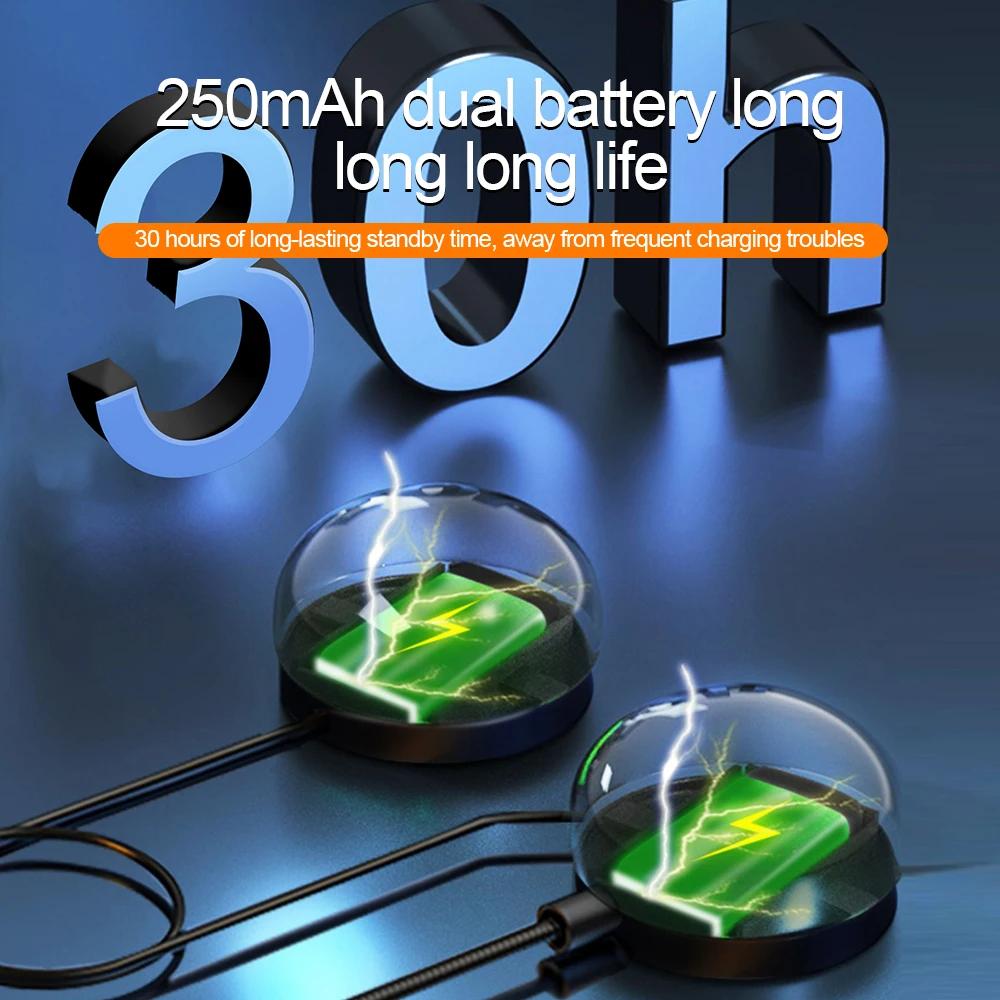
-Li-ion battery: 3.7V/250mA
-Playing time: ≤8 hours
-Charging voltage: 5V
-Charging time: <2 hours
-Standby time: 160 hours
-BT pairing name: BT
-Low blood pressure
-Power mode (automatic shutdown after 5 minutes of mode)
-Smart Tips
-Automatically answer calls (manually answer/reject)
Use headphones
Power on: Press and hold the power button for 3 seconds, and the device will turn on after Bluetooth pairing:
1. Press and hold the power button for 3 seconds, you will hear the voice prompt ''Power on'' to turn on the mobile phone BT, search for the BT pairing name ''BT'' and click to select pairing, you will hear the voice prompt ''Connected'', and the BT connection is successful.
2. Automatic connection: If your mobile phone or BT device has a connection record with the headset, you can turn it on again to quickly and directly connect your BT and BT wireless headset without re-pairing.
3. Automatic search: When the mobile phone BT is disconnected from the headset (the voice prompt has been disconnected), it will enter the automatic search pairing mode.
4. Play/Pause: Press the power button to pause the song, press the button again to resume the song.
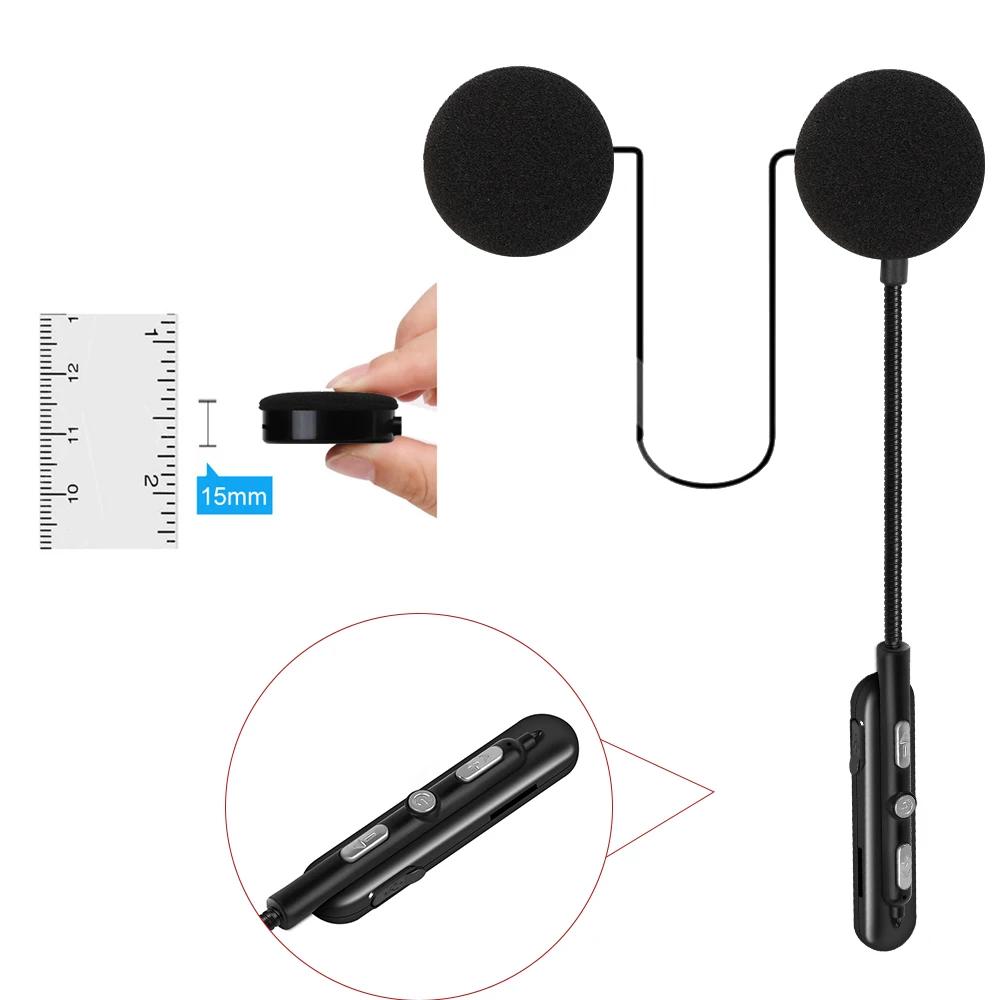
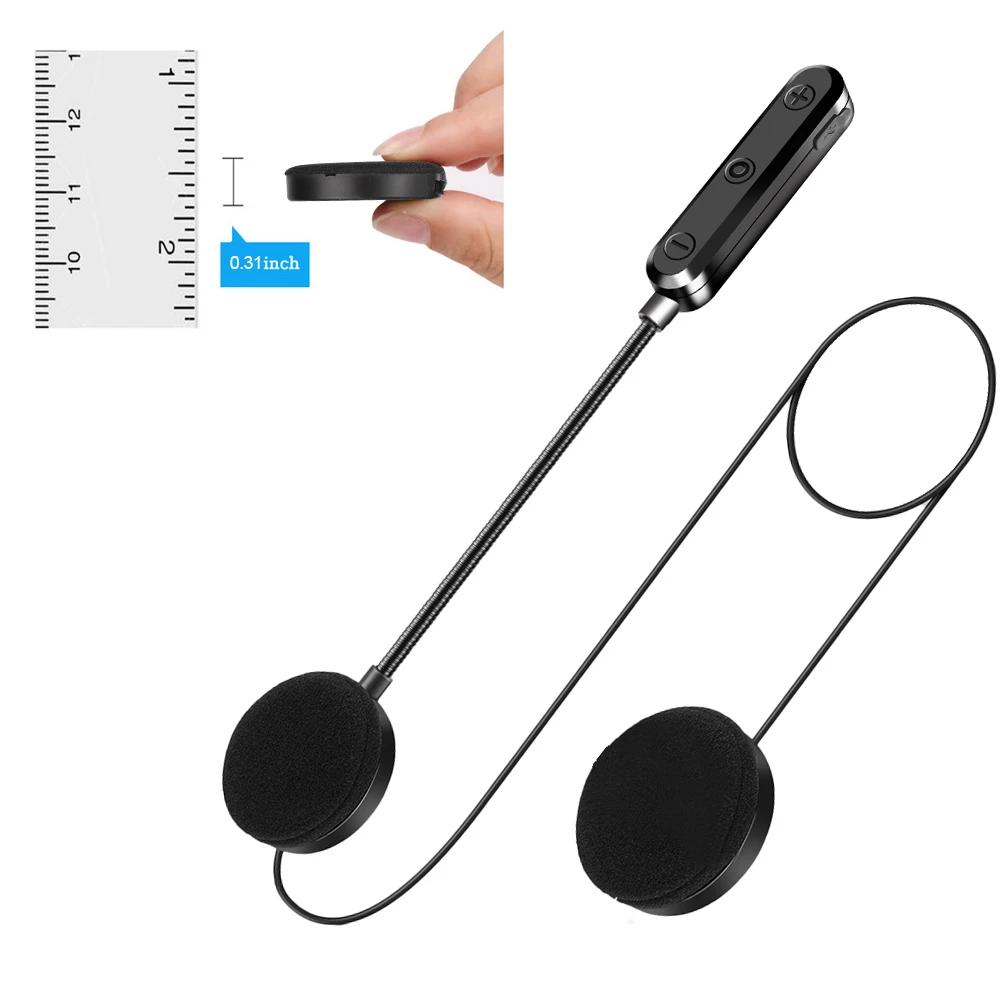
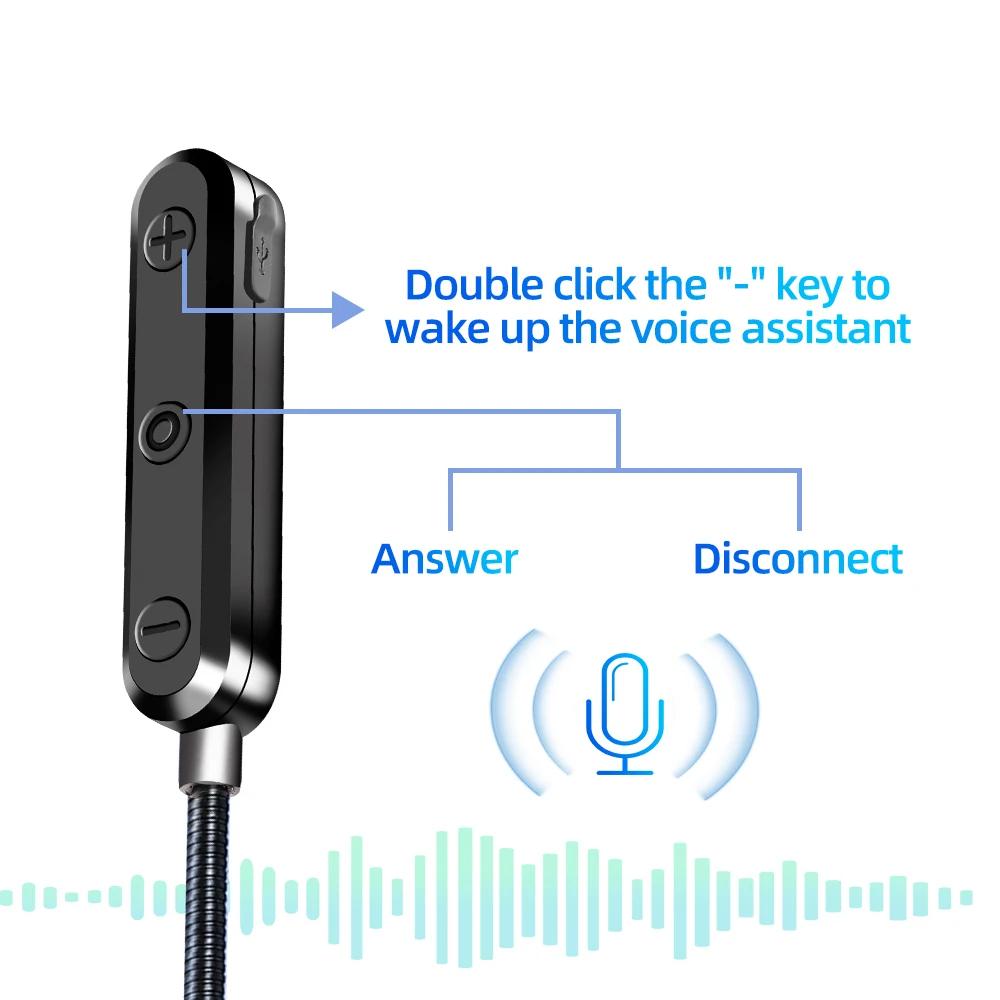
5. Switch songs/volume increase or decrease: short press ''-'' to switch to the previous song. Press and hold to decrease volume.
Short press ''+'' to switch to the next song. Press and hold to make the sound louder.
Call answer
1) Answer calls automatically or simply press the power button to answer calls.
2) Hang up: press the power button to hang up.



 No-delivery refund