----------------------------------------------------------------------
【Voltage Compatibility】
When using electrical appliances, please note that they are designed for Japanese voltage specifications (90-110V), so if you use them with a different voltage, it may cause a malfunction.
【Plug Type】
Our products use Japanese plug types (A or B type).
Please use a conversion adapter if necessary.
【Important Note on Transformers and Adapters】
A transformer adjusts voltage to match your device’s requirements.
A conversion adapter only changes the plug shape and does not adjust voltage.
Using only a conversion adapter without a transformer may result in damage to the product.
【Liability】
We are not responsible for malfunctions or damages caused by improper use, such as operating the product without a transformer.
----------------------------------------------------------------------
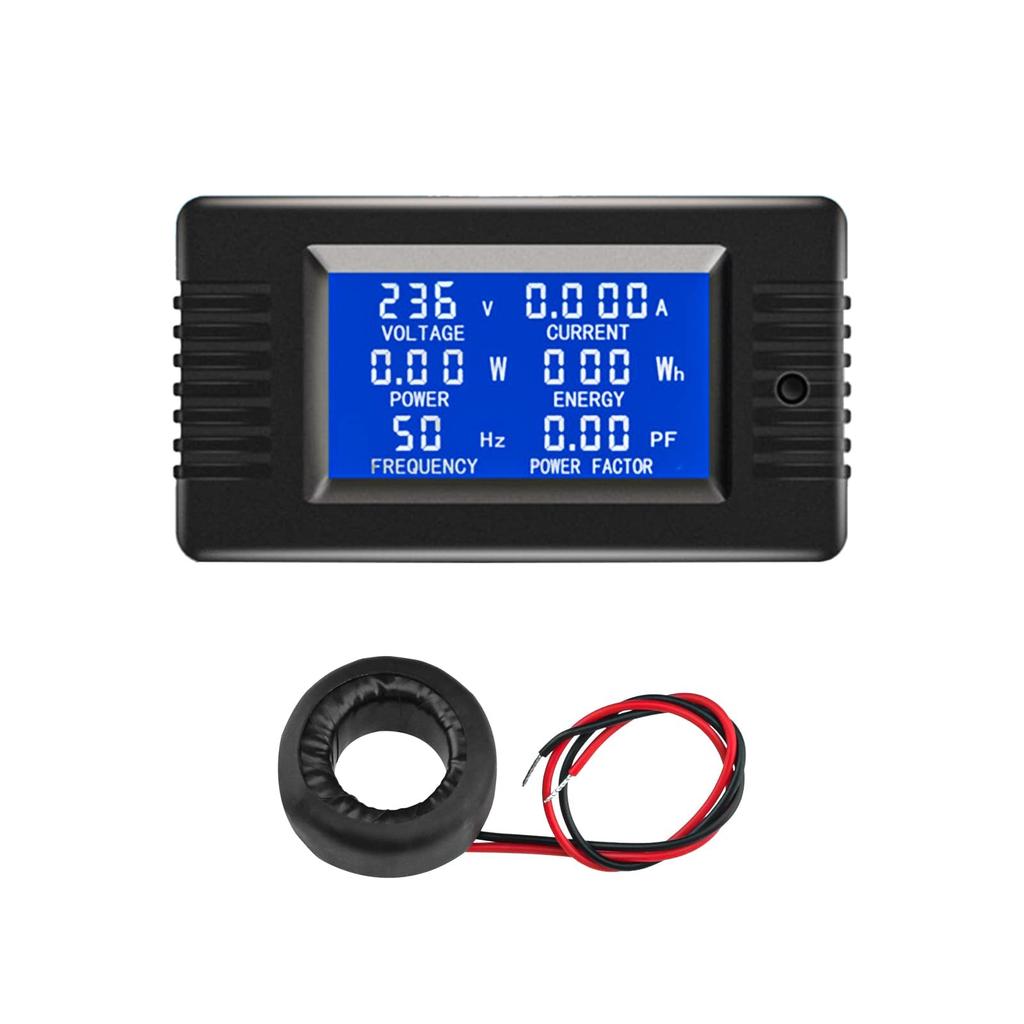
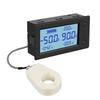
[Features] 100A Volt/Ammeter with Backlight Control: Simply press the button to turn the backlight on or off, and the backlight status will be automatically saved when the power is turned off.
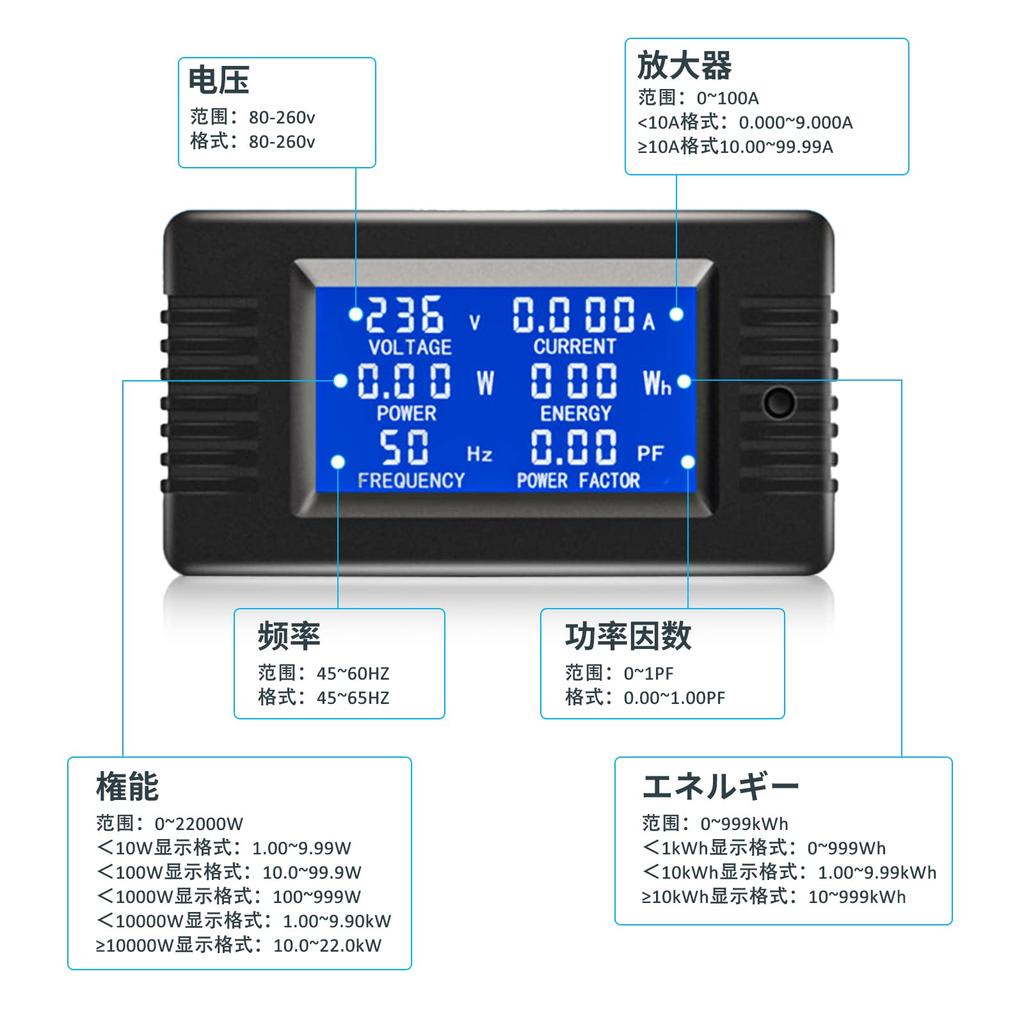
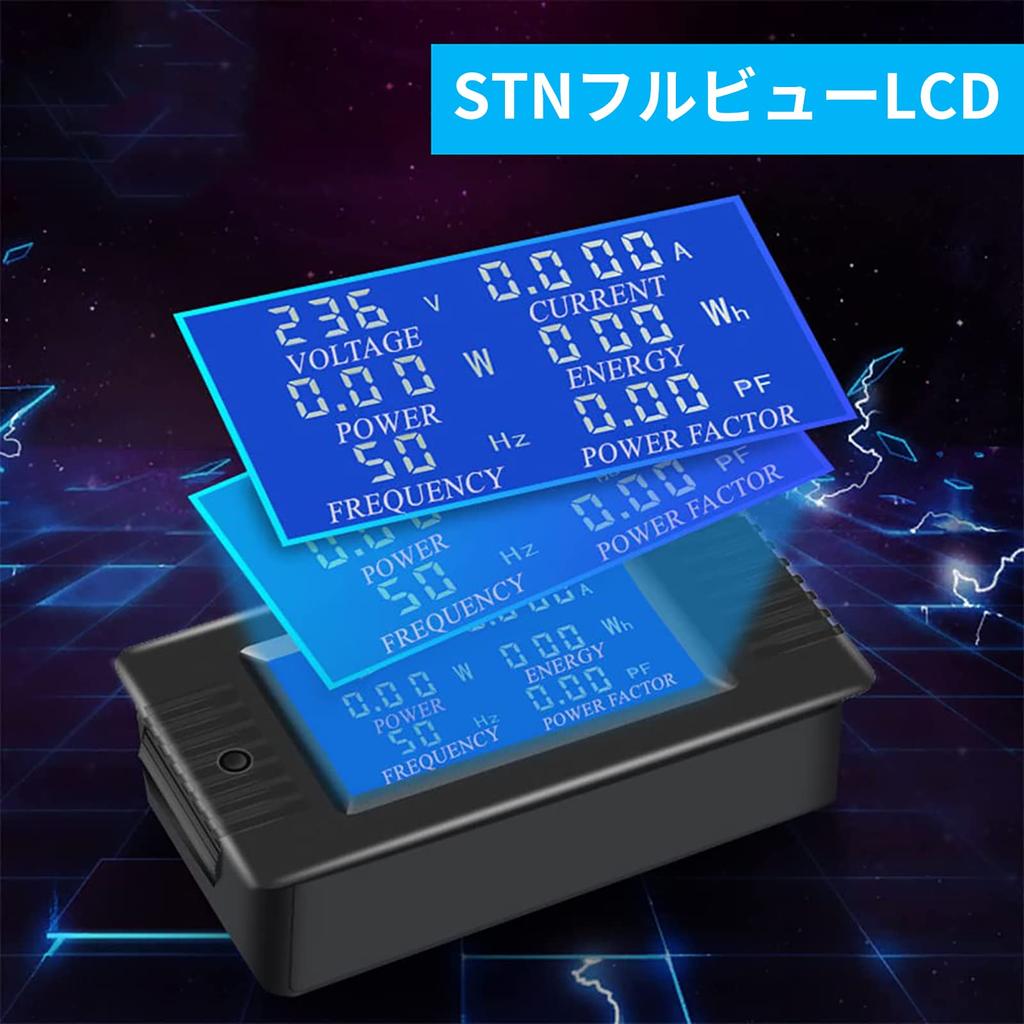
【Large LCD Screen】The Power Watch features a large, blue-film full-view LCD screen, 360 degrees without dead angles, full-screen parameter display in Chinese and English, simple and clear on-demand selection, and an operating voltage of 80-260VAC.
[Power Reset] Step 1: Press and hold the button for 5 seconds until the power number flashes, then release the button. Step 2: Press the button again briefly to clear the power data and end the flashing state. Step 3: If there is no button activity within 5 seconds, the power data has not been cleared and the reset state has ended.
[Power Alarm Setting] Step 1: Press and hold the key for 3 seconds until the screen displays "SET CLr", then release the key to enter the power alarm setting state. Step 3: If there is no button operation within 5 seconds, it means the power data has not been cleared and the clearing state will end.
【Power Alarm Setting】Step 2: The power area will display the current power alarm value, and the bottom digit will start flashing. At this time, you can press the button to increment the digit by 1. If there is no button press for more than 3 seconds, the digit will automatically change. The setting method is the same as above.
【Power Alarm Setting】Step 3: After the setting is completed, press and hold the button for more than 5 seconds to automatically save and exit. The active power threshold setting range is 0.0~22kW.
[Material] The reinforced nylon material with a three-point buckle design is elastic, the cards are firm and will not break, and the material is delicate and comfortable.
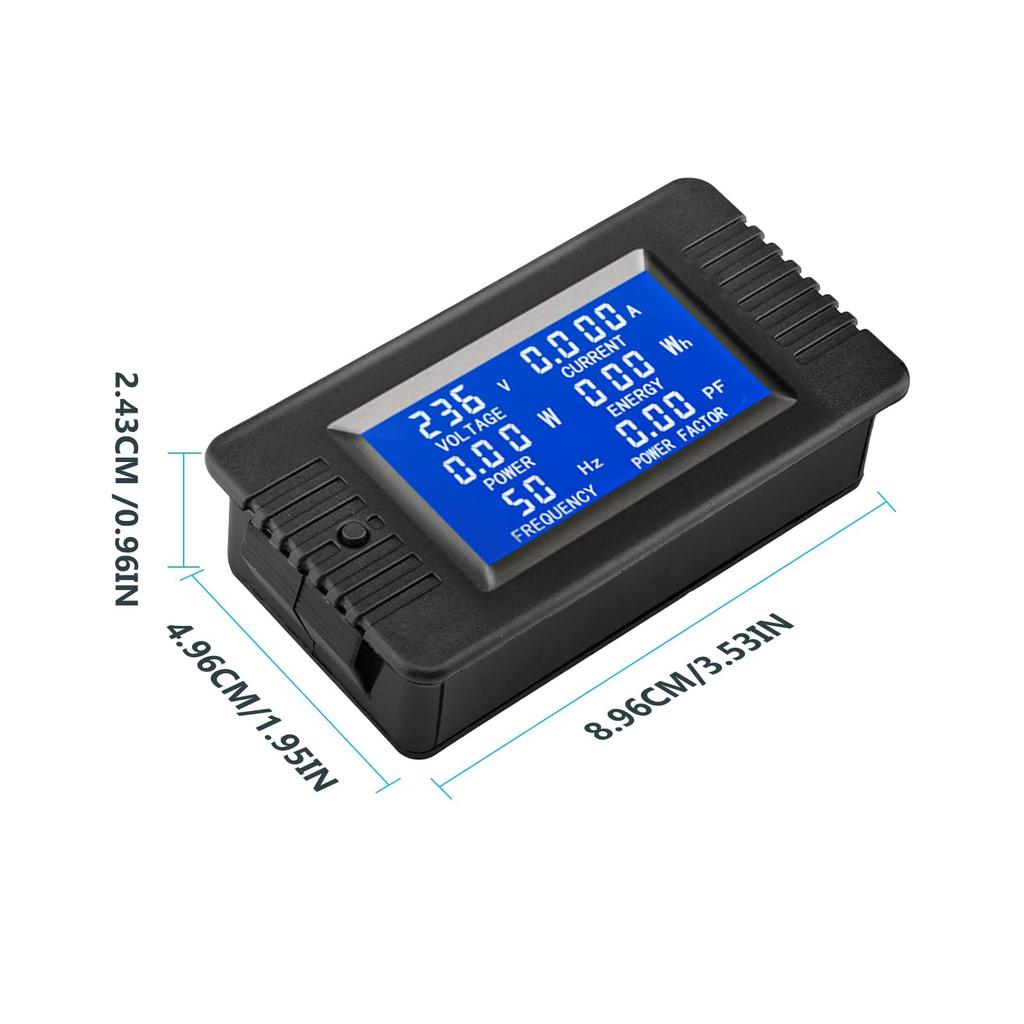
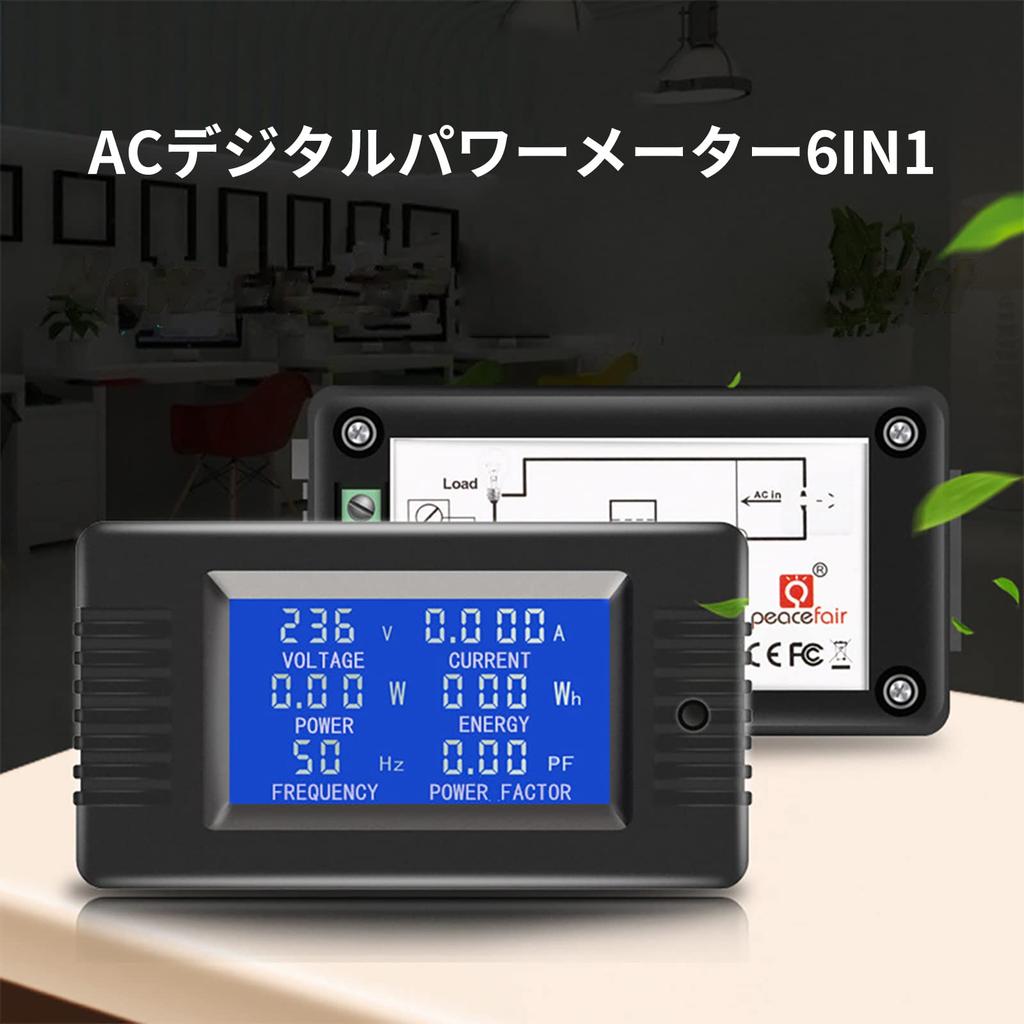
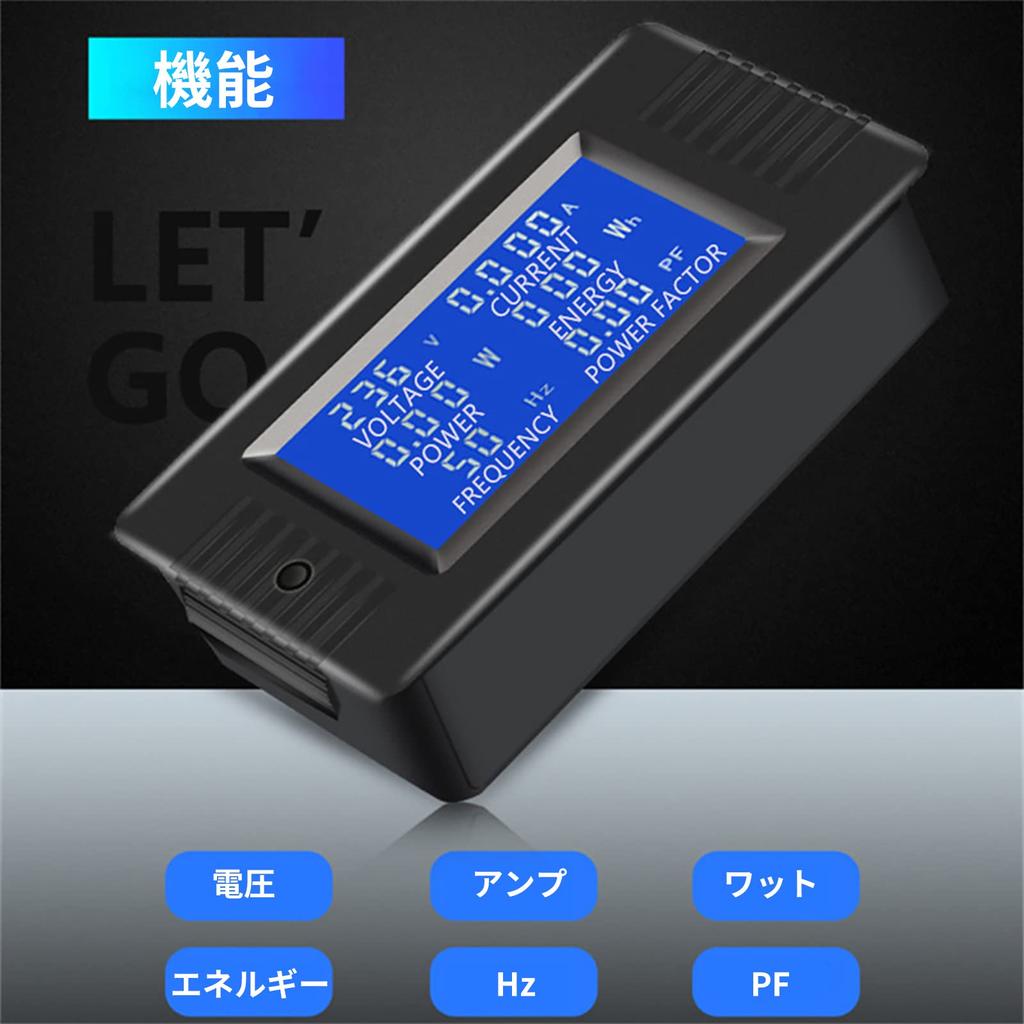
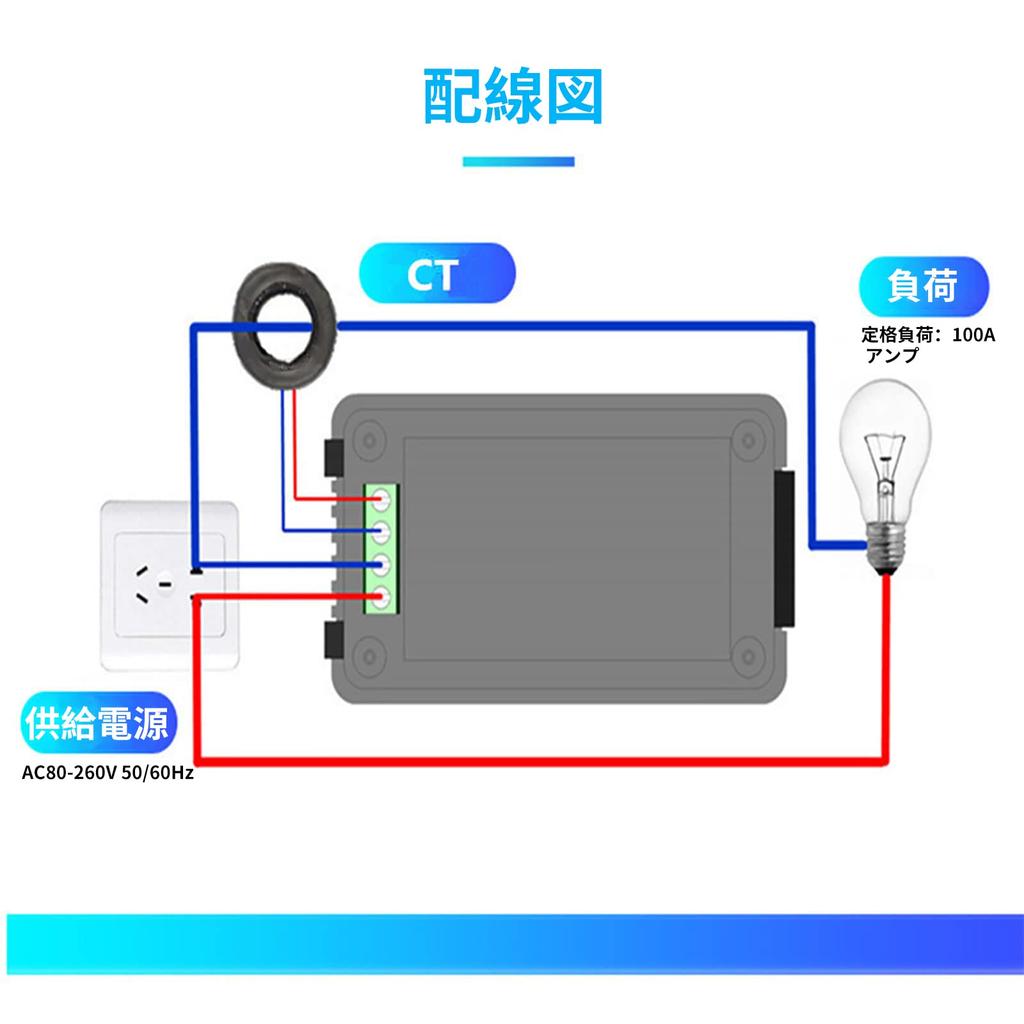
DiyStudio Voltage and Current Meter, LCD Screen, 100A AC Voltage and Current Power Capacity Meter (with Closed CT), 80-260V Current Sensor Multimeter Tester, Power Monitor, Test Range 0-22000W, Starting Power 0.5W





![DC 100V 10A Digital Voltmeter Ammeter Blue + Red LED Ampere Double Digital Voltmeter Gauge [0DEC7FB]](https://img.joomcdn.net/9691ca78503ba13db354da2f2020a4a9a715f533_100_100.jpeg)




![100174 Digital Multimeter Dual LED Display Voltmeter DC 4.5V To 30V Ammeter 0 To 50A Voltage Current Meter Volt A[50]](https://img.joomcdn.net/79025ad650808866c0d4e0b746c8ec38f5b8859e_100_100.jpeg)