----------------------------------------------------------------------
【Voltage Compatibility】
When using electrical appliances, please note that they are designed for Japanese voltage specifications (90-110V), so if you use them with a different voltage, it may cause a malfunction.
【Plug Type】
Our products use Japanese plug types (A or B type).
Please use a conversion adapter if necessary.
【Important Note on Transformers and Adapters】
A transformer adjusts voltage to match your device’s requirements.
A conversion adapter only changes the plug shape and does not adjust voltage.
Using only a conversion adapter without a transformer may result in damage to the product.
【Liability】
We are not responsible for malfunctions or damages caused by improper use, such as operating the product without a transformer.
----------------------------------------------------------------------
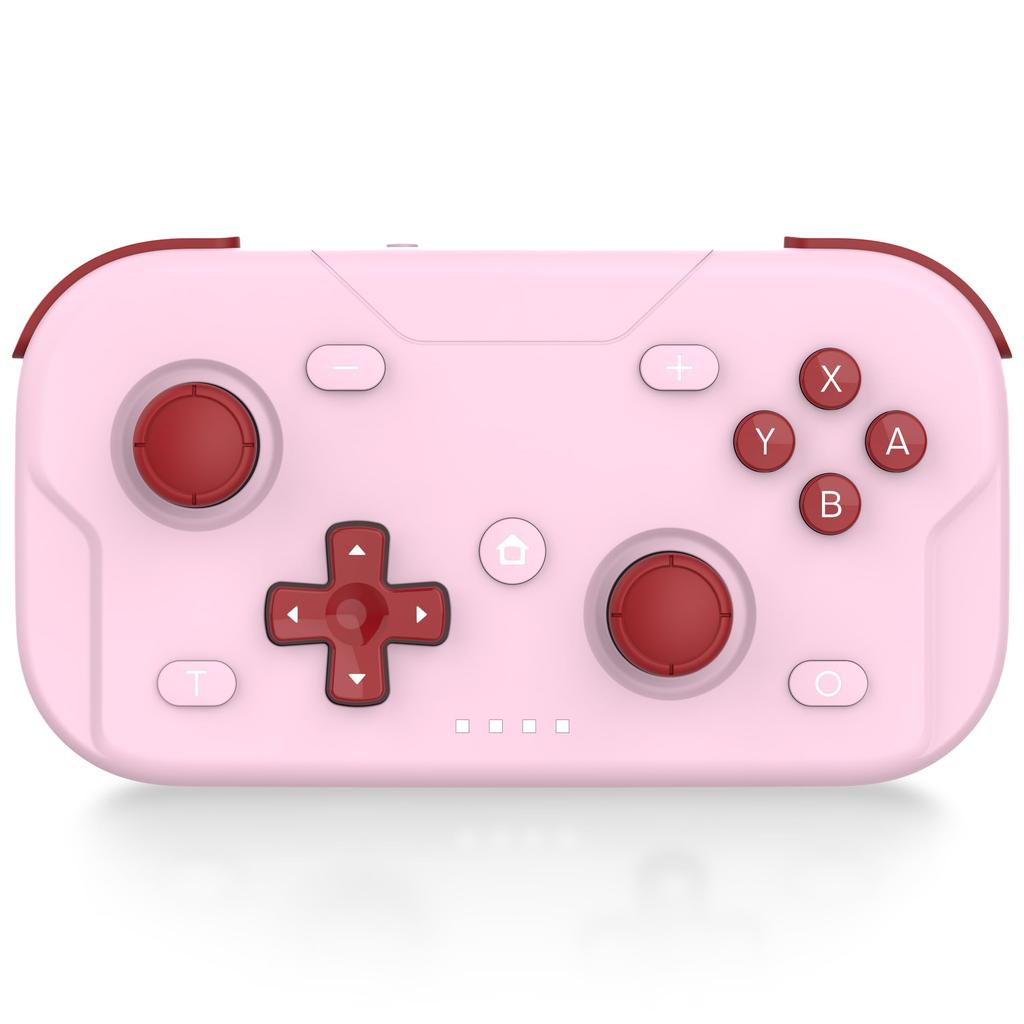
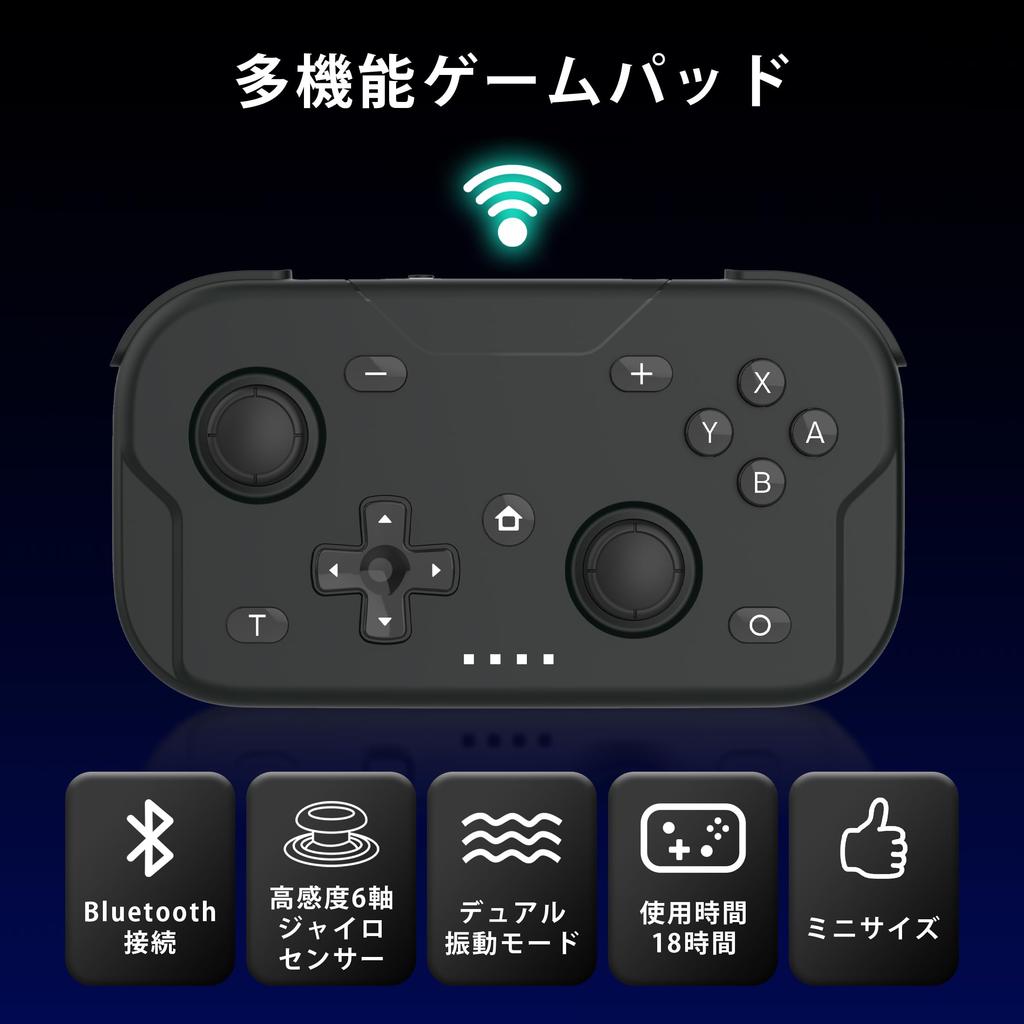
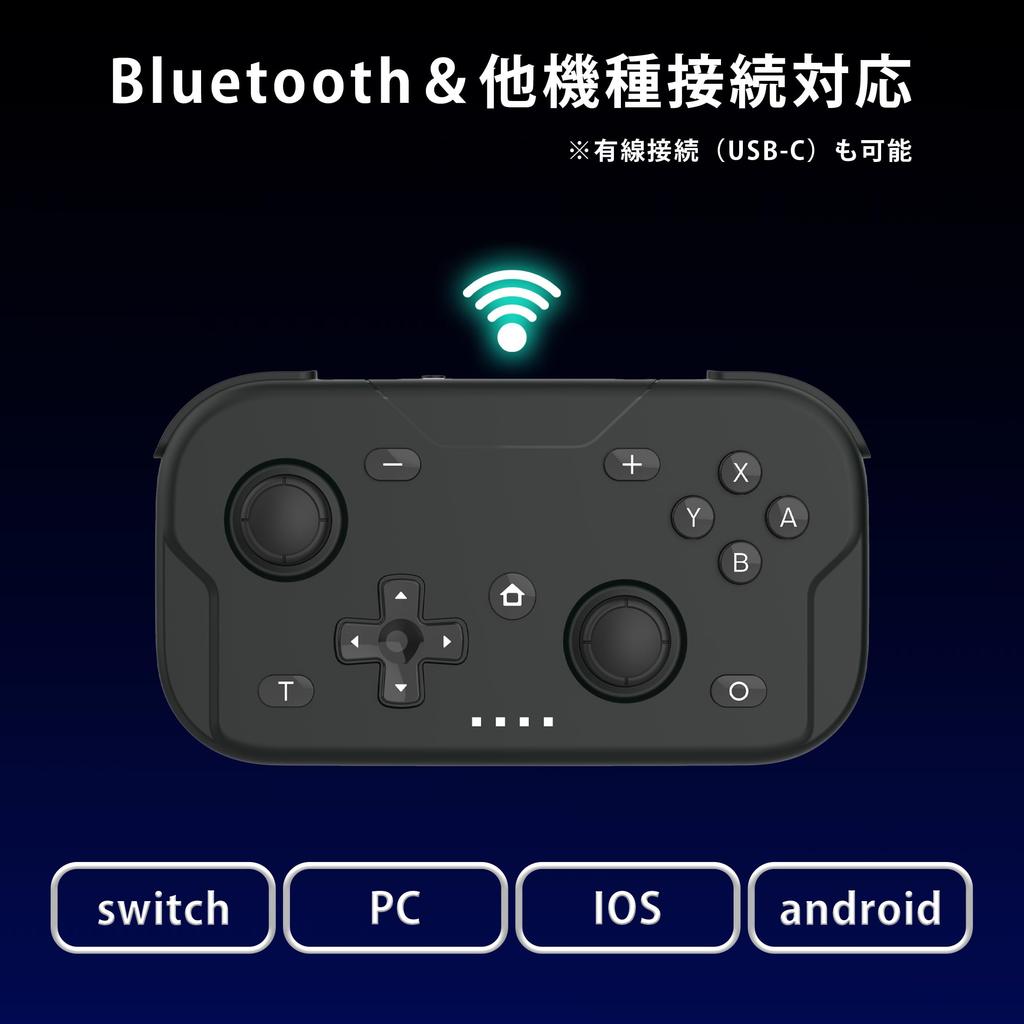
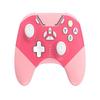
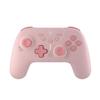
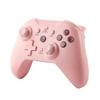
[Multifunctional Gamepad] A compact wireless game controller compatible with the Switch2, Switch, Switch Lite, Switch OLED model, and PC XBOX mode
[Bluetooth connection support] Easy wireless and wired connection for plug and play. *Wired connection (USB-C) also available.
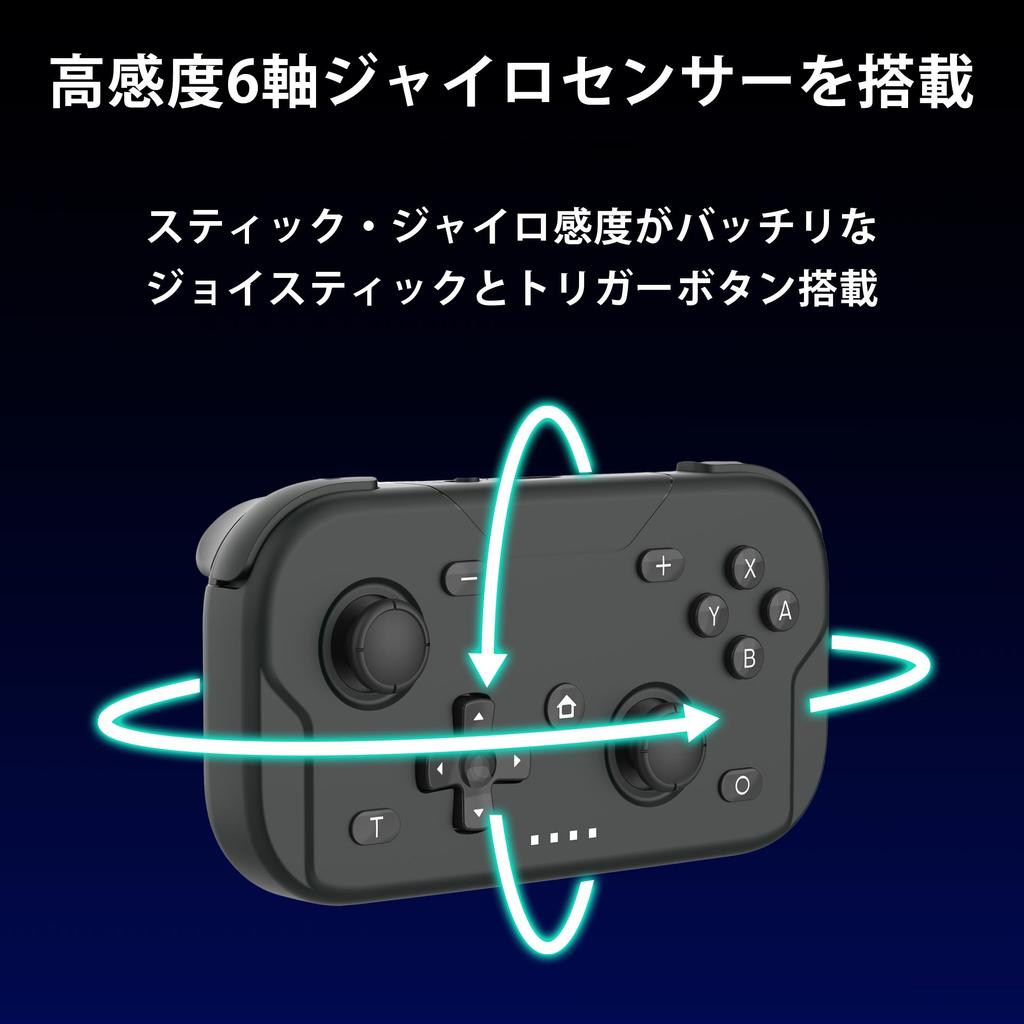
[With 6-axis gyro sensor] Intuitive operation allows you to control the game as you wish. Equipped with a 6-axis gyro sensor, even delicate movements are accurate. Highly sensitive sticks and trigger buttons allow you to comfortably enjoy games of all genres.
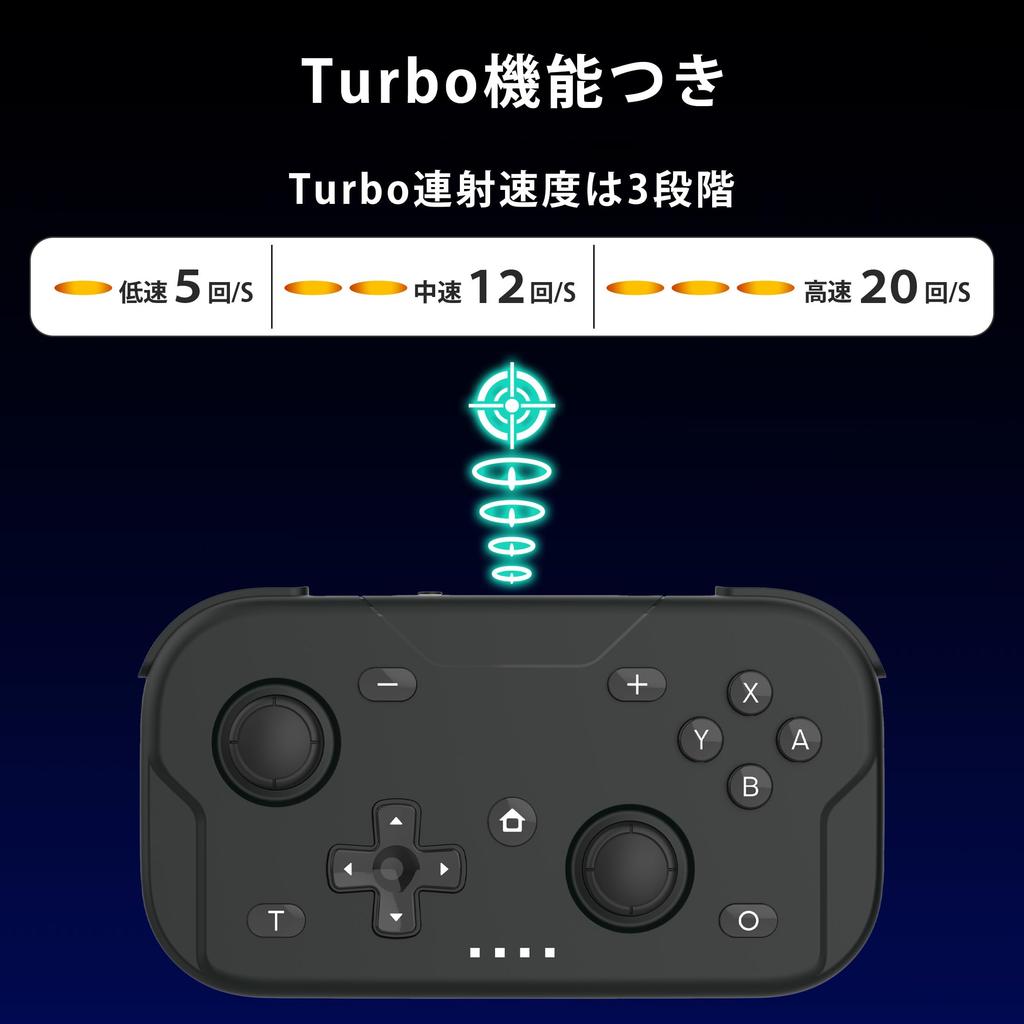
[With Turbo function] Turbo firing speed has three levels (high speed 20 shots/sec, medium speed 12 shots/sec, constant speed 5 shots/sec)
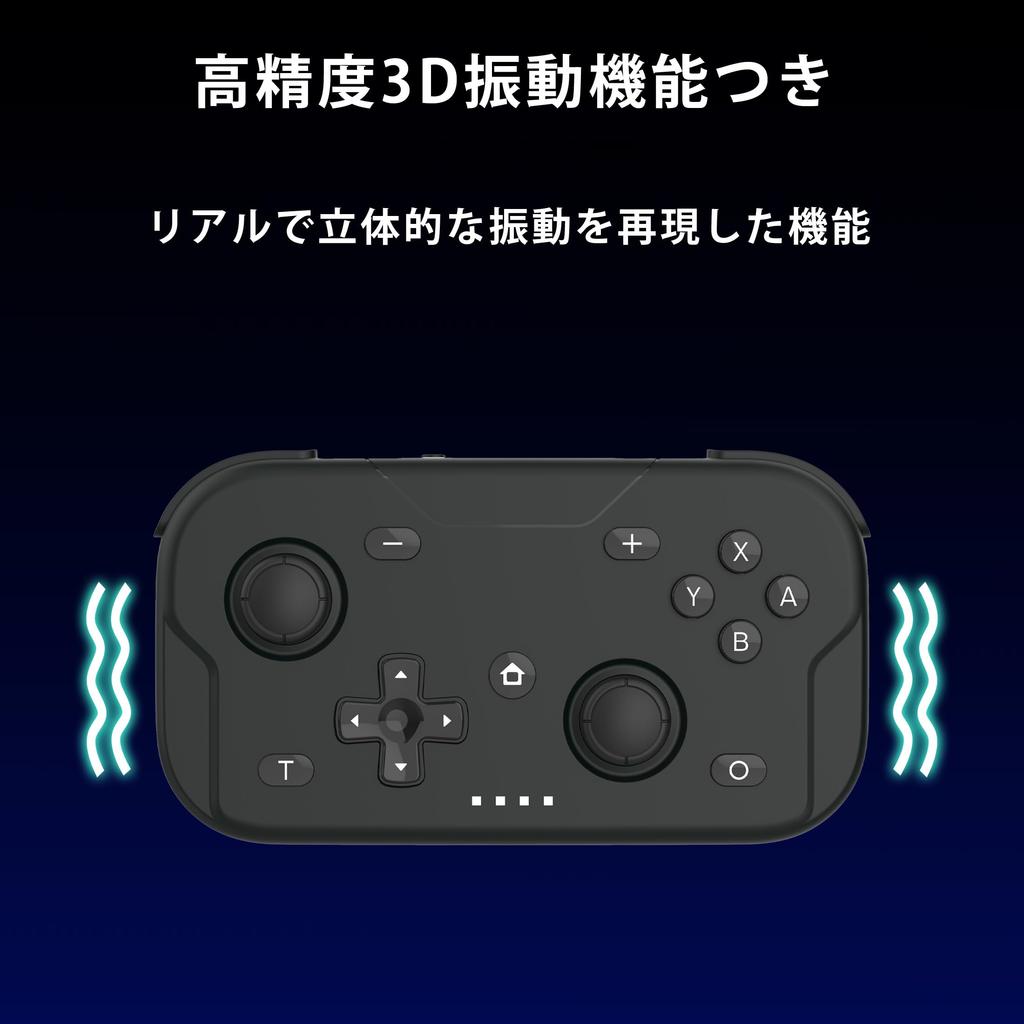
[With high-precision 3D vibration function] Realistic feel that can be felt in your hands. High-precision 3D vibration instantly increases the realism of the game. It is also a great match for action and immersive games.
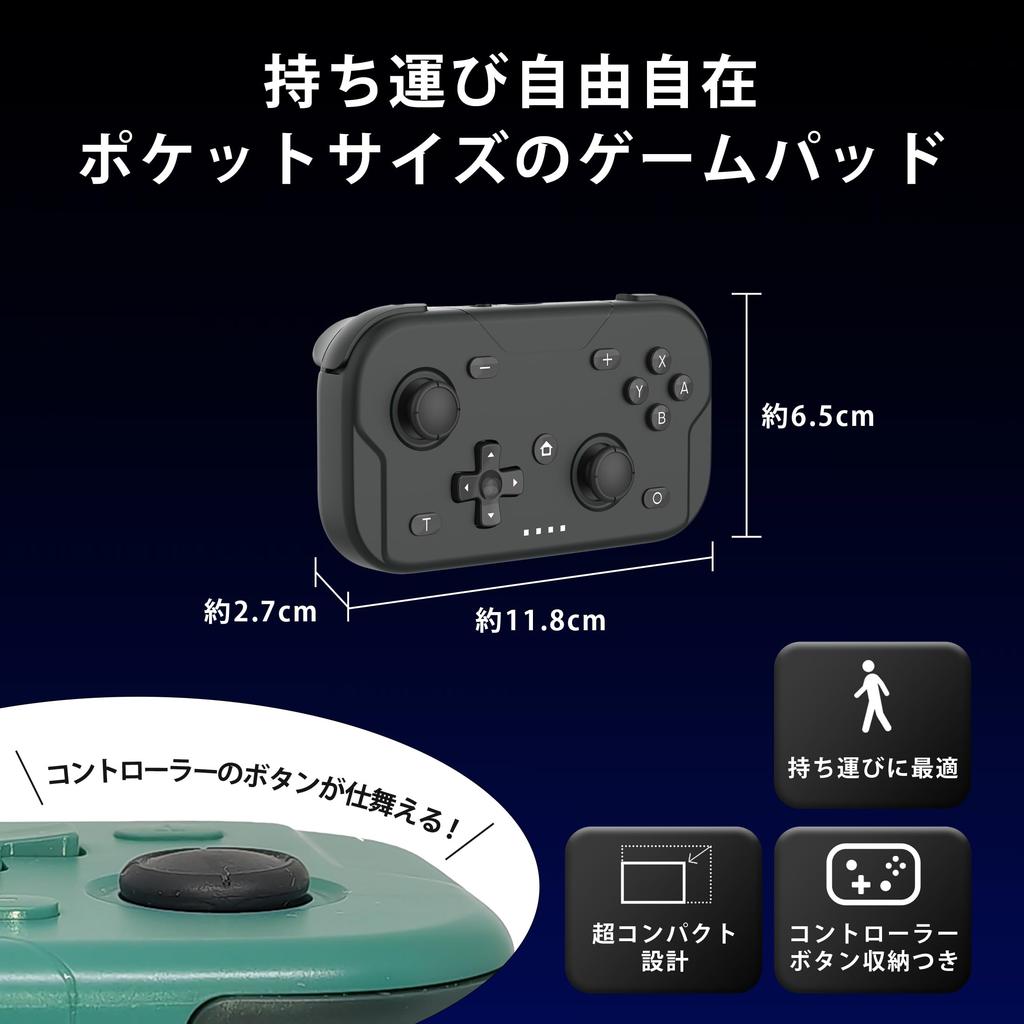
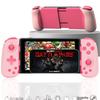
[Compact size and easy to carry] Compact size and easy to carry. Weight: Approximately 80g, Size: Length x Width x Depth = Approximately 6.5 x 11.8 x 2.7 cm *With controller button storage
The XPT Controller Gamepad is a compact wireless gamepad that is compatible with the ultra-lightweight, pocket-sized Switch2, Switch, Switch Lite, Switch OLED model, and PC XBOX mode. Equipped with a highly sensitive 6-axis gyro sensor, it can detect the tilt and movement of the controller. It also has a high-precision 3D vibration function that reproduces realistic and three-dimensional vibration. When using a immersive game, the vibration is firmly transmitted to the hand, improving the realism of the game. With screenshot function, you can easily save game images with one touch. How to connect to the Switch main unit: Move the mode switch to the S position. Bluetooth connection ・Press and hold the Home button for about 3 seconds to turn on the controller, and the status indicator will flash while scrolling left and right, and enter Bluetooth pairing mode. (Pairing is required only for the first connection) How to customize: Open the "Controller" on the Home screen of the Switch main unit, select "Wait/Change order", and wait until the controller is connected to the main unit. When the connection is complete, the status indicator will light up
How to use the Home button: When the controller is in sleep mode, press the Home button briefly, the status indicator will scroll left and right and flash slowly, and the controller will connect to the previous Bluetooth device. When the controller is in sleep mode, press and hold the Home button for about 3 seconds, the status indicator will scroll left and right and flash quickly, and the controller will enter Bluetooth pairing mode. When the controller is powered on, press and hold the Home button for about 5 seconds to put the controller into sleep mode. Press and hold the Home button for about 10 seconds to reset it. Turbo function: There are three Turbo firing speeds (high speed 20 times/sec, medium speed 12 times/sec, constant speed 5 times/sec). The only buttons that can be set to the rapid fire function are A, B, X, Y, L, R, ZL, and ZR. Press the target button while pressing the T button to enable the rapid fire function. To disable the rapid fire function, press the target button while pressing the T button again. Press the right stick R3 button up or down while pressing the T button to change the rapid fire speed. Storage method: To store, use the lockers located on the back of L3 and R3.
While sliding the lift switch in the direction of the arrow, press down L3 and R3. When ready to use, slide the rocker wrist switch in the direction of the arrow, and L3 and R3 will automatically return to their original positions.




![[2023 Latest Model] Switch Controller Wireless Gamepad Bluetooth Connection Switch Pro Controller Wireless Pro Controller [With Back Button, Macro Fun](https://img.joomcdn.net/8c2d73558d24066e28ab4ceca1549aa532a65e1b_100_100.jpeg)

![Switch Controller [NEW Model November 2023] Switch Controller OOOUSE SwitchSwitch Controller with Back Button Turbo Function 6-nucleus Vibration Funct](https://img.joomcdn.net/2b847d9312bfe38ae937531383da05bfb48f262a_100_100.jpeg)

![For Switch 2 Compatible with Switch Turbo Rapid Back Macro RGB Gyro HD Bluetooth Compatible with Japanese Instruction Manual Included [New 2025]](https://img.joomcdn.net/3bfb06606bbd7942956b90950a5ddd7654727eb7_100_100.jpeg)


![Switch Controller with Back Button [2023 Spring New Color Introduced] Sungale Switch Pro Controller Automatic FireFire Hold Macro Function Bluetooth 5](https://img.joomcdn.net/7f27eec63493cde00777ecde752f8b555573a22d_100_100.jpeg)