FAQs:
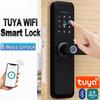
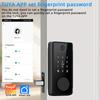
Question 1: How to set up the lock?
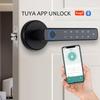
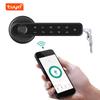
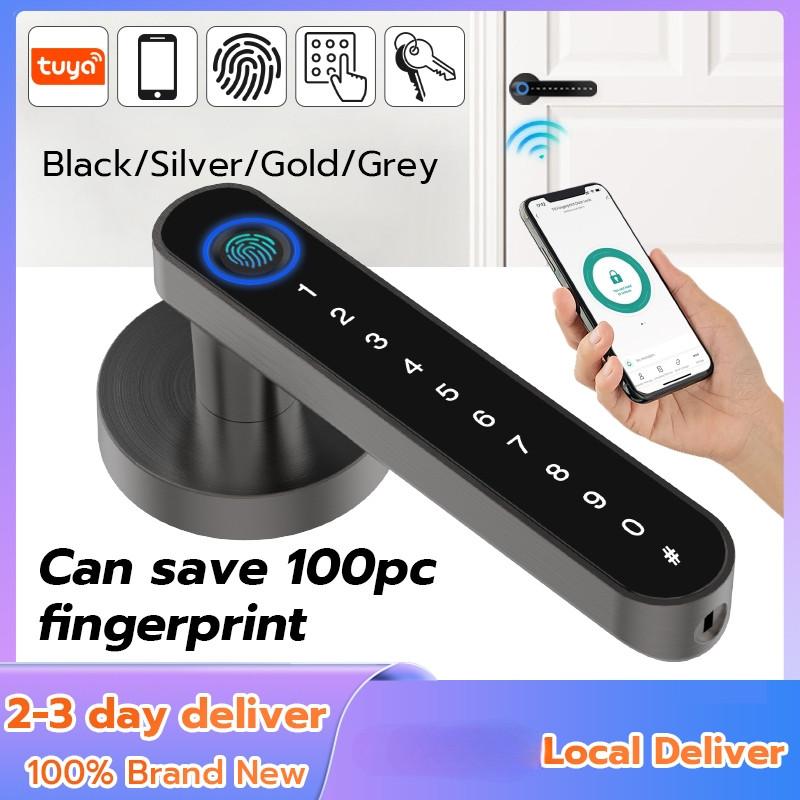
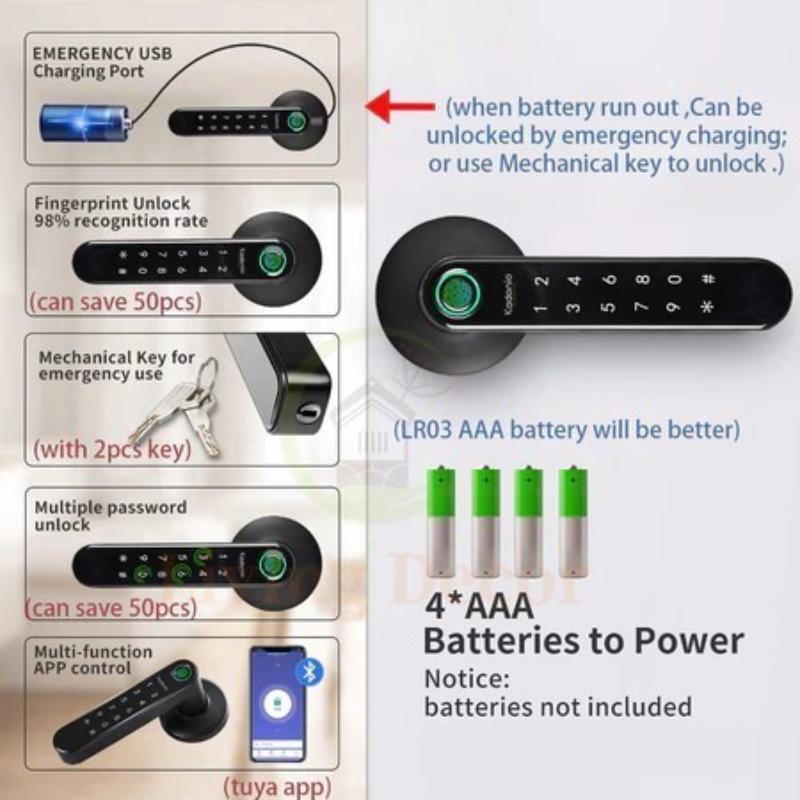
Answer: Connect the [Tuya Smart] / [Smart Life] App or refer to the manual to input digital commands to set up, you can download and install the App from the App Store (iOS) / Google Play (Android).
Question 2: Why other unregistered fingerprints can unlock the lock?
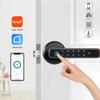
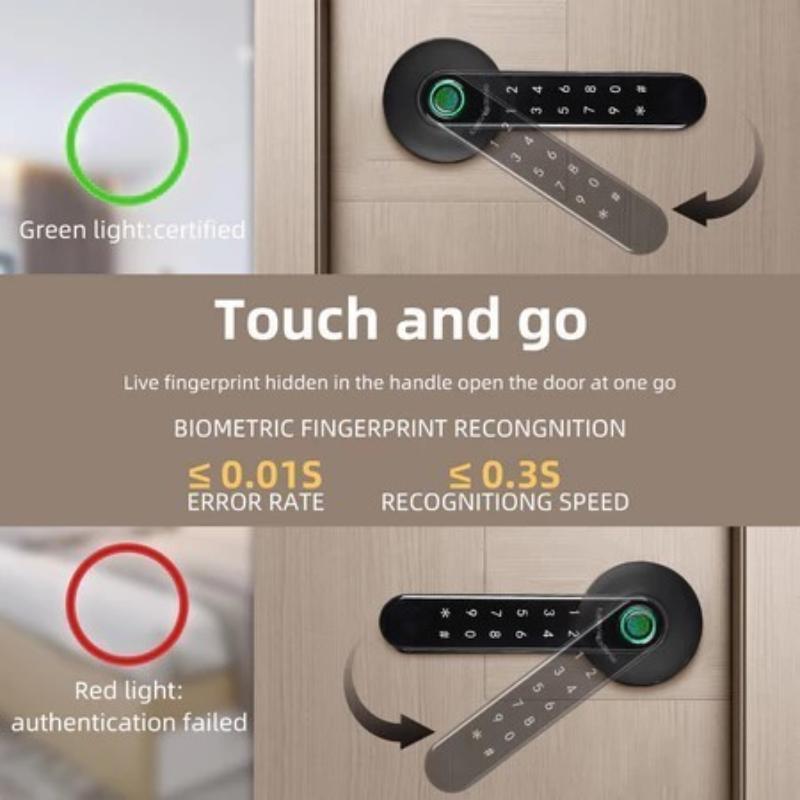
Answer: Before the first fingerprint is registered successfully, it is the experience mode, any fingerprint can unlock the lock in experience mode. Please check if the first fingerprint is registered successfully.
Question 3: Why my fingerprints cannot be registered successfully?
Answer: One fingerprint needs to be collected 5 times that will be registered successfully. So you should enter the same fingerprint 5 times instead of entering 5 different fingerprints when registering a fingerprint.
Widely Use
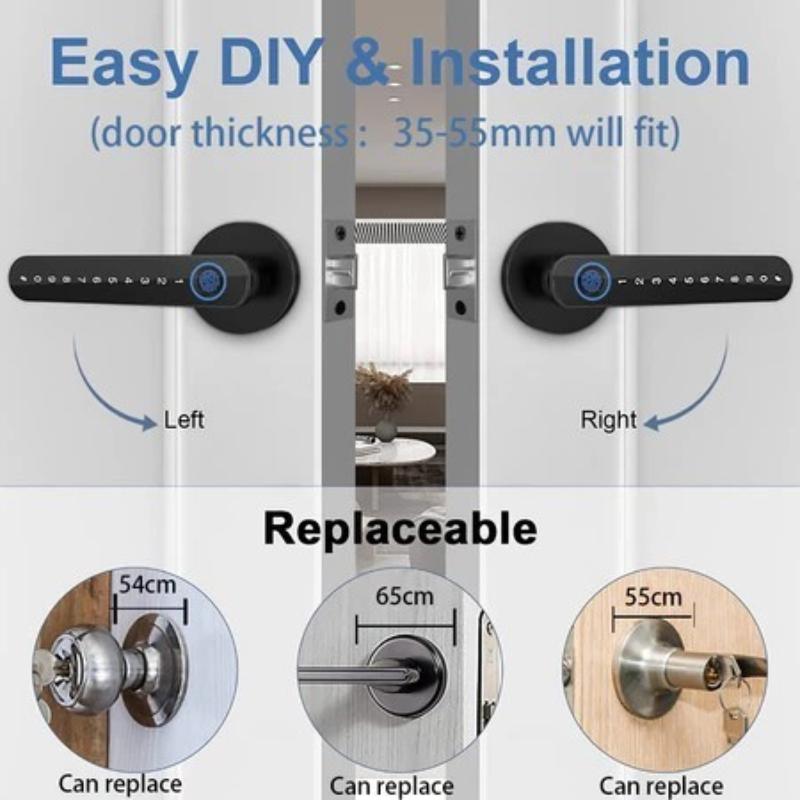
Widely Use: Bedroom, Interior, Front Door, Room, Home, Hotel, Garage, Apartment, Cloakroom, Pantry, Closet, Office, School, etc.
#tuya#tuya Lock #door knob#Smart Door Lock#Smart Lock#Fingerprint Lock#Fingerprint Door Lock#fingerprint door knob#APP Unlock #Digital Lock#Anti-Theft Lock#Digital DoorLock#Password Lock#Bluetooth#app#unlock#Electronic Door lock#door lock#remote control#smart lock door fingerprint#security lock#smart fingerprint door lock#Bluetooth#sliding door#sliding door lock with key#lock#Waterproof#outdoor#keyboard##door knob double lock #ref lock door #digital door lock fingerprint#door lock heavy duty#Handle door lock#sliding door lock#automatic door lock#electronic door lock#gate lock#wifi#door lock electronic#electric door lock#door#hardware#screen door lock #door knob main door #biometric fingerprint#keyboard#smart#anti theft door lock#wooden#key#COD#spot#SG#



 No-delivery refund