【Voltage Compatibility】
When using electrical appliances, please note that they are designed for Japanese voltage specifications (90-110V), so if you use them with a different voltage, it may cause a malfunction.
【Plug Type】
Our products use Japanese plug types (A or B type).
Please use a conversion adapter if necessary.
【Important Note on Transformers and Adapters】
A transformer adjusts voltage to match your device’s requirements.
A conversion adapter only changes the plug shape and does not adjust voltage.
Using only a conversion adapter without a transformer may result in damage to the product.
【Liability】
We are not responsible for malfunctions or damages caused by improper use, such as operating the product without a transformer.
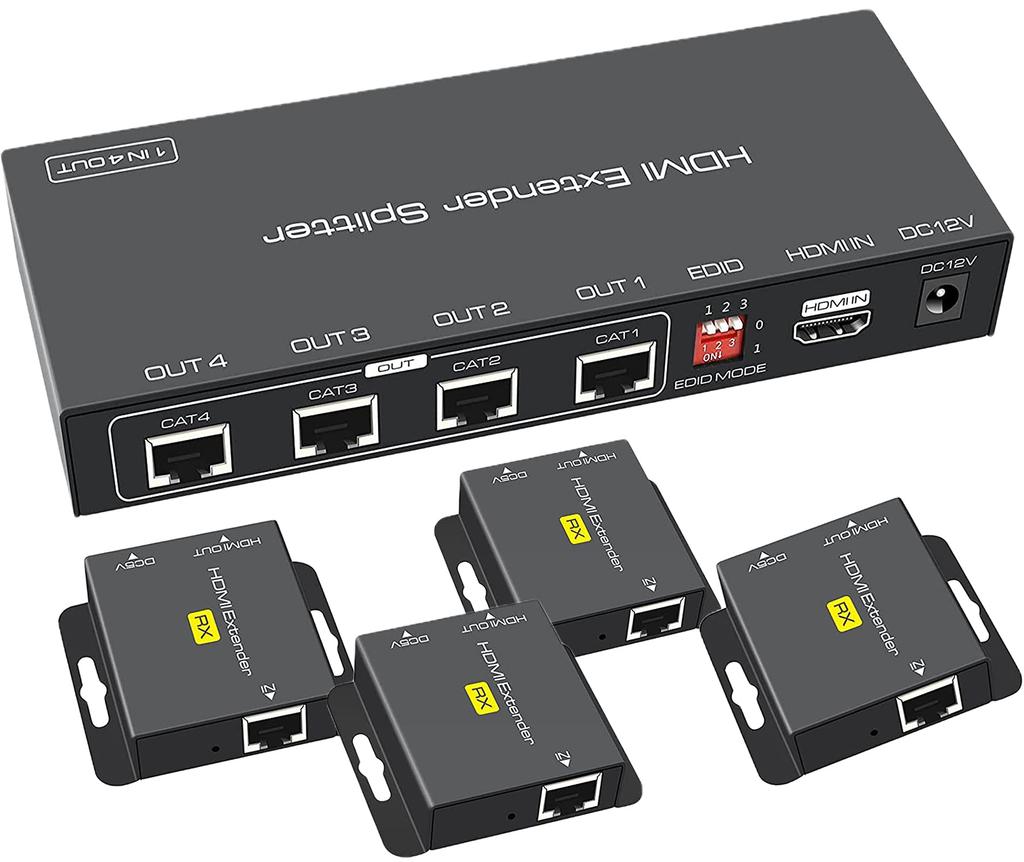
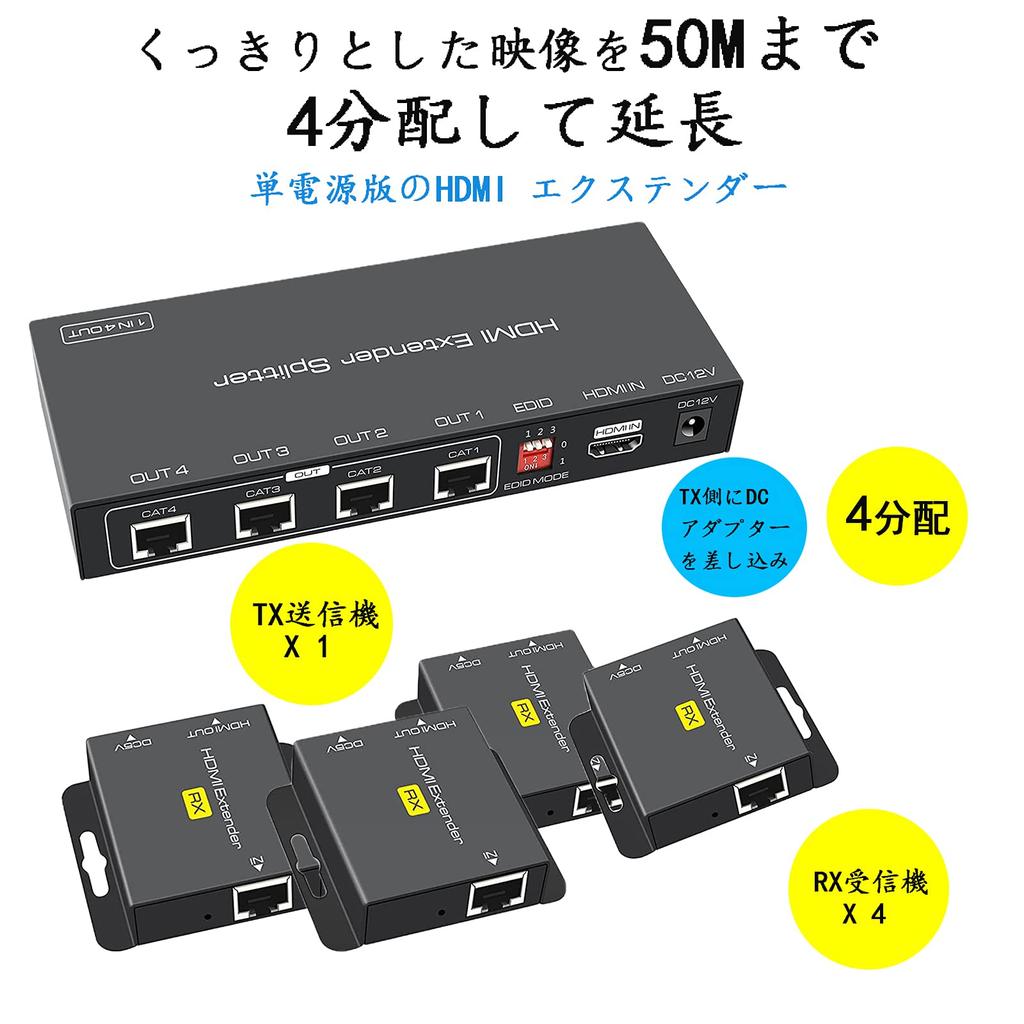
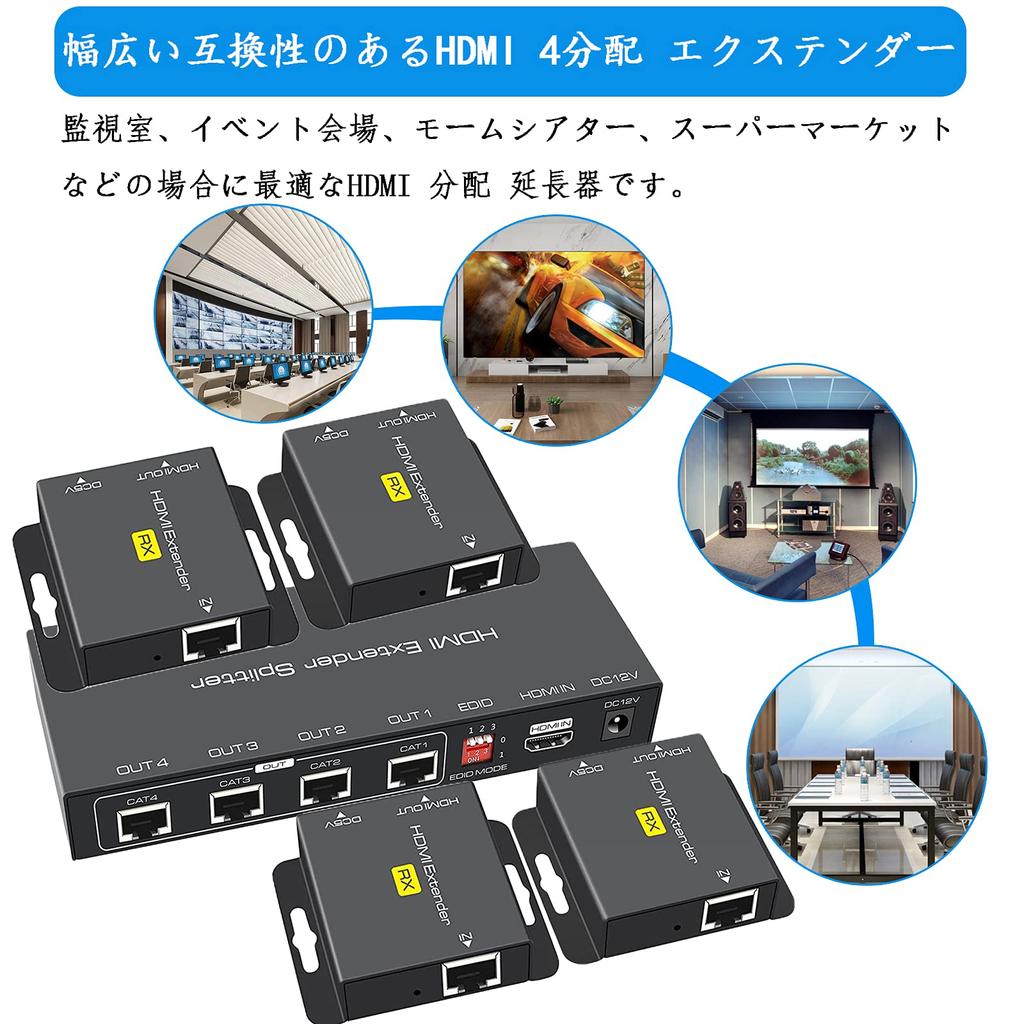
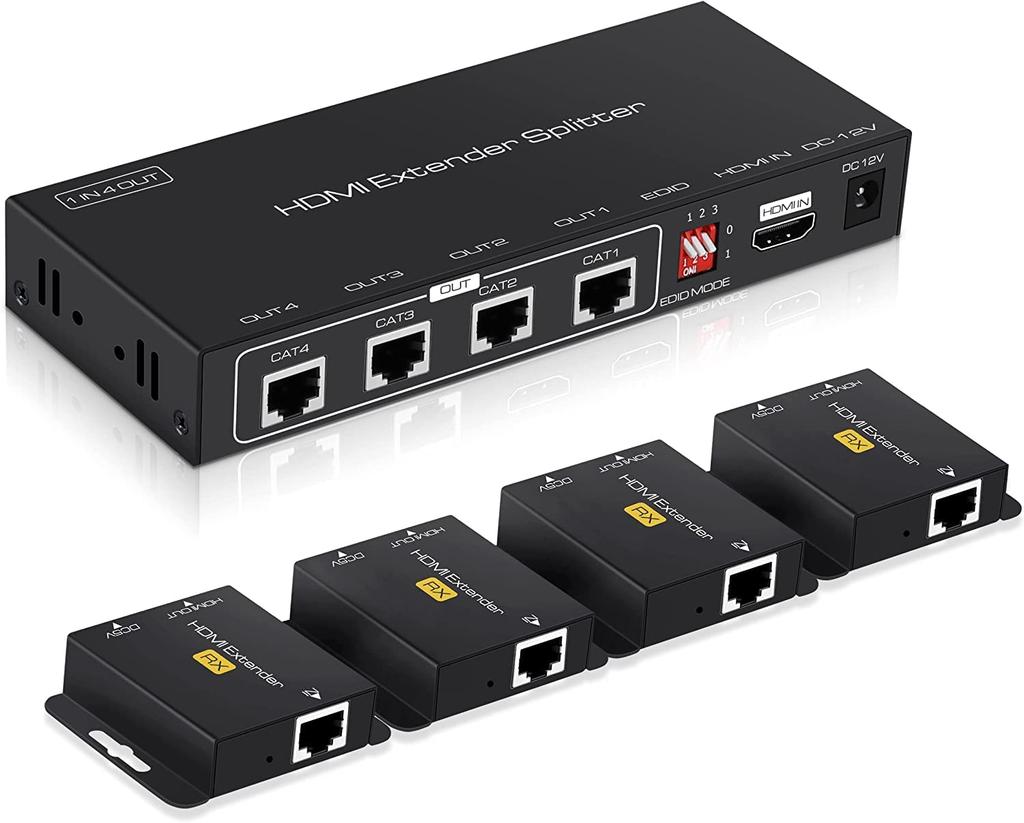
HDMI Splitter Extender EX714: The on-duty HDMI extender comes with one transmitter (TX) and four receivers (RX). Equipped with four LAN connection ports on the output side and can be connected to CAT6/CAT6A/CAT7 wired LAN. The video and audio from the input device can be displayed on up to four TVs/monitors at the same time.
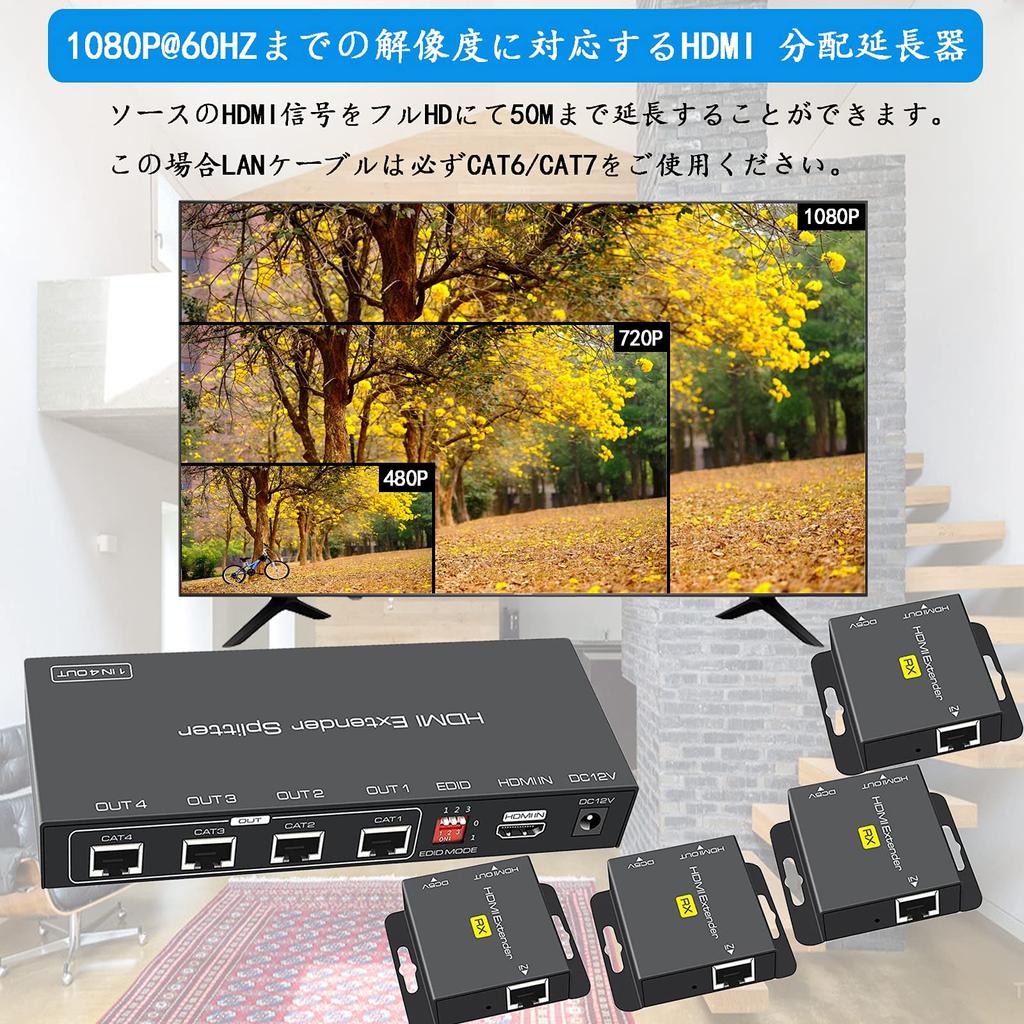
HDMI Splitter Extender that can be extended up to 50M: When using the LAN connection port on the output side, the source HDMI signal can be extended up to 50M. In this case, please be sure to use CAT6/CAT7 LAN cable. When using the HDMI connection port on the output side, you need to use a standard HDMI cable within 10M.
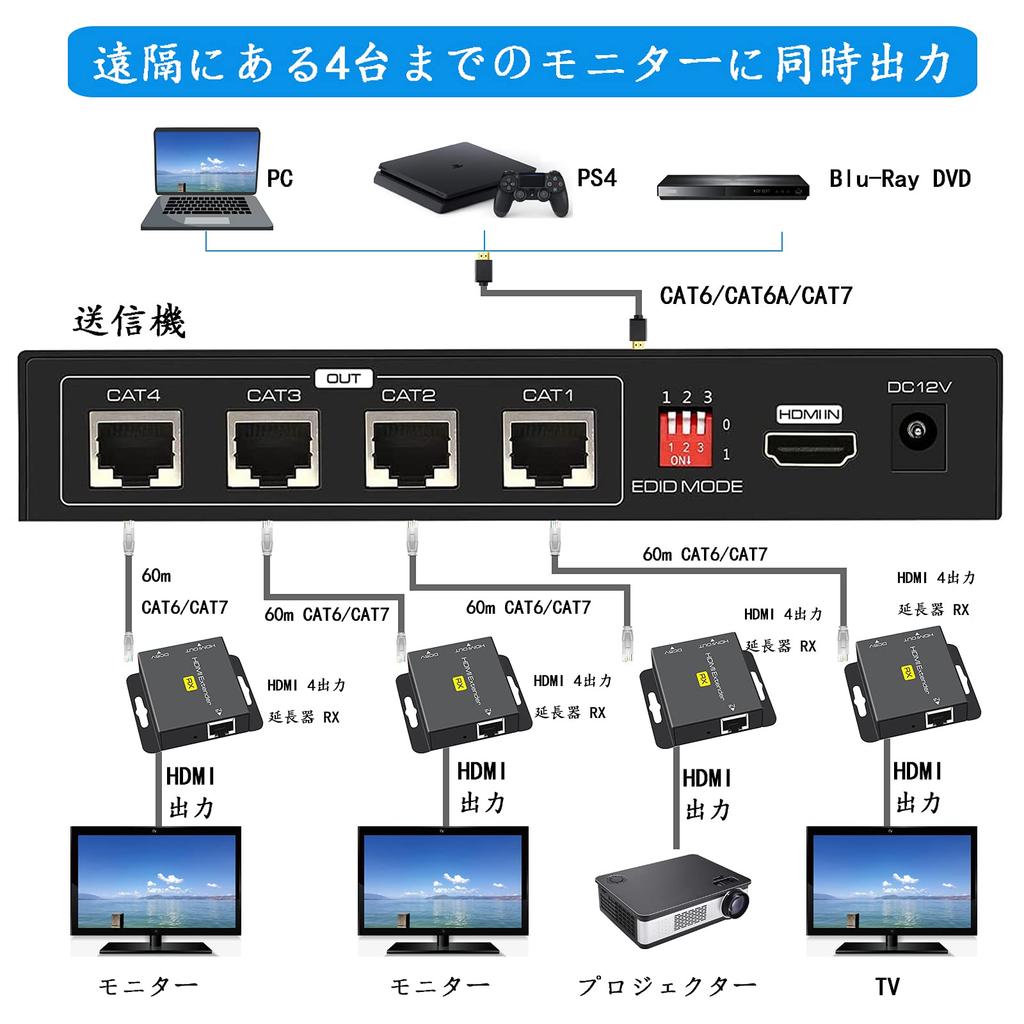
HDMI splitter/extender that can simultaneously output to up to 4 remote monitors: Equipped with 4 output connections, it is possible to connect and output to up to 4 output devices. This is a must-have item for monitoring rooms, home theaters, hospitals, educational classrooms, factories, etc. where information needs to be checked on multiple screens.
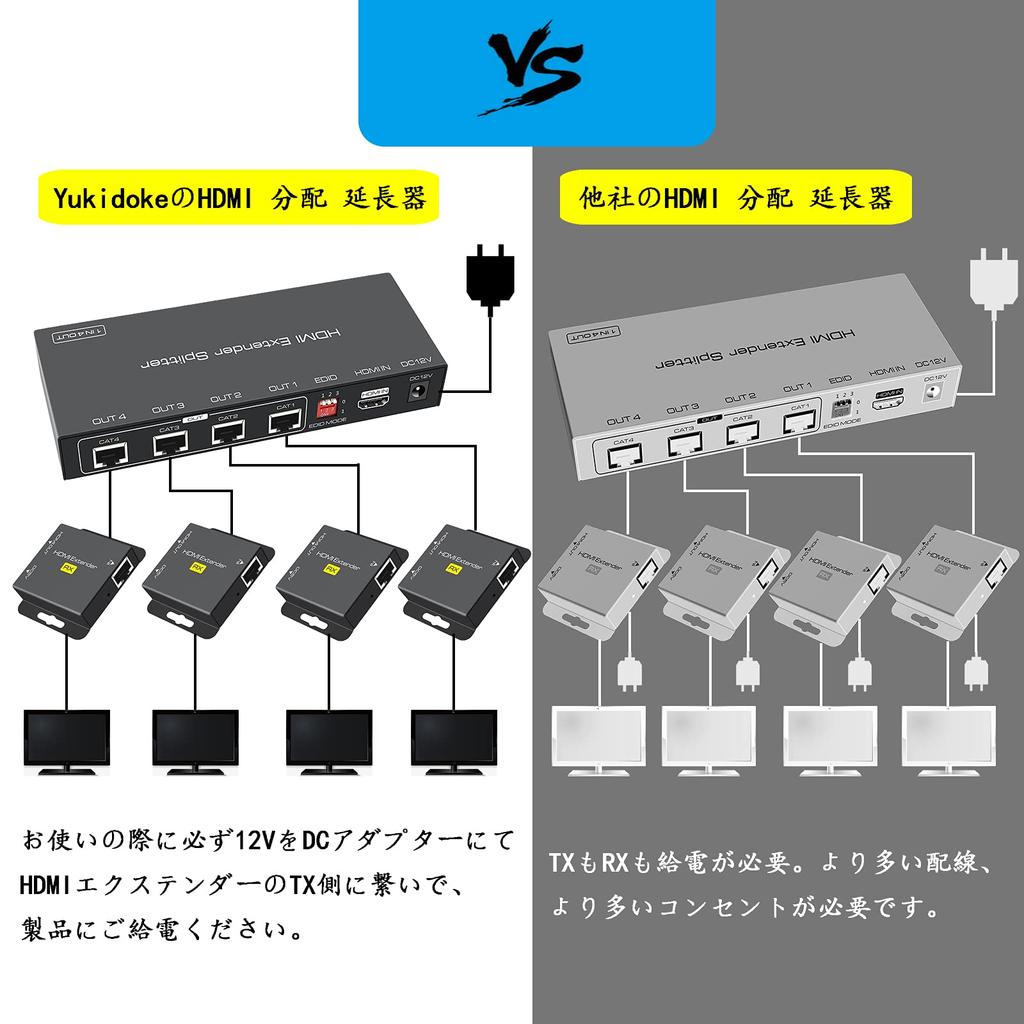
Single power supply compatible HDMI extender-transmitter/receiver set: Use one standard CAT6/CAT6A/CAT7 LAN cable to connect input device → HDMI distribution LAN extender → output device. The signal from the input device (PS4, PC, HDMI device such as security camera) can be displayed on up to 4 TVs or monitors at a distance (up to 50M) without reducing the quality of the video and audio. When using the HDMI extender LAN extender on duty, connect the included DC adapter to the TX (transmitter side) to supply power to the HDMI extender LAN extender.
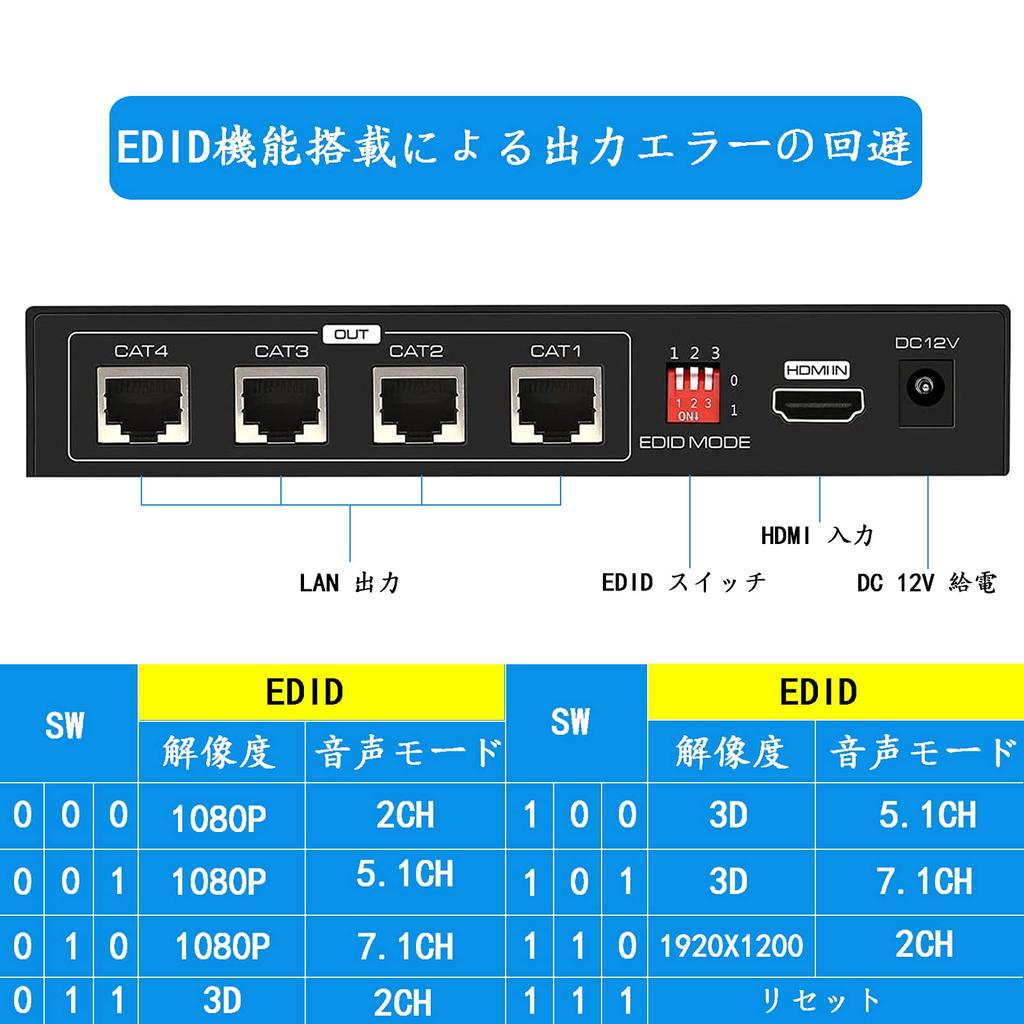
HDMI extender with EDID function that can avoid output errors: If the HDMI divider extender does not have an EDID function, the user will need to check the displayable operating modes of the main unit and monitor and set the desired mode on each device. If the HDMI LAN extender is equipped with an EDID function, simply connect the LAN HDMI extender's TX and output device with a single HDMI cable, and set the EDID switch on the TX side to 111.The LAN distribution HDMI extender will read the information of the output device and transmit video and audio at the optimal resolution.
This is an HDMI extender LAN distributor 50M that can output to up to 4 remote monitors simultaneously at full HD resolution. This HDMI extender splitter is ideal for home theaters, surveillance rooms, video conferencing, hospitals, event venues, educational settings, and more.