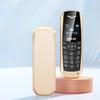
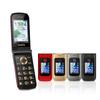
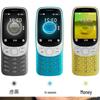
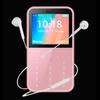
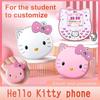
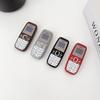
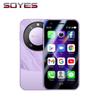
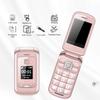
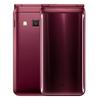
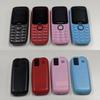
Feature:
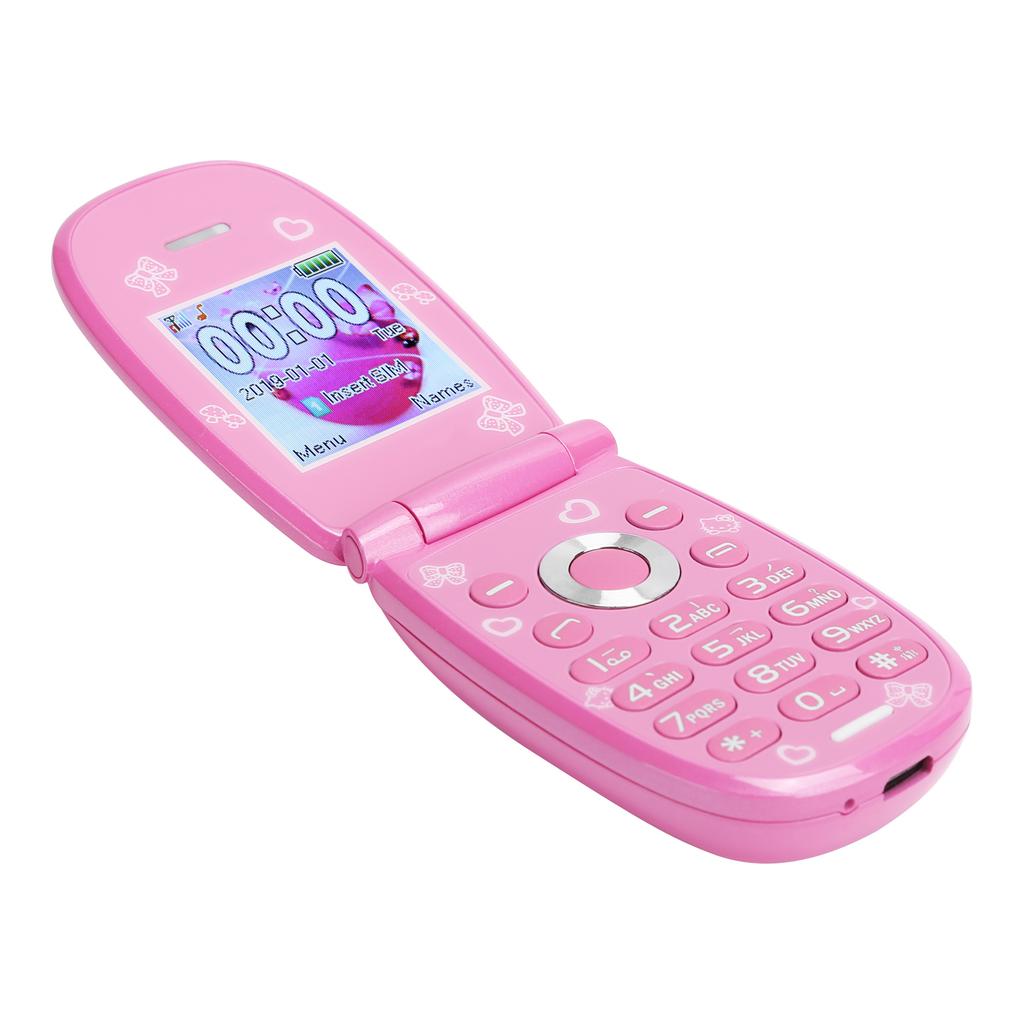
1. Powerful functions: black and white list, do not disturb in class, 9pcs family numbers, callerloc, voice king, FM radio, MP3 player, caller ringtone, calculator, camera, Bluetooth, calendar, alarm clock.
2. The phone is small in size, light in weight, and easy to carry and use.
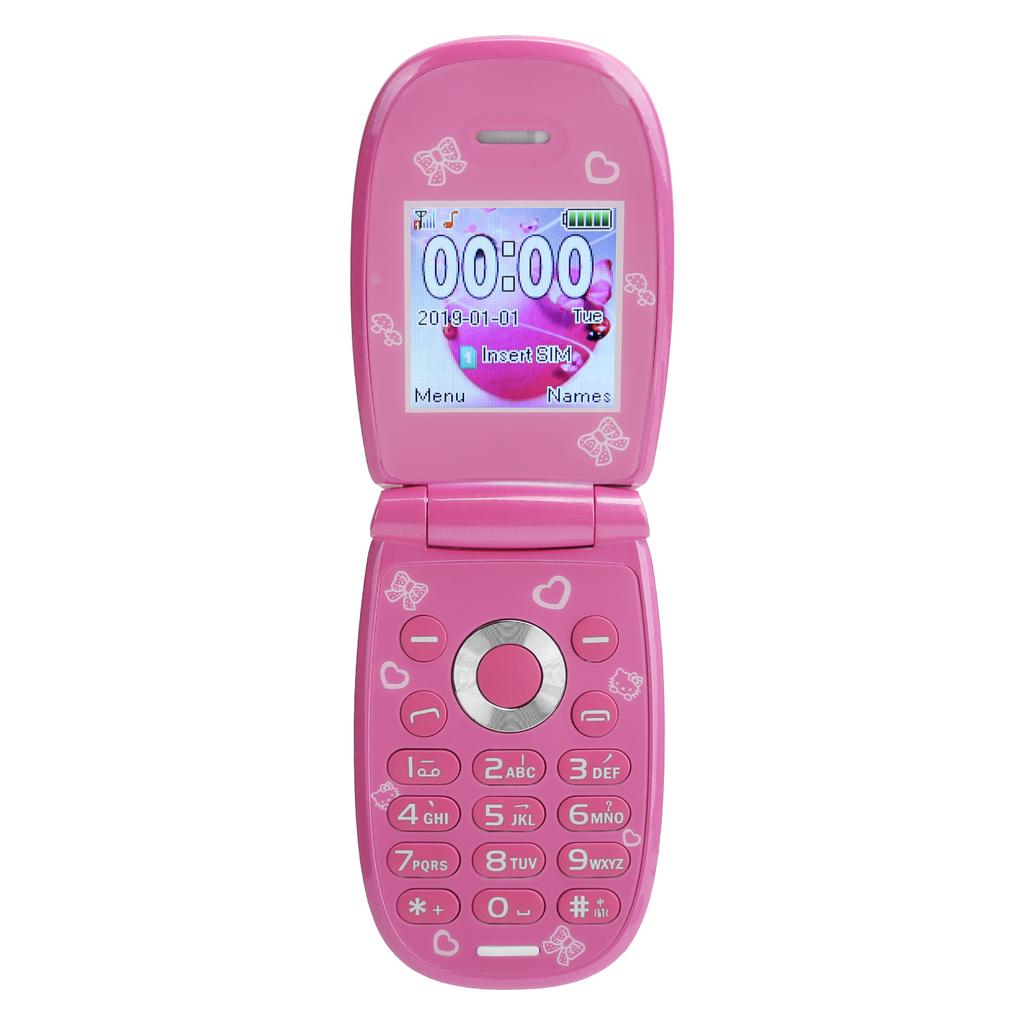
3. The mini flip mobile phone is easy to operate, simple interface.
4. Low power consumption, 1850mAh battery, long battery life and durable.
5. Languages of this mobile phone include English (default), Arabic, Thai, Vietnamese, Portuguese, Russian, Indonesian, Turkish, French, Spanish, Persian.
Specification:
Item Type: Mobile Phone
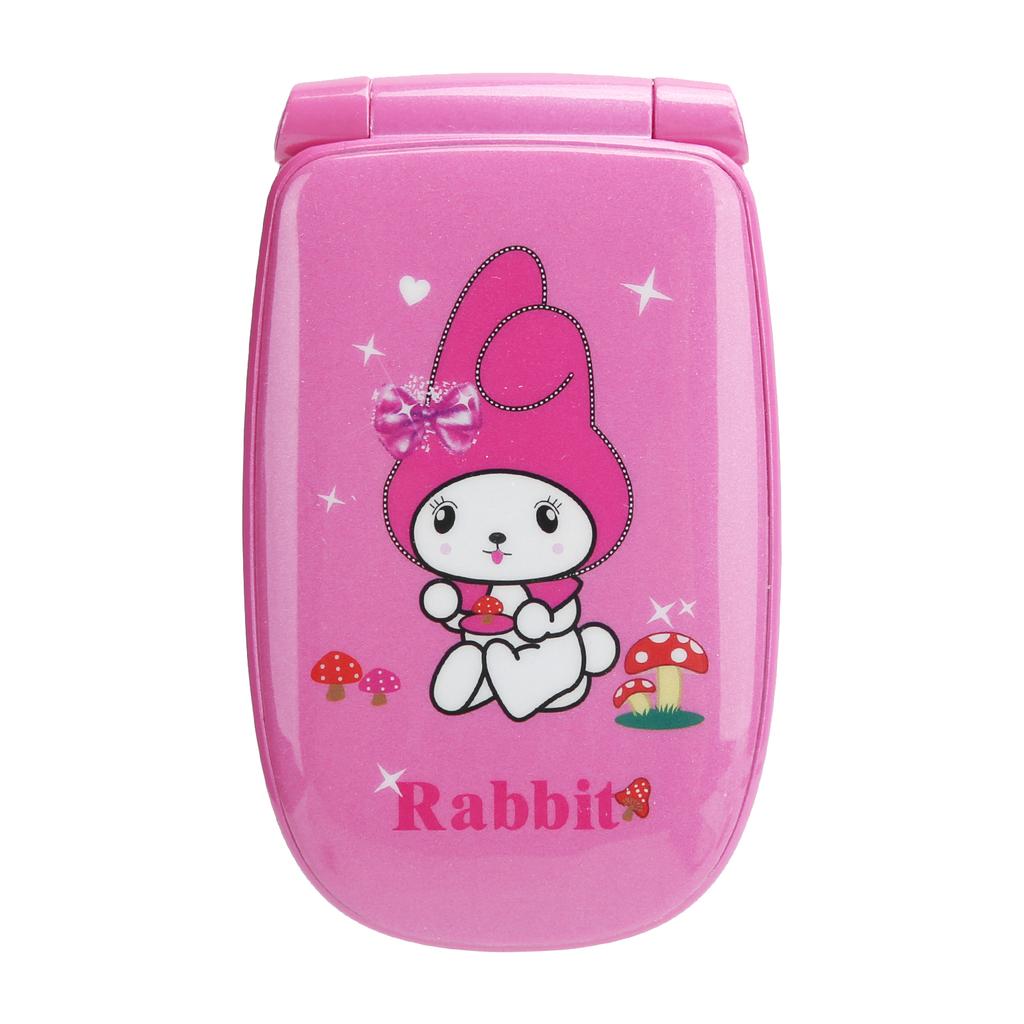
Color: As Pictures Shown
Weight: Approx. 100g3.5ozMain screen size: 1.44inch resolution: 128x128
Card slot: Dual card
Memory: 32 MB + 32 MB
Headphone jack: same as charging jack
Camera (PX) : 300,000
Battery capacity: 1850mAh
Spectrum: GSM85090018001900
Network type: Mobile 2G, Unicom 2G
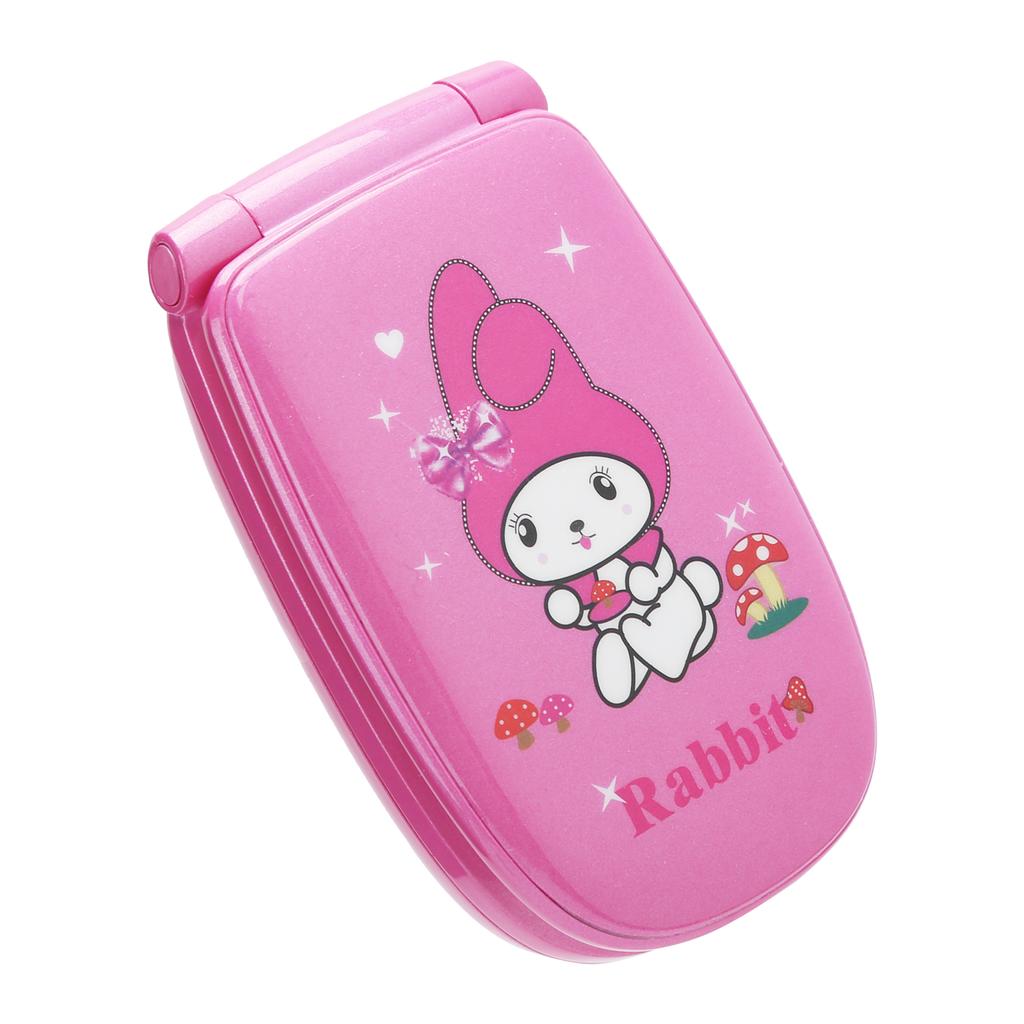
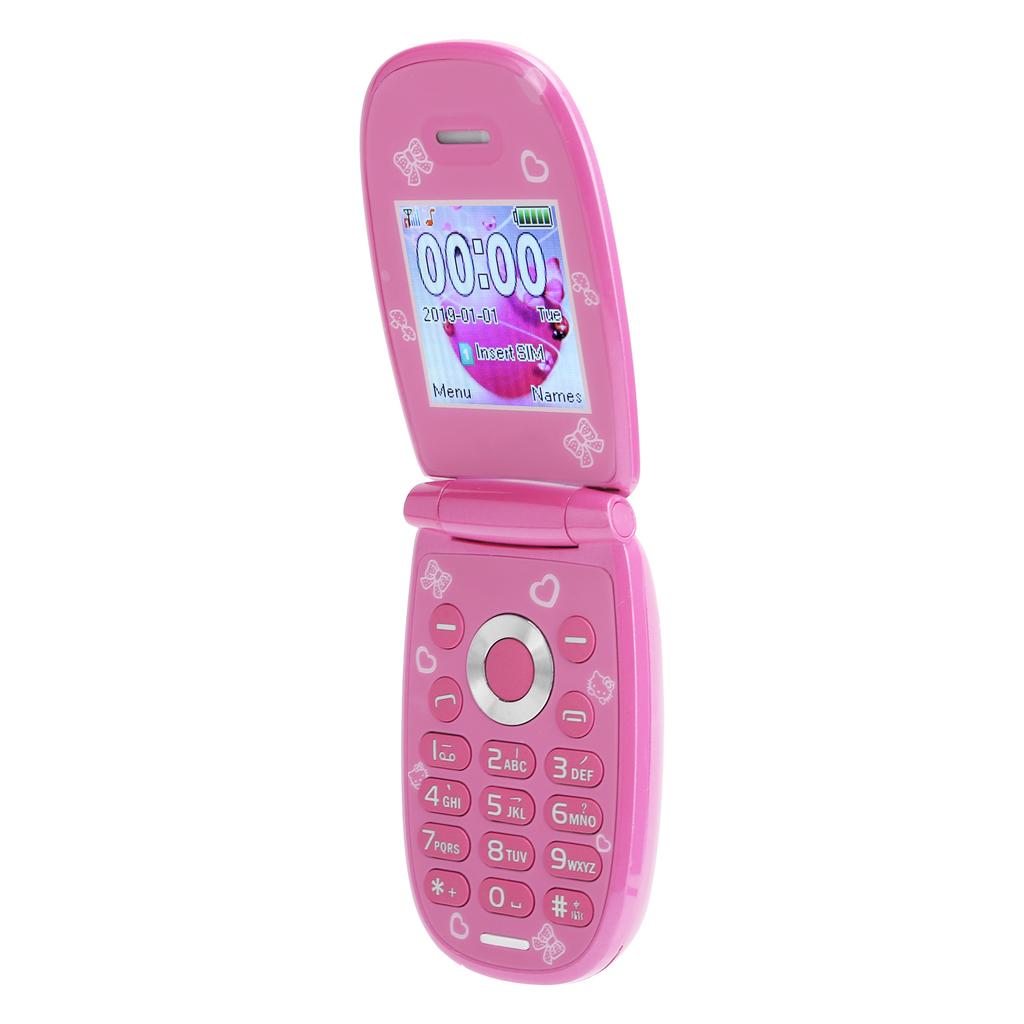
Appearance: Mini flip phone
Material: ABS
Languages: English (default), Arabic, Thai, Vietnamese, Portuguese, Russian, Indonesian, Turkish, French, Spanish, Persian
How to use:1.How to open the back cover
1.1 Remove from the middle of the bottom of the back cover
1.2 Pull down the back cover
1.3 Remove from the left button of the back cover
2.Before using the phone, please remove the battery film or turn on another power button, and then charge the phone.
3.How to enter the SIM card
3.1 Insert a SIM card of the correct size.
If it is a standard size, please enter a Nano or Micro sim card with a recovery card holder
3.2 Enter the SIM card in the correct direction. It depends on your phone
4.About the phone book
4.1 How to save new contacts
Menu-Phone Book-Add New Contact-Options-Select "Save to PhoneTo SIM Card-Options"
Edit-Save-Finish (Press # to change the input language)
4.2 How to get contacts
Menu-phone book-input name-finish (press # to change the input language)
4.3 Fixed dialingquick calling (if available)-use with SIM card
Menu-Phone Book-Phone Book Settings-Additional Numbers-Fixed Dialling-Sim1 2-
Fixed dial list-add
4.4 Copymove contacts
Menu-Phone Book-Phone Book Settings
4.5 Blacklist
Menu-Phone Book-Options-Add to Blacklist
4.6 Group telephone (if any)
ContactsPhonebook-Groups-Options-Manage members of different groups or add new groupgroup ringtone settings
5. call center
5.1 Blacklist
Call center-call settings-advanced settings-blacklist
5.2 Automatic call recording
Call center-call settings-advanced settings-call automatic recording (used with storage card)
5.3 Answer mode
Flip to answer or press any key to answer
6. settings
6.1 How to change the language
Settings-Phone Settings-Language
6.2 How to adjust the touch screen (if any)
Settings-Pen calibration-click anywhere on the display-click the red circle in the middle-finish
6.3 Enter password
Settings-Security Settings-Phone Security-Enter or change password
6.4 Reset phone
Settings-restore settings-password is 1122 or 1234 or 0000
7. Multimedia
7.1 Camera: suitable for storage card
7.2 Recorder: use with storage card. To do this, you can record sound
7.3 Video recorder (if available): use with storage card
7.4 FMRadio: It can be used with or without earphones, depending on different mobile phones.
Top and bottom: search point by point
Left and right: automatic search search box
7.5: Stop working
8. Information
8.1 Write information:
Insert text (you can change the input language by pressing # or option input method
Enter contact: Option-send to-enter phone number or add from phone book
8.2 SMS Blacklist: Message-SMS Settings-Blacklist-Add Number
9. tools
9.1 First aid settings (if any)
9.1.1 Emergency SMS – Enter SOS help information.
9.1.2 First aid list-you can add 6 contact numbers
Long press the SOS button, it will automatically send SOS help messages to the following list, and automatically dial the call after a few seconds
9.2 Account Number
Enter the list of numbers you need to call frequency, and then long dial number 1 to call mom, dial number 2 to call dad, and so on
9.3 Flashlight (if available)
Normally, there is a one-touch button to start the flashlight on the side, if not, please use the tool on it
9.4 Alarm clock
You can set 5 groups of alarms
9.5 CalendarCalculator
10. file manager
Used for files stored in the memory card.
The phone memory is very small, and it is not possible to download files from the computer via USB. You can save it in a memory card and then enter it into our phone.
11. o player
You can use the input memory card to enjoy music through this function.
Adjust the sound: updown key or *#
Next song: right button
Prev song: Left button
Stop playing: key 5
12. data
Enter this function, you can set the phone to other modes.
Activate: press OK or option key to activate file mode
Custom: only alarm type ring or vibrate (if any) andthen ring; ring type; ringtone and all volume
13. Bluetooth (if available): Version 2.0, unable to connect headphones or car Bluetoothspeakers. Only used to transfer files or music
Other problems:
1. Our telephone frequency is as follows
2G GSM 9001800 or
2G GSM 85090018001900 or
2G GSM 85090018001900; 3G WCDMA 900 2100MHz
Before working, please contact your sim operation to make sure it is suitable.
2. SIM card does not work
2.1 After entering the sim card, if it shows "no service", please confirm the above operation
2.2 After entering the SIM card, if it displays "Registration failed" or "No IMEI", please change the IMEI to local. The way is as follows:
1) Use the code *#06# to dial your ownother work phone, it will display your IMEI. Record it
2) Use the correct code to call us (*#0066# or *#0160# or *#0161# or contact us), and then enter your own IMEI, it will work normally
3. If the phone cannot be turned on
3.1 Make sure that the battery membrane has been removed
3.2 Charge our mobile phone via USB via mobile power supply via computer or 2.0A high-power charger
4. Social applications (if any): for WhatsappFacebookYahoo, etc. These are old versions of feature phones and cannot be updated. Whether it works depends on your local network..
Package List:
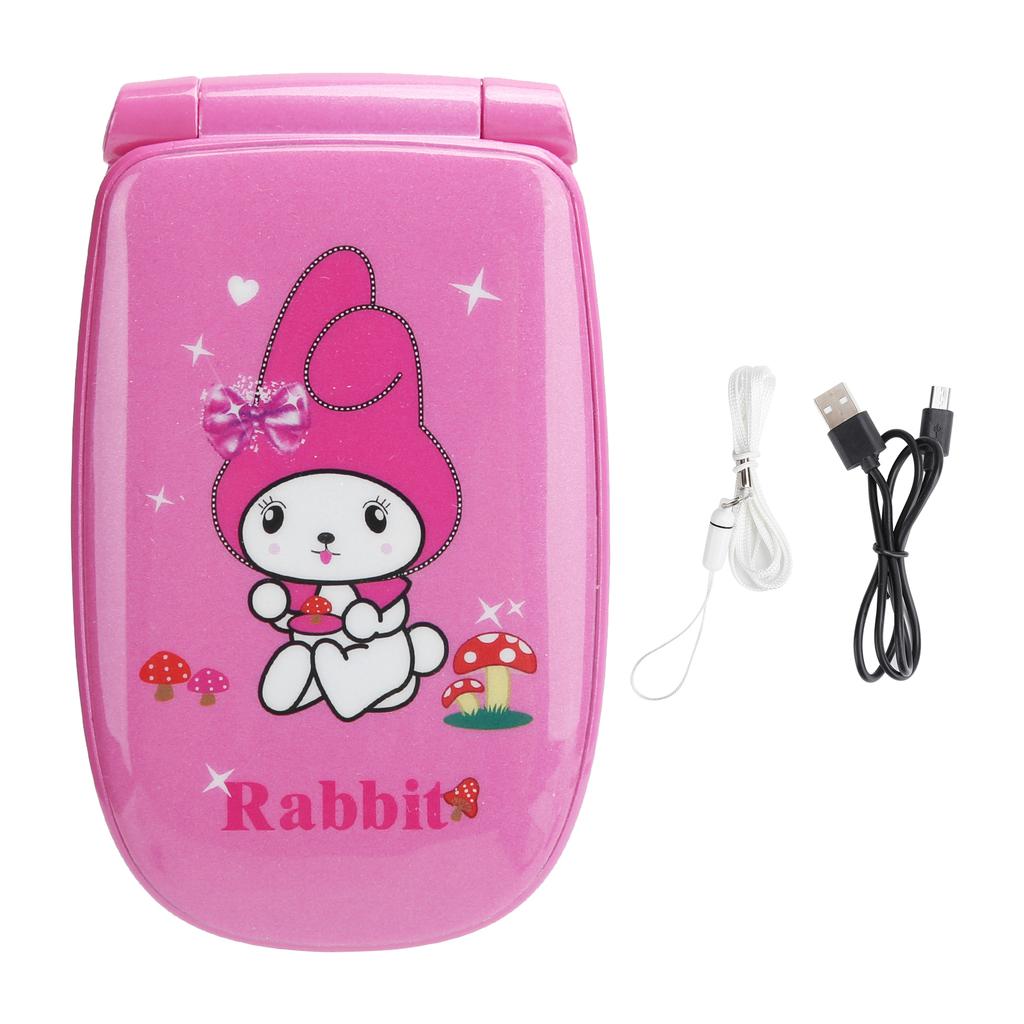
1 x Mobile Phone1 x Data Cable1 x Manual1 x Hanging Rope