----------------------------------------------------------------------
【Cautions for using electrical products】
When using electrical appliances, please note that the voltage is different from that of Japan, which may cause malfunctions.
Since the plug type is Japan type(A or B type), please check the voltage and use a transformer.
Please note that a transformer is different from a conversion adapter.
We are not responsible for malfunctions caused by use without a transformer.
【Voltage Compatibility】
When using electrical appliances, please note that they are designed for Japanese voltage specifications (90-110V), so if you use them with a different voltage, it may cause a malfunction.
【Plug Type】
Our products use Japanese plug types (A or B type).
Please use a conversion adapter if necessary.
【Important Note on Transformers and Adapters】
A transformer adjusts voltage to match your device’s requirements.
A conversion adapter only changes the plug shape and does not adjust voltage.
Using only a conversion adapter without a transformer may result in damage to the product.
【Liability】
We are not responsible for malfunctions or damages caused by improper use, such as operating the product without a transformer.
----------------------------------------------------------------------
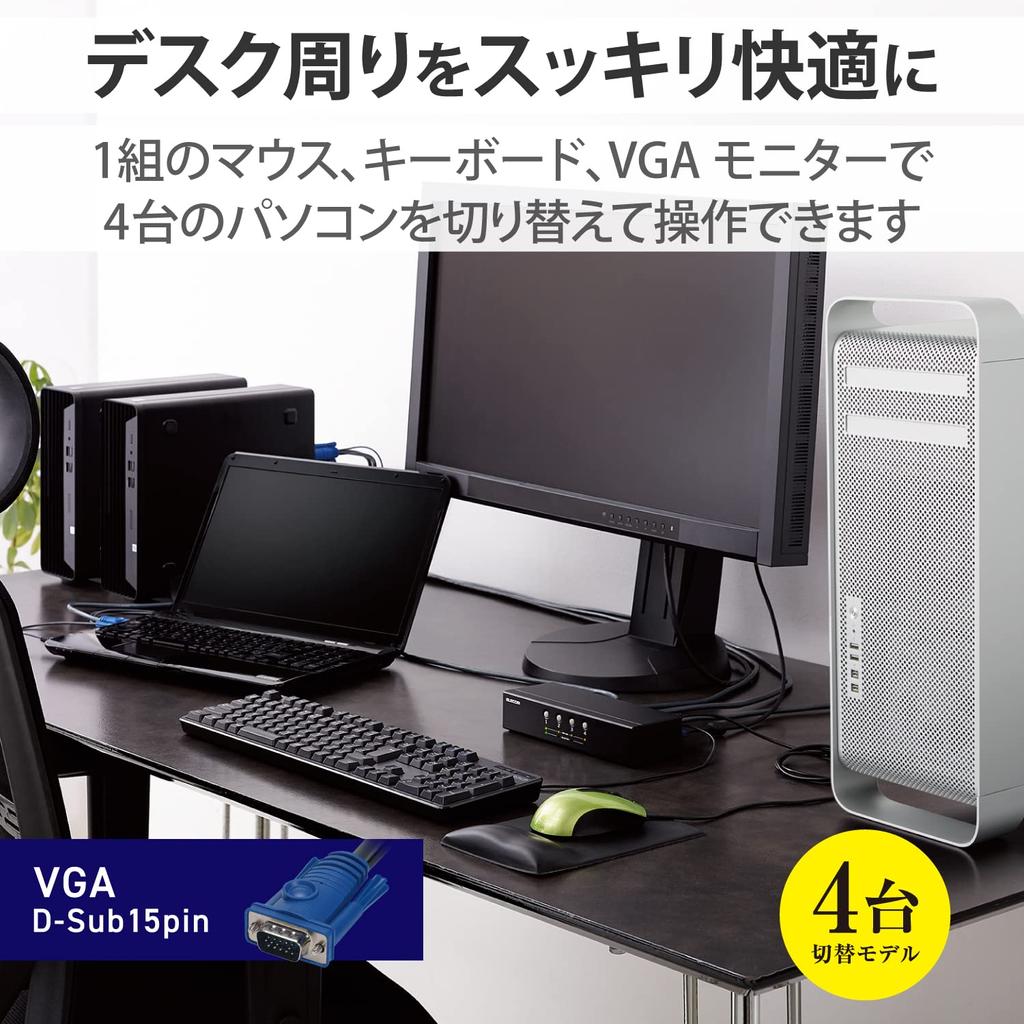
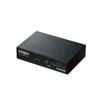
This is a computer switching device (KVM) that allows you to switch and operate four computers with one set of mouse, keyboard, and VGA display.
Even if you have four computers, you can operate them with one set of mouse, keyboard, and VGA display, reducing costs, saving space, and eliminating the hassle of reconnecting cables.
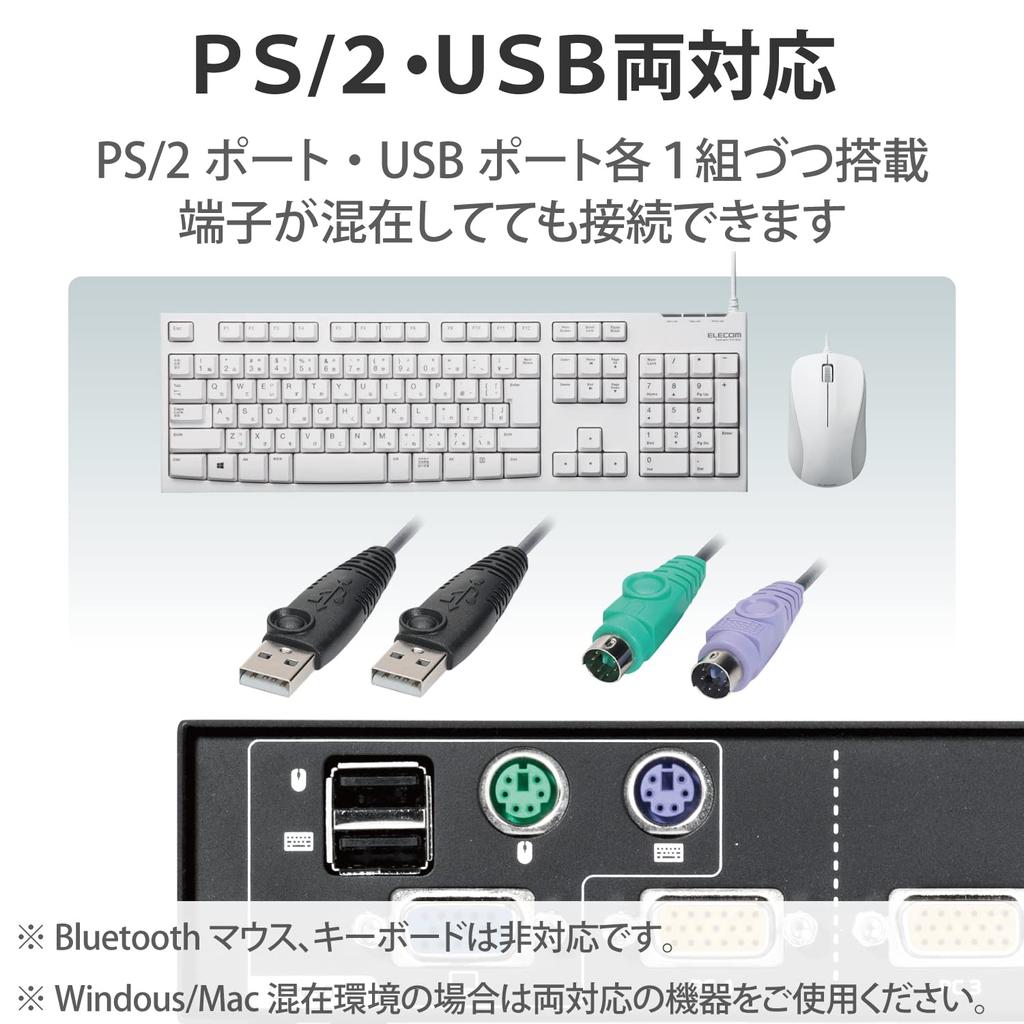
It can also be used in environments using legacy interfaces such as PS/2 and VGA terminals.
Equipped with an "emulation function", when switching computers, errors and time lags with connected devices are less likely to occur, allowing you to use devices smoothly.
Equipped with an "AUTOSCAN function" that automatically switches the computer port display at regular intervals.
You can select from four scan intervals: 3 seconds, 5 seconds, 10 seconds, and 20 seconds.
Because it is "bus-powered", it is powered by the computer's USB port or PS/2 port, so it can be used even in places where there is no outlet.
You can switch the computer you are operating by simply pressing the computer select button on the main unit.
You can also switch between computers using the keyboard or mouse scroll button.