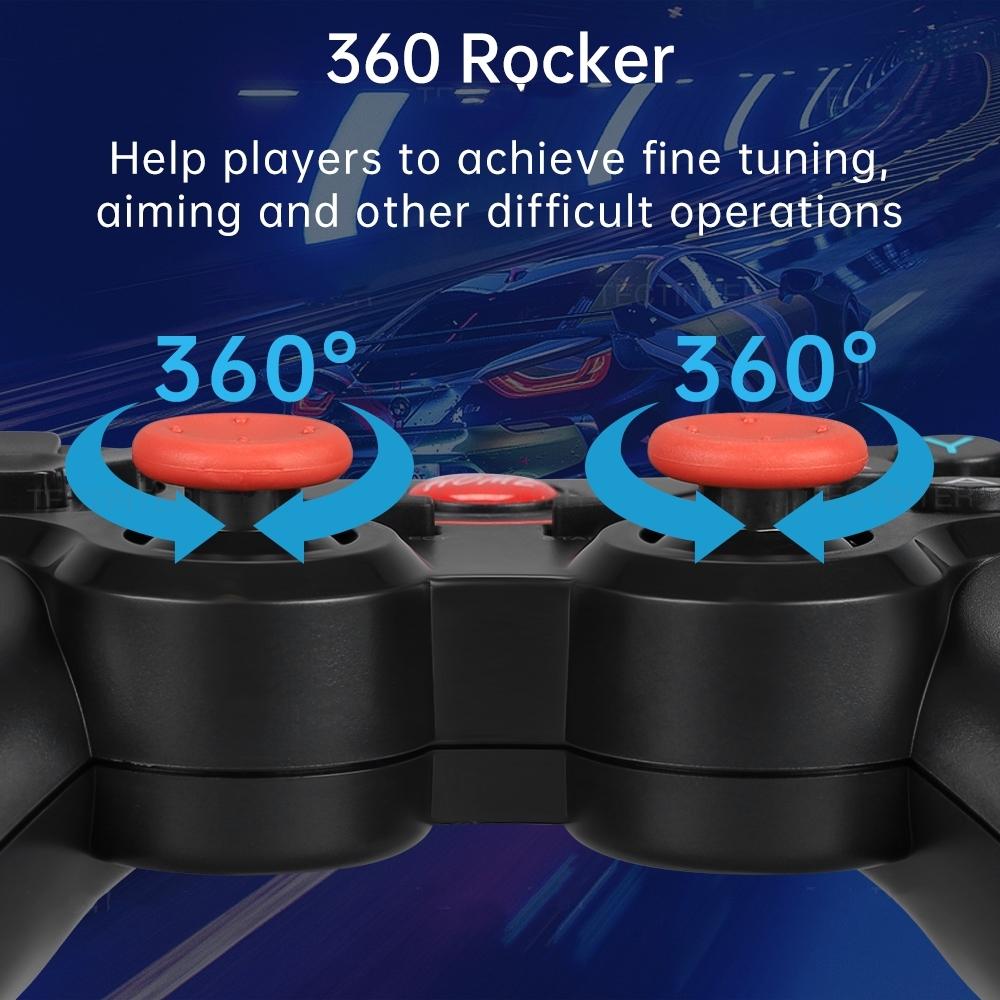
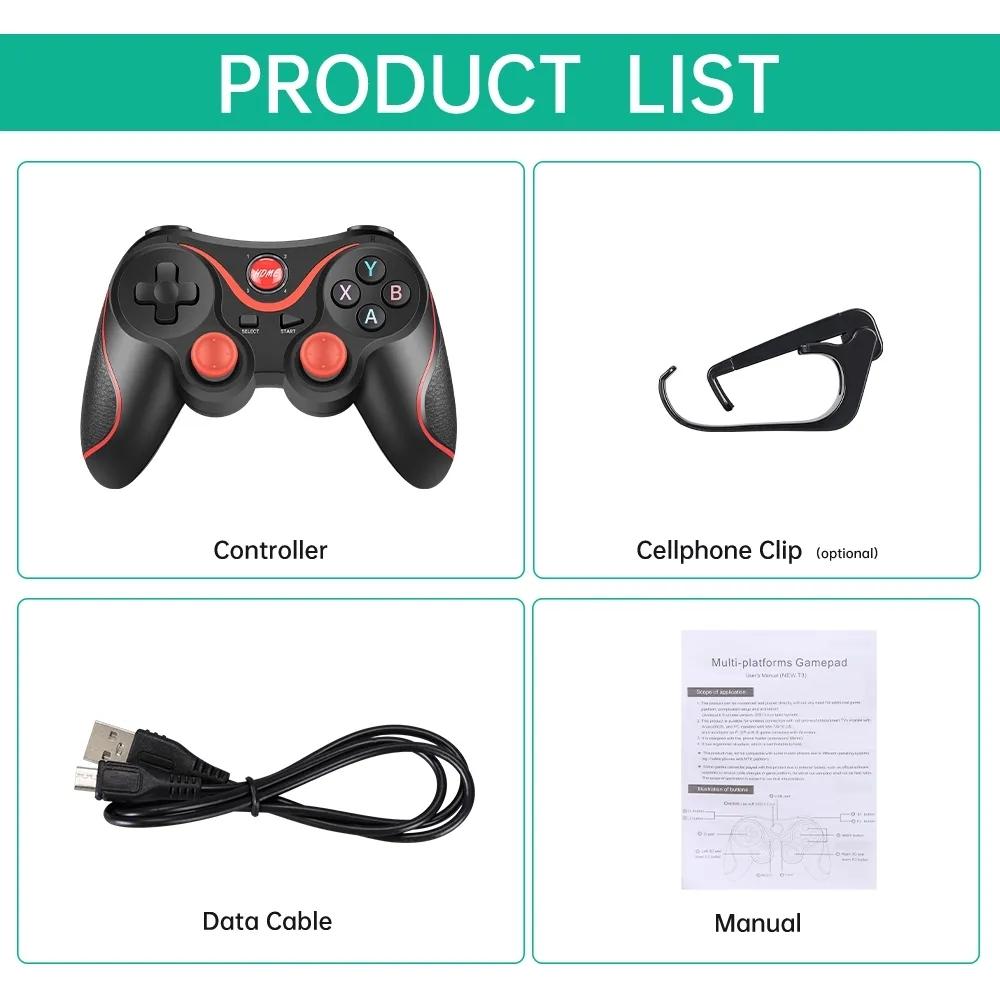
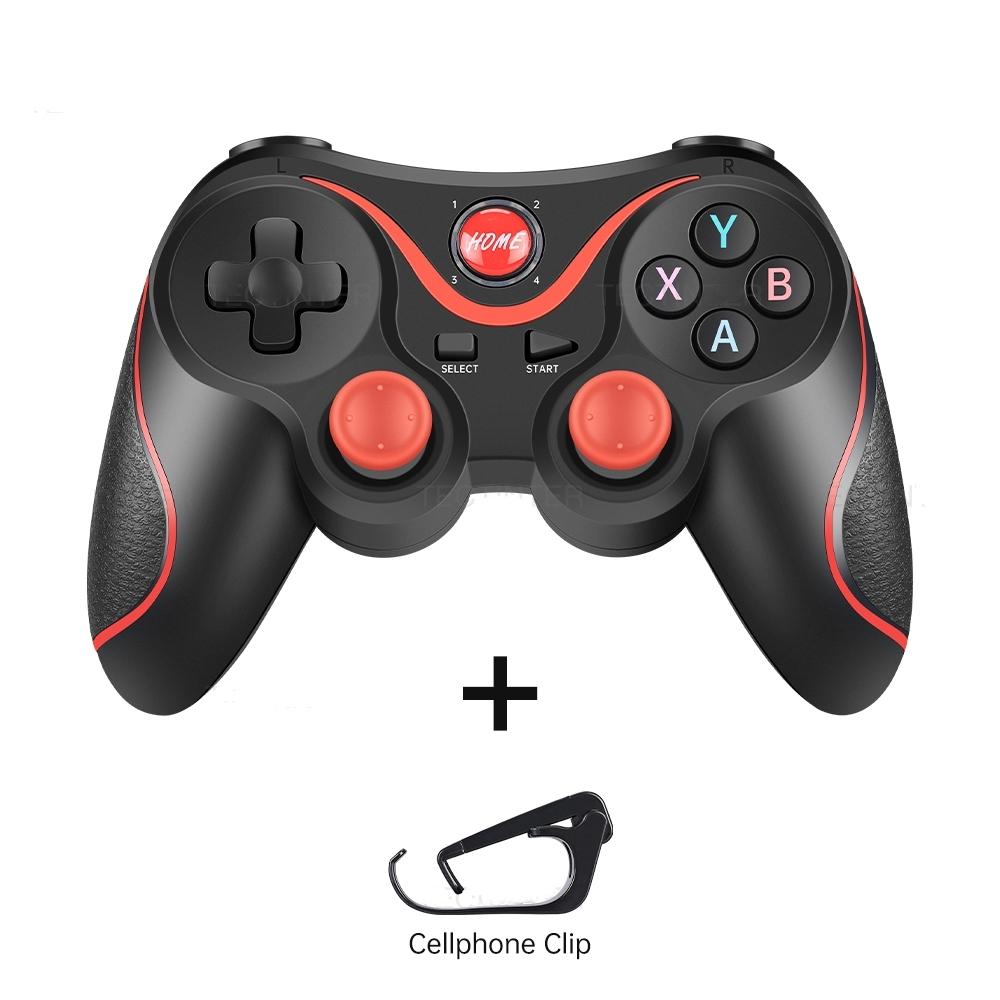
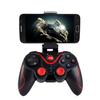
Trigger Button Type : Non-Linear
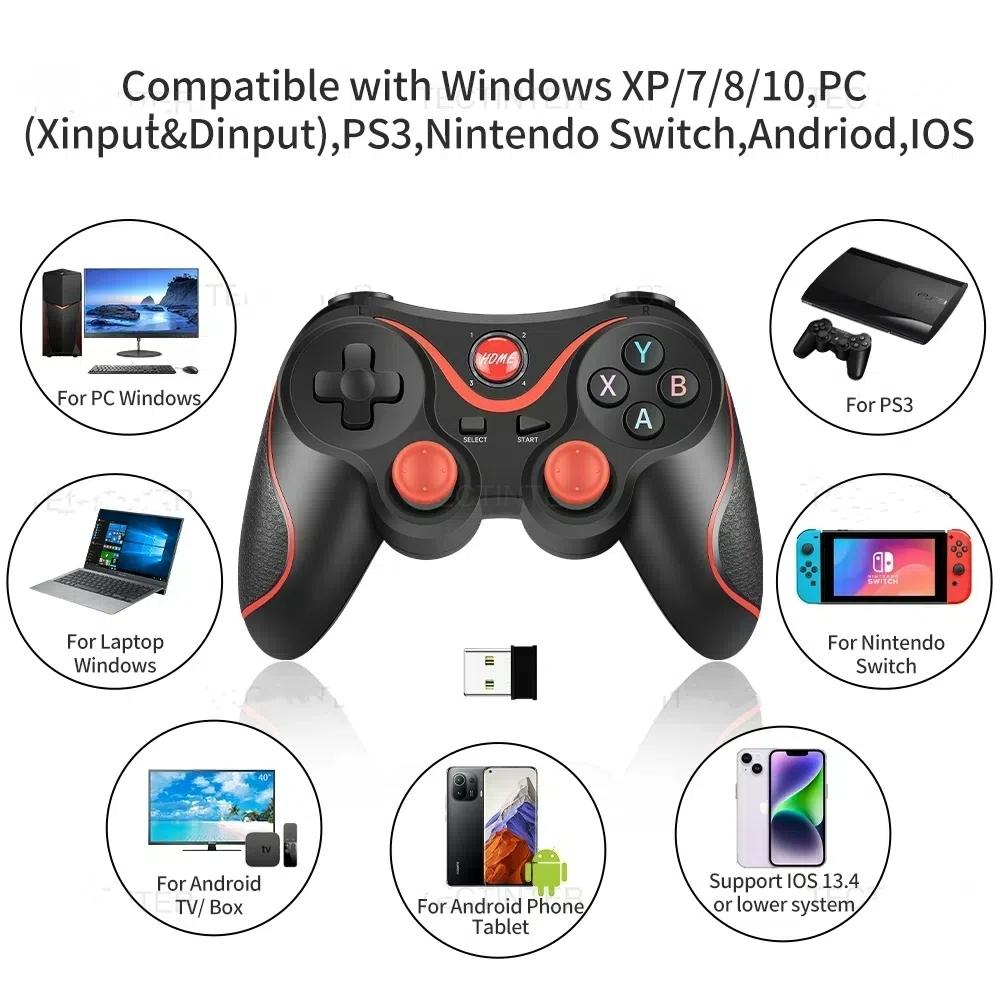
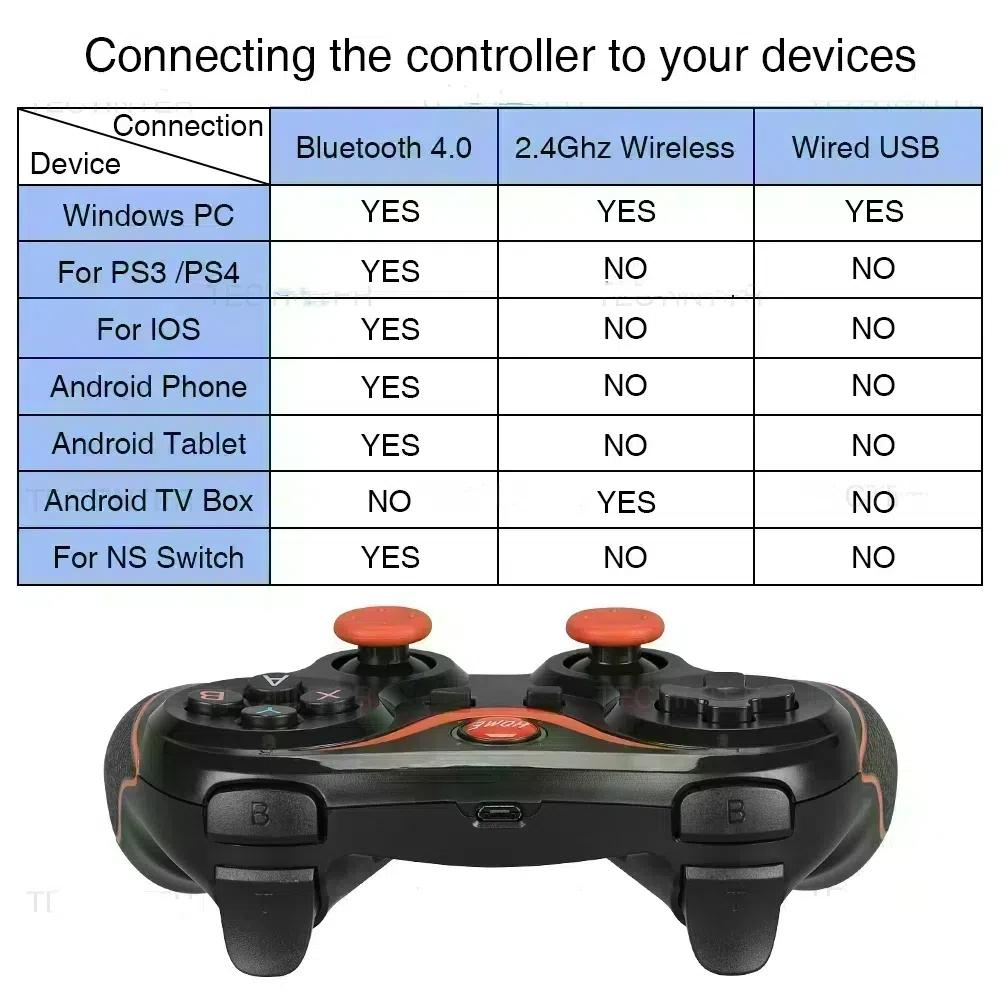
Compatible Platform : Nintendo Switch,playstation,PC,ANDROID
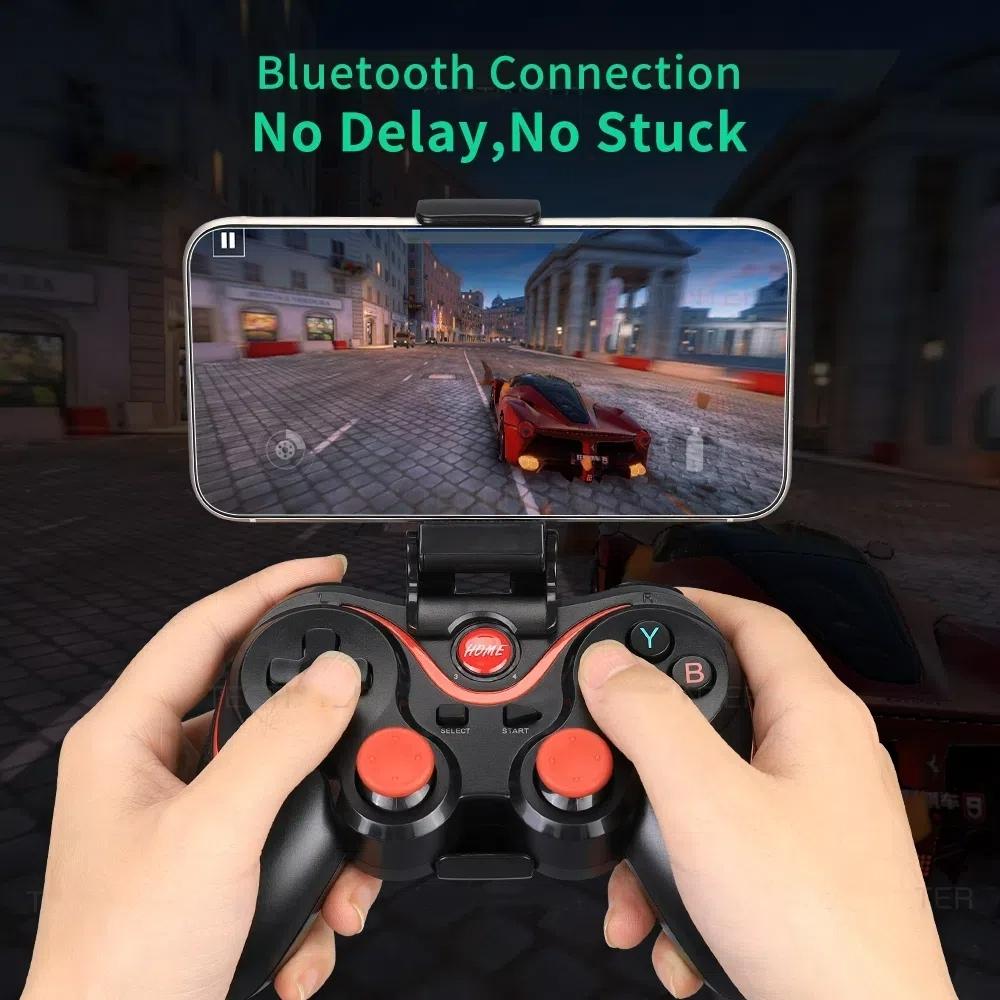
Interface Type : USB,bluetooth,2.4G
Compatible Brand/Model : Mobile Device
Mobile Device Model : Android Smartphones
Origin : Mainland China
Type : Gamepads
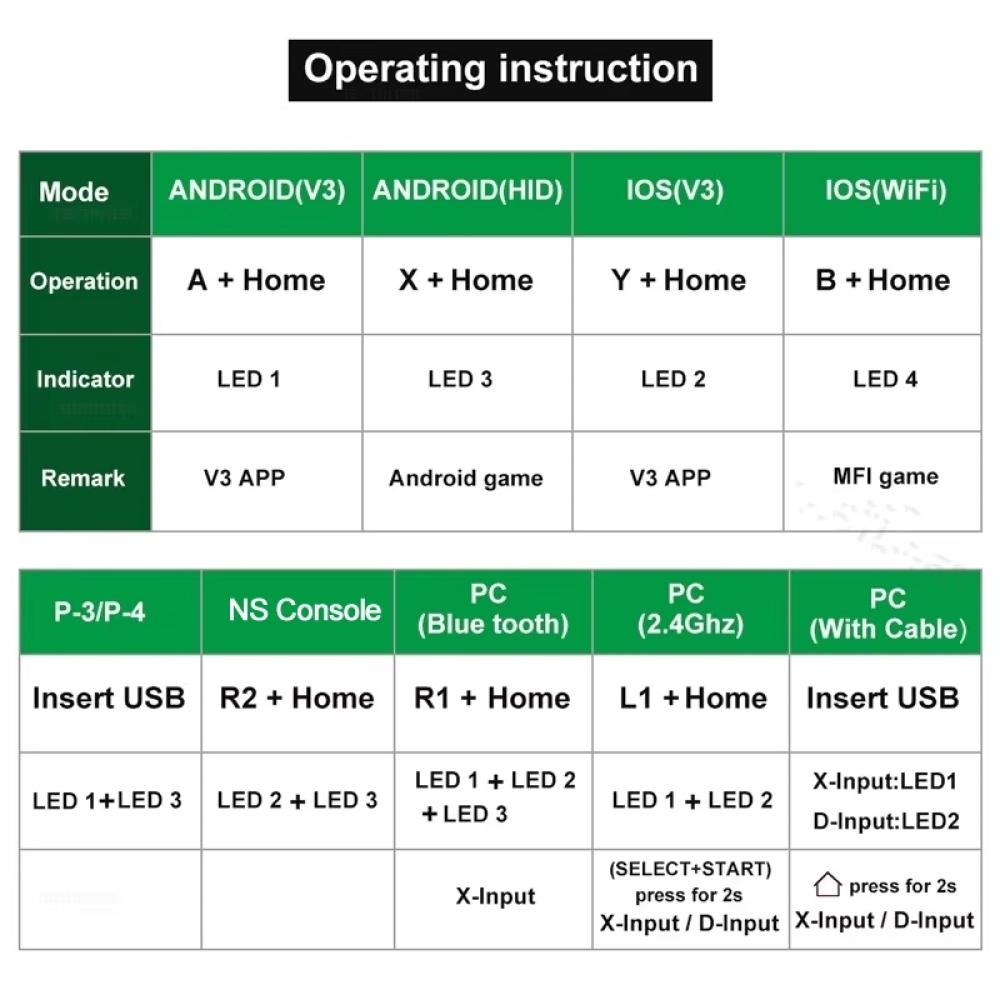
If you enter the wrong mode, please cancel the Bluetooth pairing before re-entering the pairing mode!
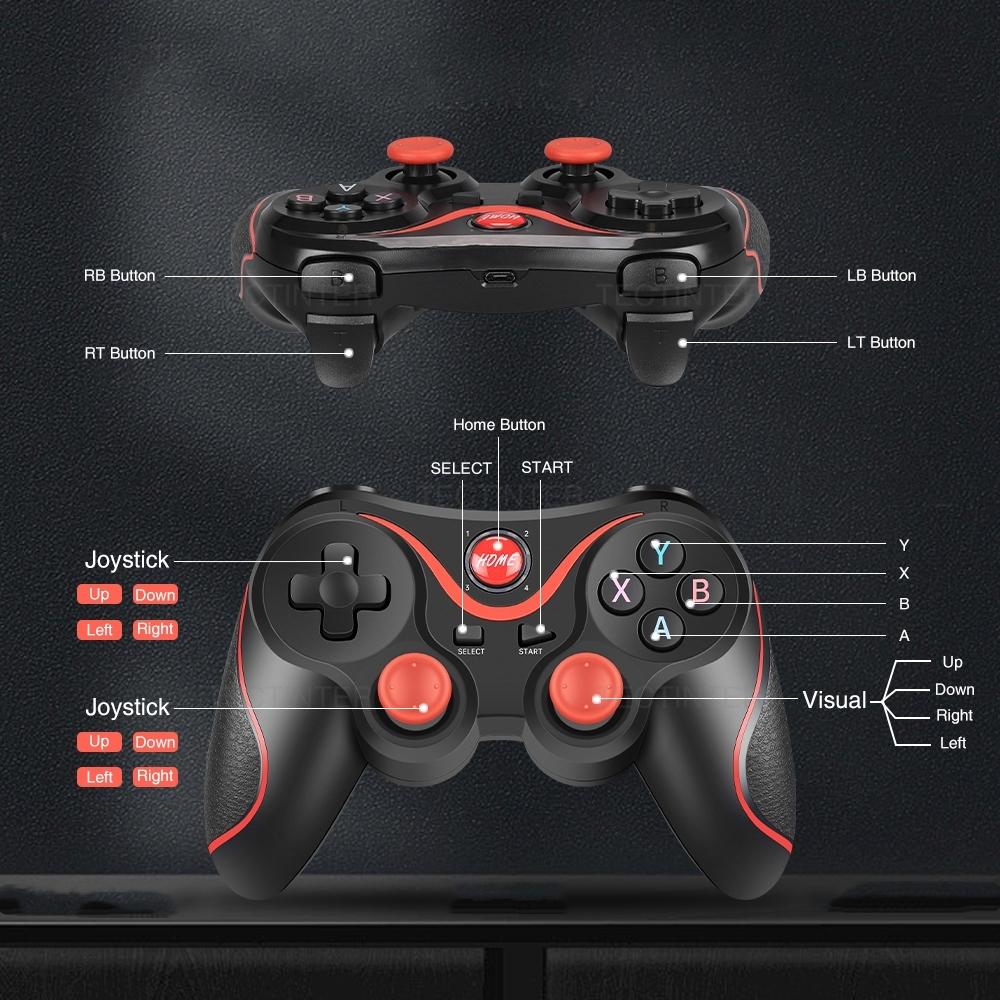
Android phone: In the condition of controller off,hold on pressing X + Home or A+Home key for 5 seconds,Long press key combination for 5 seconds,four led lights on the handle is in a flash state,turn on cell phone for bluetooth search,to find the corresponding device, and then click on the matching connection.
Ios phone: In the condition of controller off,hold on pressing B + Home key for 5 seconds,Long press key combination for 5 seconds,four led lights on the handle is in a flash state,turn on cell phone for bluetooth search,to find the corresponding device, and then click on the matching connection.
PC or TV box: Insert receiver in to USB port, In the condition of controller off,hold on pressing L1+ Home key for 5 seconds,it will be automatically connect.