Voltage Compatibility】
When using electrical appliances, please note that they are designed for Japanese voltage specifications (90-110V), so if you use them with a different voltage, it may cause a malfunction.
【Plug Type】
Our products use Japanese plug types (A or B type).
Please use a conversion adapter if necessary.
【Important Note on Transformers and Adapters】
A transformer adjusts voltage to match your device’s requirements.
A conversion adapter only changes the plug shape and does not adjust voltage.
Using only a conversion adapter without a transformer may result in damage to the product.
【Liability】
We are not responsible for malfunctions or damages caused by improper use, such as operating the product without a transformer.
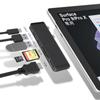
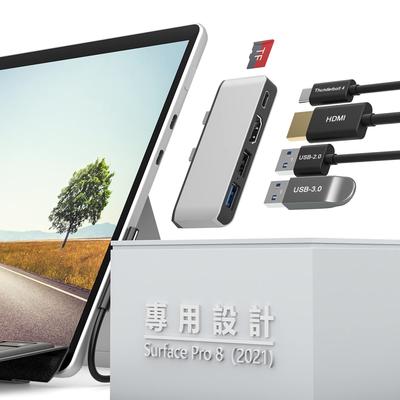
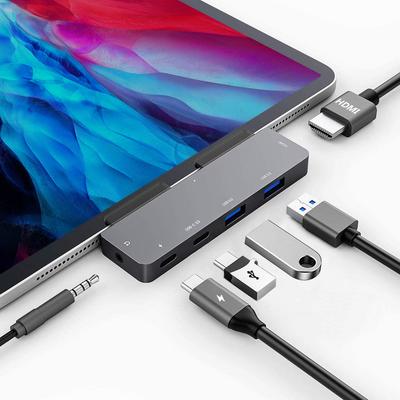
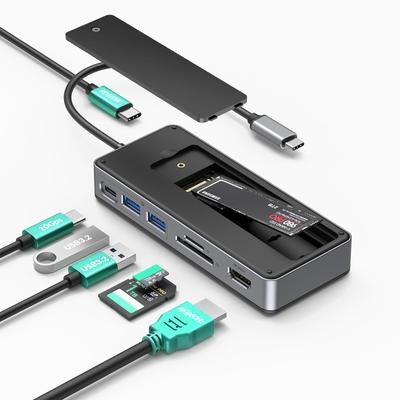
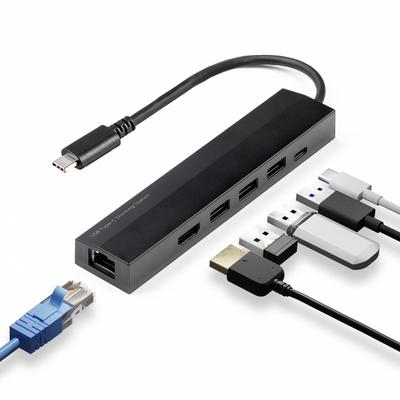
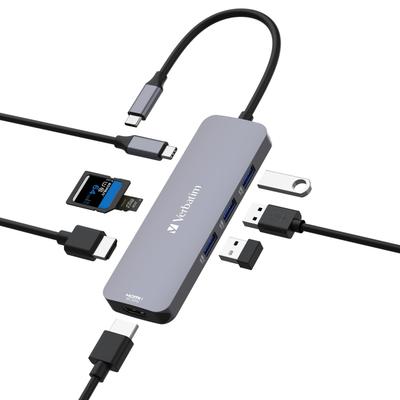
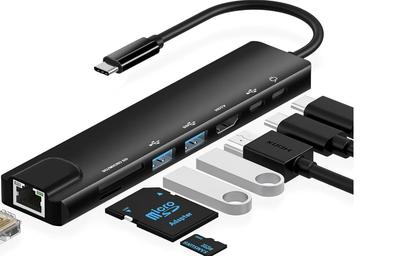
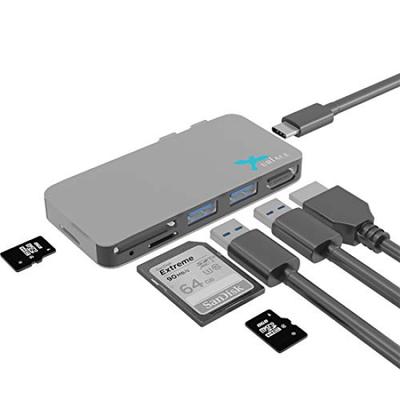
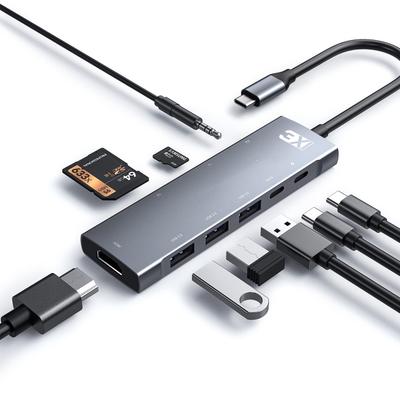
6-in-2 USB Hub for the Latest Surface Pro 9, 10, and 11: Designed specifically for Microsoft Surface 9, 10, 11, and X, this hub converts two USB-C ports into six ports: two USB 3.0 ports, one 4K HDMI port, and one USB C Thunderbolt 4 (display + 40Gbps data + PD charging) port, plus a Micro SD card slot. Plug-and-play, no drivers required. (Note: Not compatible with Surface Go, Surface Pro 3, 4, 5, 6, 7, or Surface Laptop. Note: Do not use with Microsoft Surface Pro 9, Surface 8, or Surface Pro X with a protective case.)
[Thunerbolt 4 USB-C Port & PD 100W Power Delivery] This port reserves one of the Microsoft Surface Pro 9's USB 4.0 Thunderbolt 4 USB-C ports, providing 40Gbps data transfer speeds, 4K@60Hz display output, and PD 100W pass-through power supply for the Surface Pro 9. It also supports audio and microphone via a 2-in-1 port, making it easy to listen and talk. However, please note that when used with the Surface Pro X, it functions as a full-function Type-C port, supporting 10Gbps data transfer speeds, 4K@60Hz display output, and 60W PD charging.
[Surface Pro 11 HDMI Hub for Triple Monitor Display] Connect your Surface Pro 11 to the HDMI port, which supports displays up to 4K@30Hz, and the USB-C Thunderbolt 4 port, which supports displays up to 4K@60Hz. Choose mirroring mode (A+A+B) or extended mode (A+B+C). Duplicate the Surface Pro 9 screen to display two on the same screen, or extend three separate screens. Triple your efficiency and easily connect your HDTV, monitor, or projector for presentations, video conferencing, and movie viewing. This is the ideal Surface Pro accessory for video editors, photographers, and programmers.
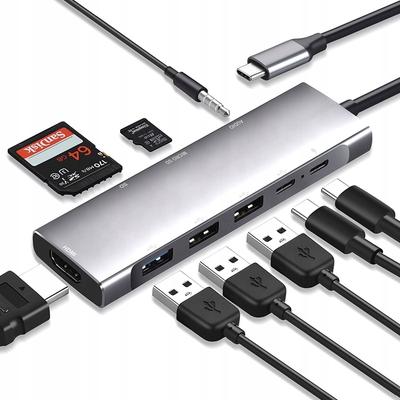
[High-Speed USB Data Transfer & MicroSD/SD Card Reader] The Type-C Thunderbolt 4 full-featured interface provides data transfer speeds of 40Gbps for the Surface Pro 9 and 10Gbps for the Surface Pro X. The USB 3.0 Type-A provides high-speed data transfers of up to 5Gbps downwards, making it ideal for keyboards, mice, and wireless devices. The SD/Micro SD card slot is compatible with SD, SDHC, SDXC, TF, Micro SDXC, and Micro SDHC cards, as well as USB 2.0 cards. Easily access files on TF memory cards and SD cards. (Note 3: SD and TF cards cannot be read simultaneously.)
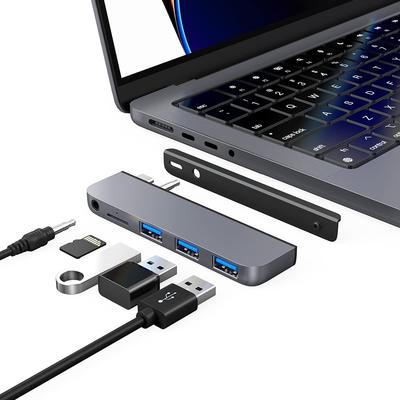
[Slim, Elegant, and Portable Design] This docking station, with its special beveled sides and compact design, is a perfect match for Microsoft Surface Pro X, Surface Pro 9, Surface Pro 10, and Surface Pro 11. It can also be used with Microsoft Surface Pro 8 when flipped over. Its lightweight design makes it convenient for travel and business trips. This product comes with a 12-month warranty. If you have any questions, please feel free to contact us. [Account Services] - [Order History] - [Contact Seller]
6-in-2 Surface Pro 9 USB Hub Docking Station, also compatible with Surface Pro X. Compatible devices: Microsoft Surface Pro 9 (2022), Microsoft Surface Pro X (2020). Color: Black. Material: ABS. Input Plugs: Two USB-C Plugs. Output Ports: 1. Thunderbolt 4 Type-C: ① For Surface Pro 9: 4K@60Hz display + 40Gbps data transfer + 100W PD charging ② For Surface Pro X: 4K@60Hz display + 10Gbps data transfer + 60W PD charging 2. USB 3.0 Type-A: 5Gbps data transfer 3. USB 3.0 Type-A: 5Gbps data transfer 4. HDMI: Up to 4K@30Hz 8. SD Card Slot: Supports SD/SDHC/SDXC cards, USB 2.0 standard (60MB/s) 6. TF Card Slot: Micro SD/TF/Micro SDXC/ Supports microSDHC cards and USB 2.0 standard (60MB/s).
Note: SD cards and TF cards cannot be written to and read from simultaneously. [Please Note]: 1. When using this USB hub, it is recommended not to use a protective case on the Surface Pro 9/8/X. 2. It is not compatible with Surface Pro 3/4/5/6/7, Surface Go, or the Surface Laptop series. 3. The dual USB-C ports on the Microsoft Surface Pro 9/8 are on the left side, while those on the Surface Pro 8 are on the right side. Therefore, care must be taken to ensure proper insertion. When using with the Surface Pro 8, it is recommended to power the docking station from the Thunderbolt 4 Type-C port, as the docking station's length may block the power connector or power switch. Thunderbolt 4 Type-C Port: High-Speed Data Transfer: The Thunderbolt 4 port allows you to transfer a 1GB file in 1 second (up to 40Gbps data transfer speeds for Surface Pro 9/8 and 10Gbps data transfer speeds for Surface Pro X).
The 2-in-1 USB-C headset with audio and microphone supports a USB-C headset and microphone, making it easy to listen, speak, and record. Power Delivery Charging: This Surface Pro 9 accessory supports USB-C 100W pass-through power delivery. Surface Pro X charges at 60W. 4K@60Hz Video Display: Freely display the high-resolution display of the Surface Pro 9/X on most HDTVs, monitors, and projectors for a better viewing experience. Triple Display (4K HDMI + USB-C Thunerbolt 4 + Surface Pro 9/8/X): Triple display mode (4K HDMI + USB-C Thunerbolt 4 + Surface Pro 9/8/X): Duplicate and extend the screen from the HDMI port and Type-C Thunerbolt 4 port, including the Surface Pro 9/x itself. Extended Mode (A+B+C): The screen output from the Surface Pro 9 itself and the HDMI and USB-C Thunerbolt 4 ports can be used as three separate screens. Mirror Mode (A+A+B): HDMI port or USB-C Thunerbolt 4 port can be used as a single display.
One Intelbolt 4 port is the same as the screen on the Surface Pro 9, but the other is different. (Due to the layout of the Surface Pro 9, it is impossible to have three identical screens.)