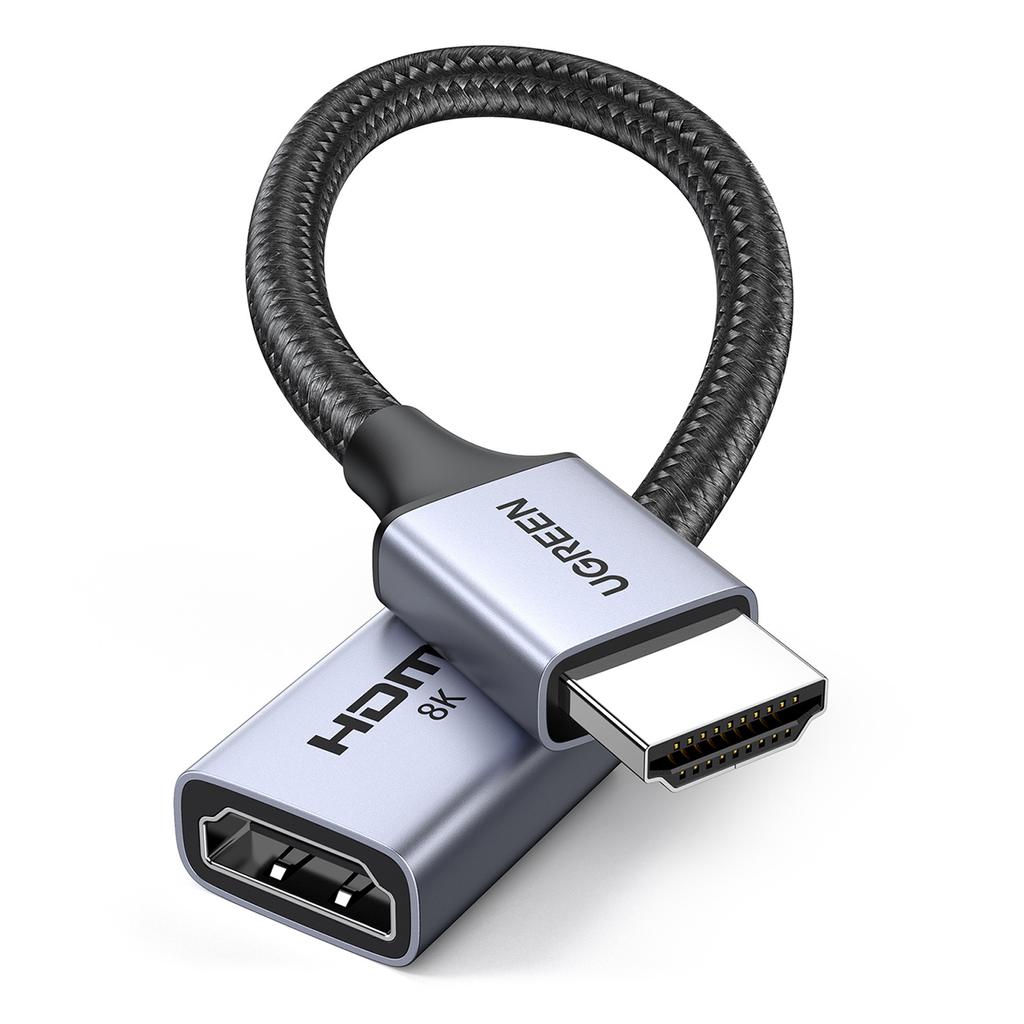
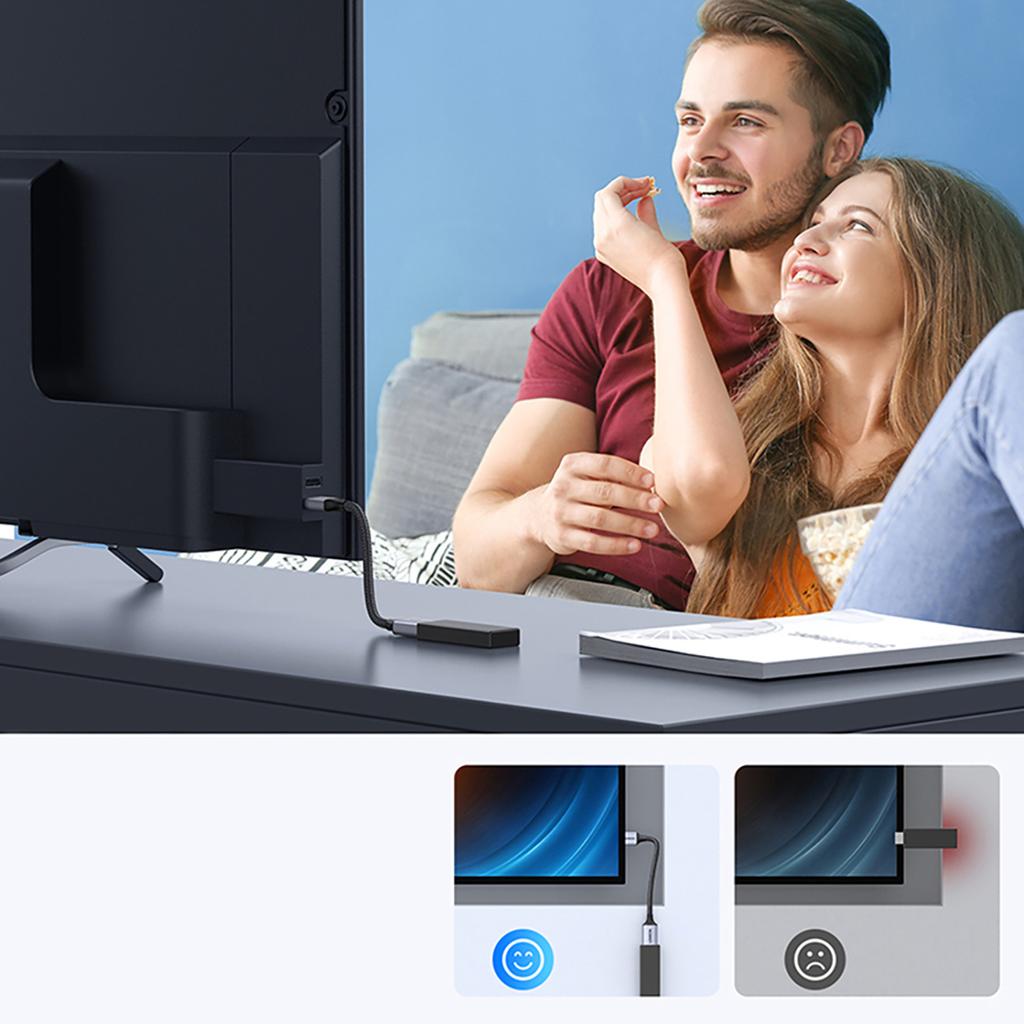
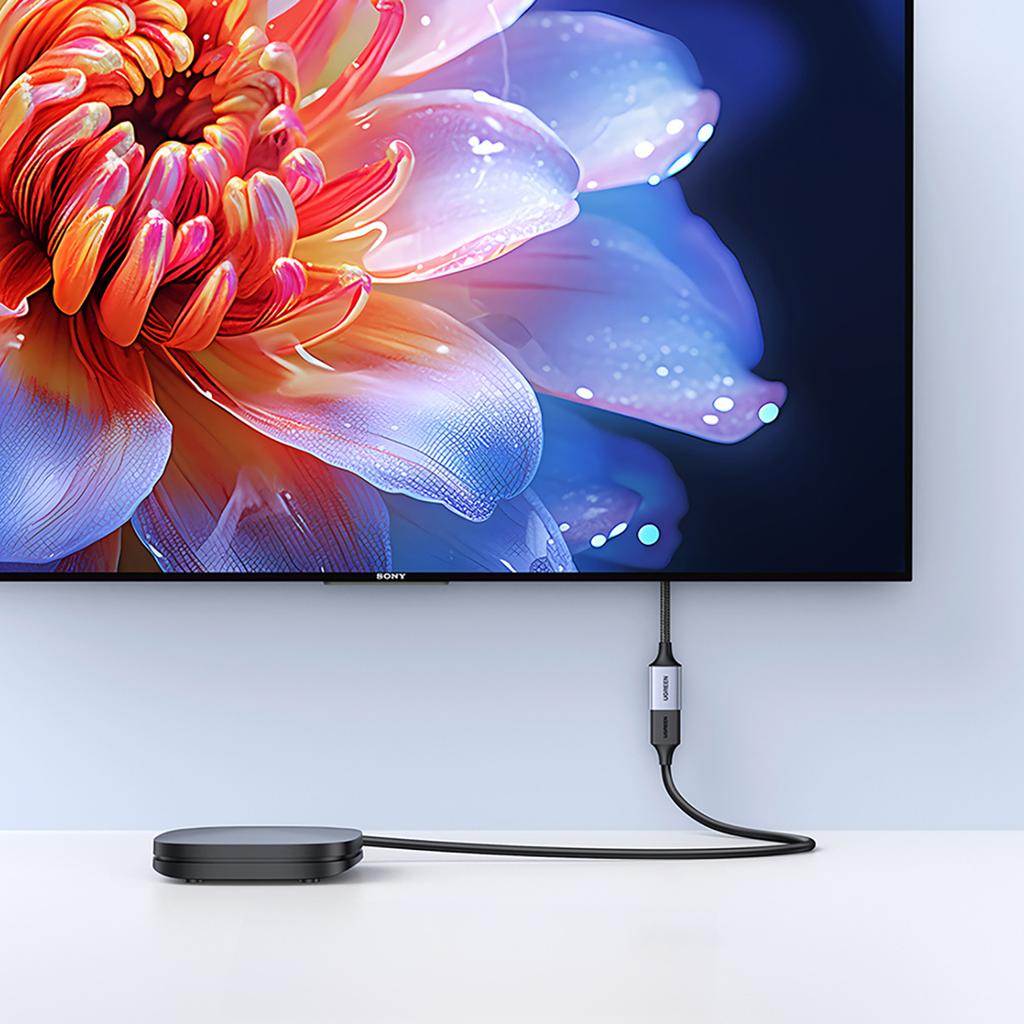
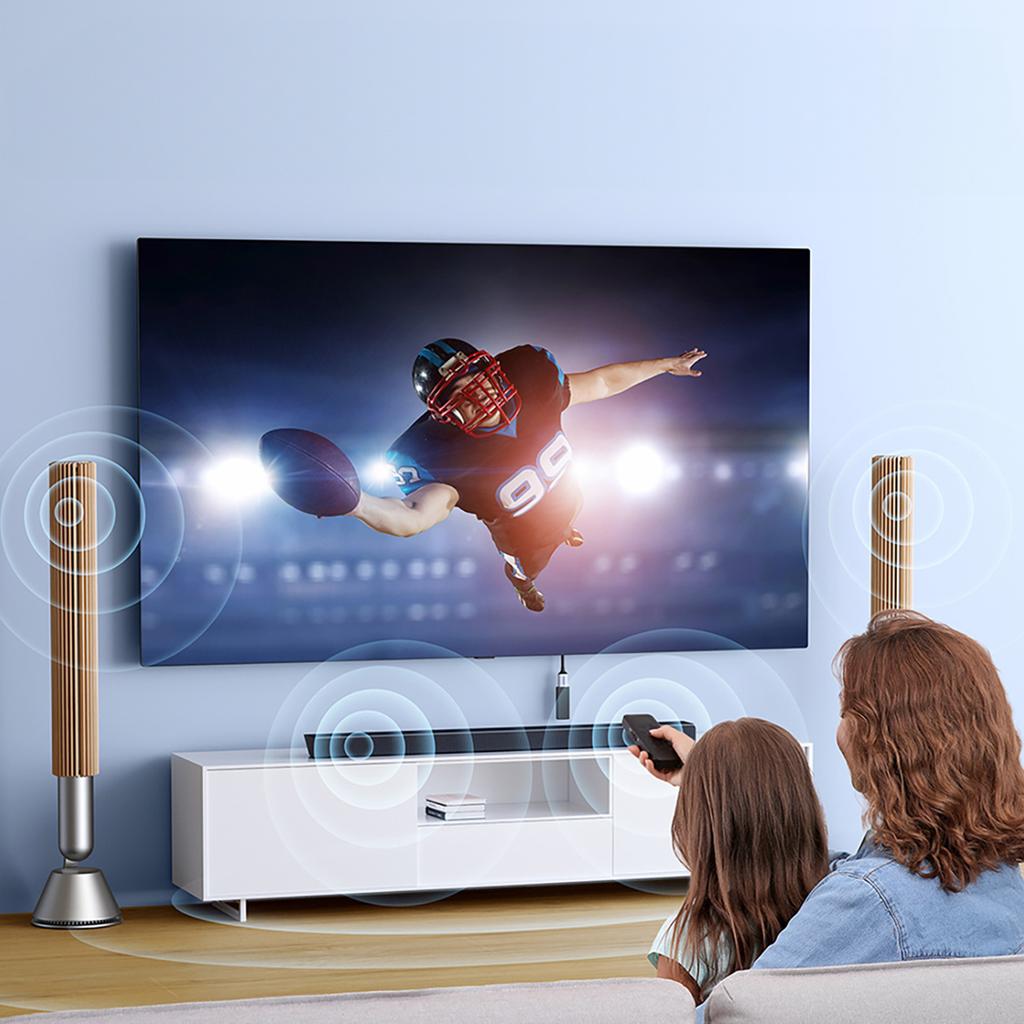
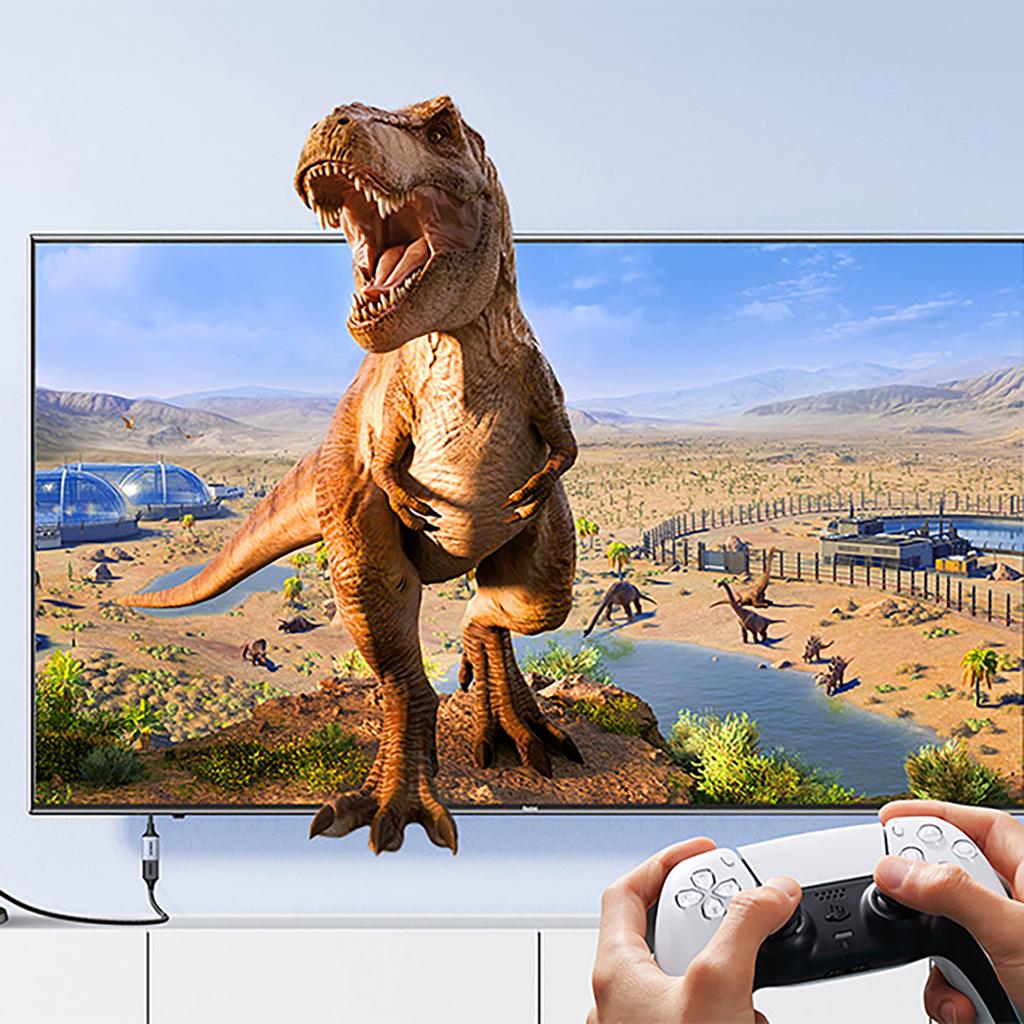
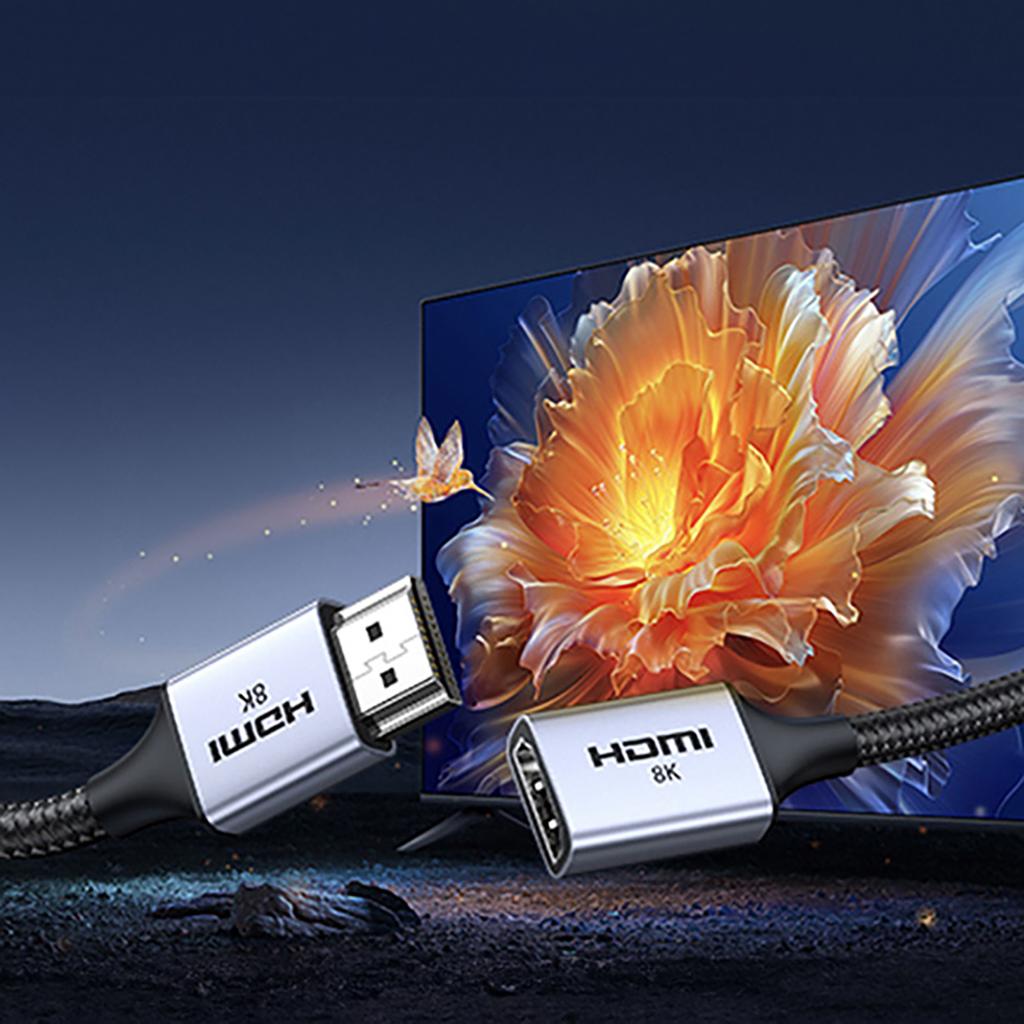
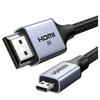
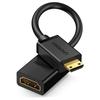
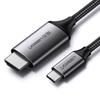
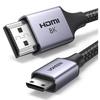
[HDMI Hub 2 in 1] Unlike other companies' products, the Avedio Links USB Type-C HDMI Hub integrates one USB A 3.0 port and one USB C 3.0 port into one, so you can choose which one you like when using it. By outputting the laptop screen to two monitors at the same time, you can enjoy movies and games with your family and friends, and it is also helpful for work that requires dual monitors. In addition, the compact design made of aluminum metal combines durability and convenience to bring you a great user experience.
[Extended & Mirroring Mode] This USB to HDMI converter adapter supports extended mode (i.e. ABB/ABC mode) and mirroring mode (i.e. AAA mode) when connecting to two monitors, providing you with a larger workspace and enhanced multitasking capabilities.
[1920x1080@60Hz High Resolution] Our HDMI Type-C conversion adapter supports output of resolutions up to 1920x1080@60Hz. To enjoy high-quality screens, we recommend using an HDMI 2.0 cable. The length should not exceed 5m. Or, if you use an HDMI 1.4 cable, the length should not exceed 3m. It also comes with a 60cm USB nylon cable, which can provide a longer connection distance and ensure a more stable transfer speed.
[Wide Compatibility] To meet your expectations, this USB-C to HDMI adapter is widely compatible with most laptops and PCs. For example, it is compatible with laptops with USB C 3.0/USB A 3.0 or higher, such as Mac-Book Pro 2016-2023, Mac-Book Air 2018-2023, YOGA920, Think Book15G3ITL 2021, Think PadX1 Carbon GEN92021, MateBook XPro2021, Surface Pro 9 2022, Galaxy Book Flex2020, etc. Please note that it is compatible with Windows 10 & Mac OS 10.15, etc., but does not support Linux & Android.
[Driver installation required] This USB C Hub HDMI 2 Port is easy to set up and operate, and only requires driver installation for first-time use. The next time you use it, there is no need to install it again, just connect it directly and you can use it. The manual clearly explains the installation process, so please rest assured. In addition, for Mac OS systems, you need to set the permissions for "screen logging", "input monitoring" and "accessibility" to ensure a safe usage environment that complies with compliance. This hub does not have a data storage function, and there is no recording function for information or privacy on the Internet, so please rest assured.
Notes:
If the product is not available, check whether the following conditions exist:
①Is there poor contact between the product and the equipment?
② Check if the HDMI input signal of the device is set correctly;
3) Install the driver;
④ Try reconnecting
If your product is not recognized, check whether the following conditions exist:
①Is there poor contact between the product and the equipment?
② Install the driver;
3) If a virus message appears on your computer's protection system, you can turn it off and continue using the computer;
If you cannot transfer your screen, check whether the following conditions exist:
①Is there a corresponding drive for the equipment?
② Check if the HDMI input signal of the device is set correctly;
3) Is there poor contact between the product and the equipment?
If the product is not available, check whether the following conditions exist:
①Is there poor contact between the product and the equipment?
② Check if the HDMI input signal of the device is set correctly;
3) Install the driver;
④ Try reconnecting
If your product is not recognized, check whether the following conditions exist:
①Is there poor contact between the product and the equipment?
② Install the driver;
3) If a virus message appears on your computer's protection system, you can turn it off and continue using the computer;
If you cannot transfer your screen, check whether the following conditions exist:
①Is there a corresponding drive for the equipment?
② Check if the HDMI input signal of the device is set correctly;
3) Is there poor contact between the product and the equipment?