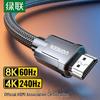
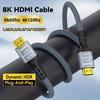
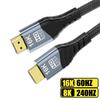
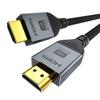
Features:
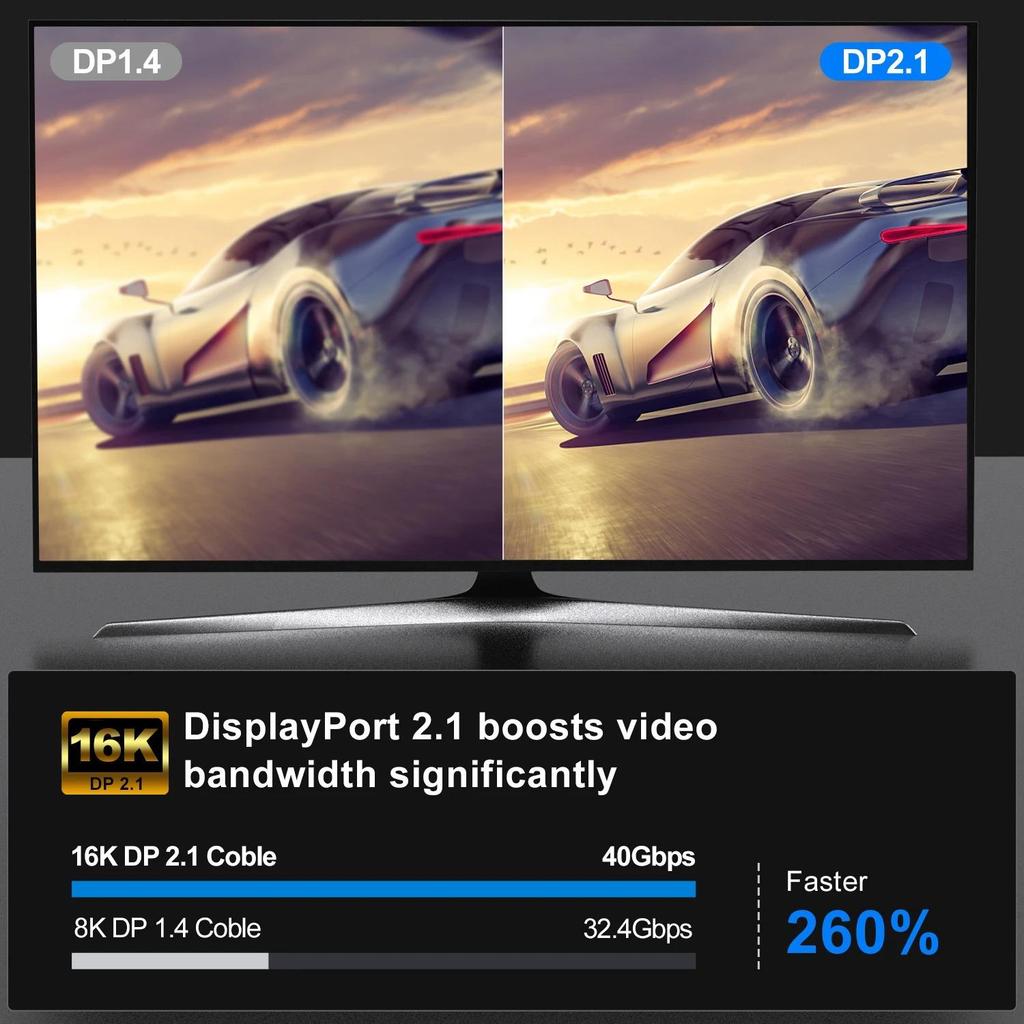
1.Experience unparalleled visual claritys with DP2.1 16K Gaming Data Cable, supporting up to 80Gbps bandwidth and resolution as high as 16K@60Hz, ensuring gaming and viewing experience.
2.Featurings advanced technologies like Dynamic HDRs, HDCP 2.2, this cable for high performances needs, offering color, Enhanceds contrast, and the ability to multiple displays.
3.for gamers, enthusiasts, and professional who demand top performances from their display setups, ensuring compatibility with FreeSync and G Sync monitors to eliminate screen tearing.
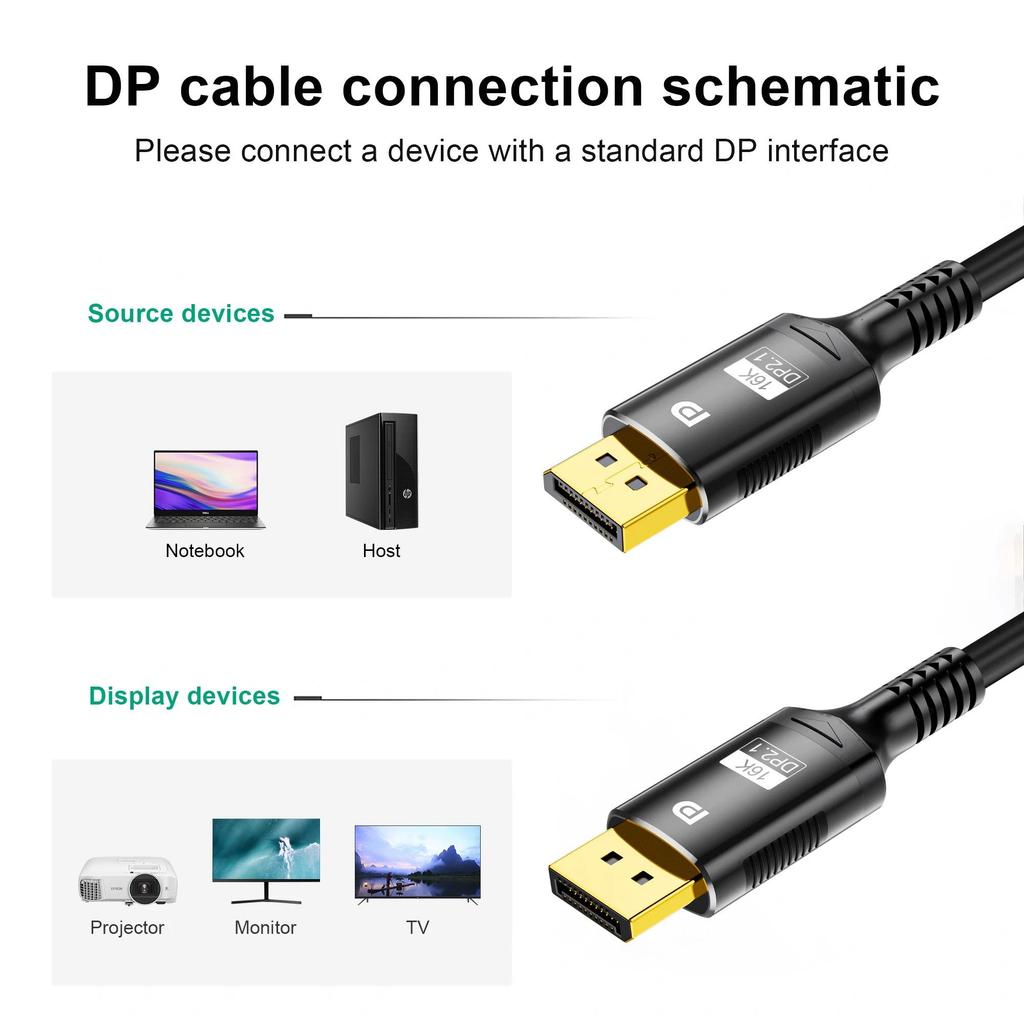
4.Perfect for use with laptops, TVs, consoles, projectors, and gaming monitors, this cable adapts to any environment where high resolution and low latency.
5.with aluminum alloy, this DisplayPort cable not only ensures longevitys but also provide stable connection, making it essential accessory for both home and office.
Specifications:
Materials: Aluminum alloy
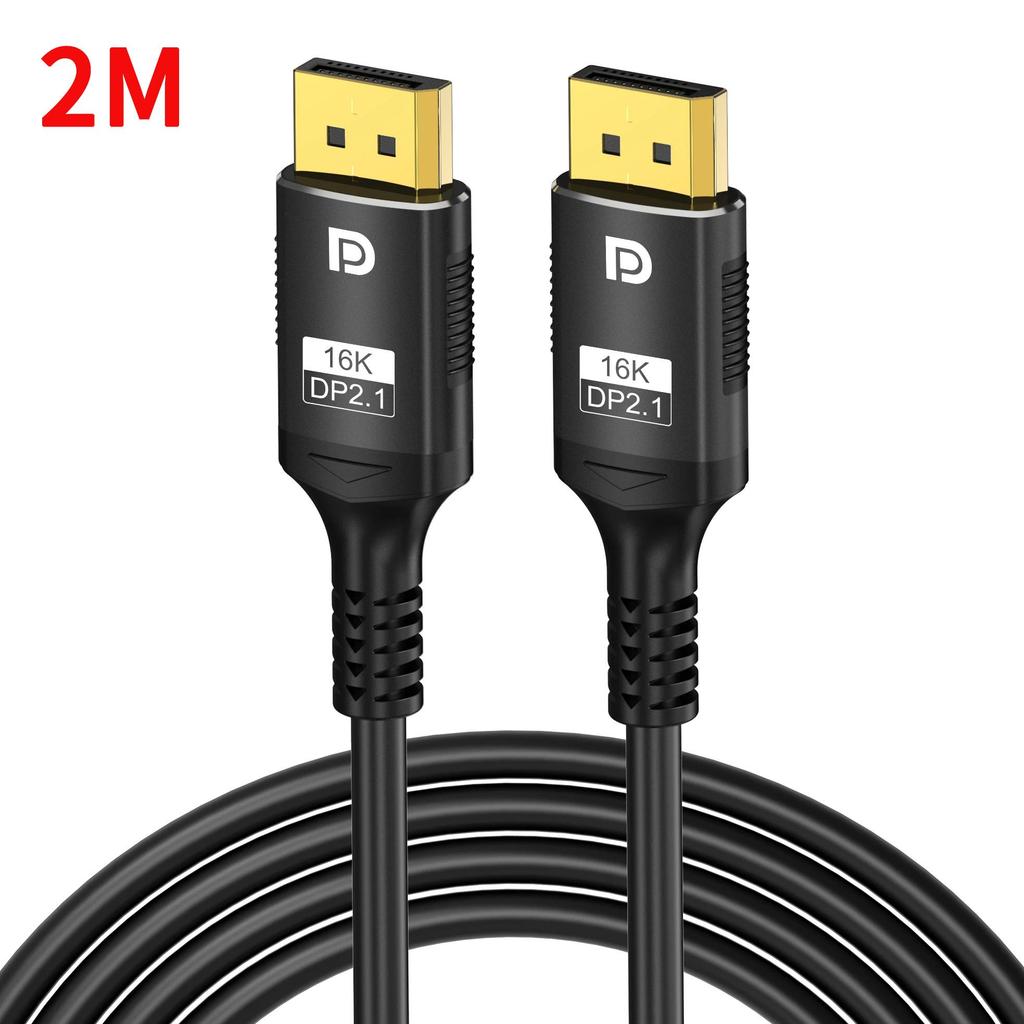
Cable length: 1meter, 2meters, 3meters(optional)
Package Includes:
1PC 16K DisplayPort Cable
Compatibility Issues:
Q: Why is 16K not supported?
A1: 16K not supported: Check if both ends of the device support 16K input and output. Both ends must support it. Check if the current port supports 16K (some devices do not support 16K on all ports).
A2: Check if the display device has 16K mode enabled. Check if the display device has enhancement or color depth optimization mode enabled. Without these enabled, 16K cannot be achieved.
Q: Why is 8K not supported?
A1: 8K not supported: Check if both ends of the device support 8K input and output. Both ends must support it.
A2: Check if the current port supports 8K (some devices do not support 8K on all ports). 8K)
Answer 3: Check if the display device has 6K mode enabled. 4K or 8K reception requires configuration. Check if the display device has enhancement or color depth optimization mode enabled; without it, 8K cannot be achieved.
Q: Why can't I reach 8K?
A: Check if an extension cable or adapter is used, or if any intermediate electronic products (switchers, splitters, etc.) are connected.
Q: Why isn't HDR supported?
A: Check if both ends of the device support HDR, check if the signal source device has HDR enabled, and check if the display device has enhancement or color depth optimization mode enabled.
Note: 4:4:4 or 4:2:2 color gamut is not supported: both ends of the device must support it.
Q: Why is there no signal?
A: Check if the input/output port is the current DP port. You need to set it to the current DP port. Check for dirt or improper insertion/removal of the input/output ports. You can try plugging it into a different DP port to verify.
Check if an extension cable or adapter is used at the signal source end.
Q: The screen flickers or has static.
A: Check if the input/output ports are loose, or try unplugging and replugging both ends (plug the display end first, then the signal source end, and re-establish the protocol communication).
Q: High refresh rate cannot be achieved.
A: Check the monitor and DP graphics card's compatibility specifications.
Note:
Due to the different monitor and light effect, the actual color of the item might be slightly different from the color showed on the pictures. Thank you!
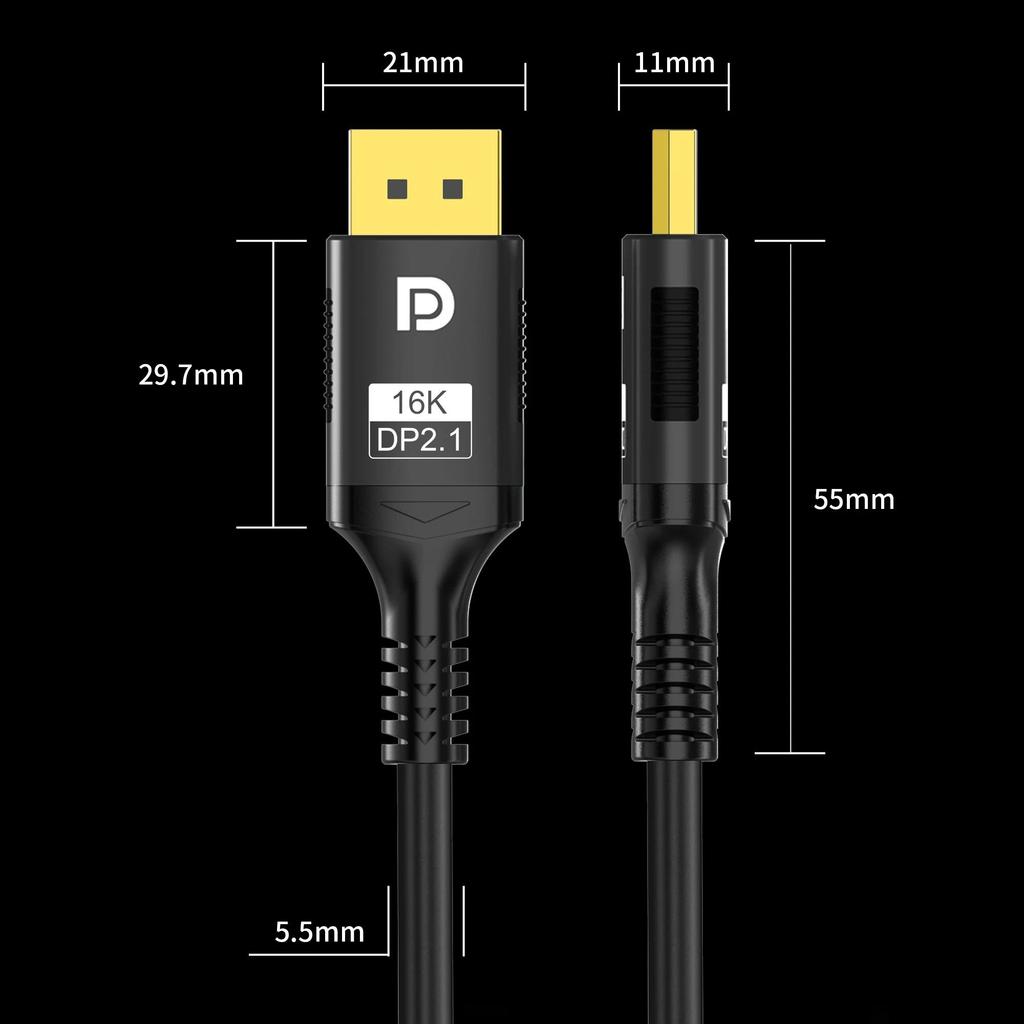
Please allow 1-2cm measuring deviation due to manual measurement
Connector type: Display Port
Number of ports: 2








 No-delivery refund